How to Make an AI Hug Video of a Deceased Loved One
The simplest way to make an AI video of a deceased loved one is to upload a clear photo of them, plus one of you, to a tribute generator such as Try a Trend: you get a short, gentle scene, like you running up golden stairs above the clouds into their arms, and you see a free preview before deciding whether to pay. Old, faded and black-and-white photos work as long as the face is clear.
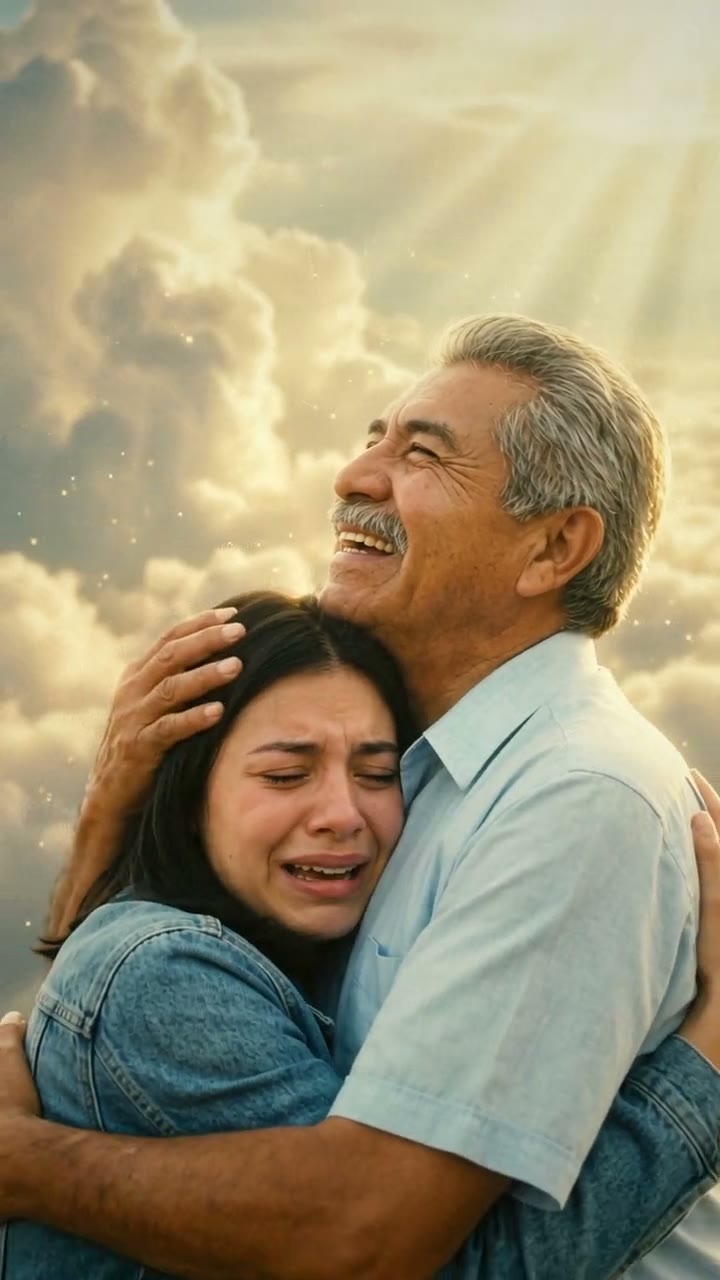
Mom & Dad in Heaven AI Video Generator
$7.99 per video, free preview first
Make yours
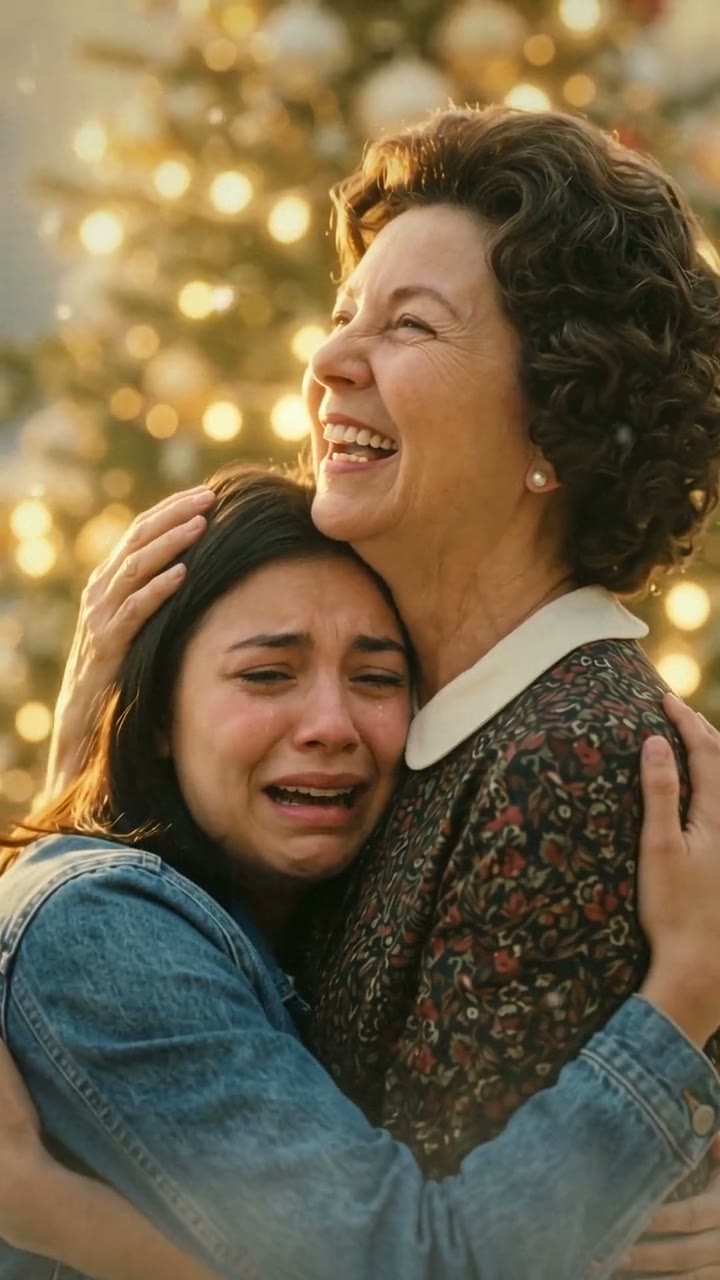
Christmas in Heaven AI Video Generator
$7.99 per video, free preview first
Make yours
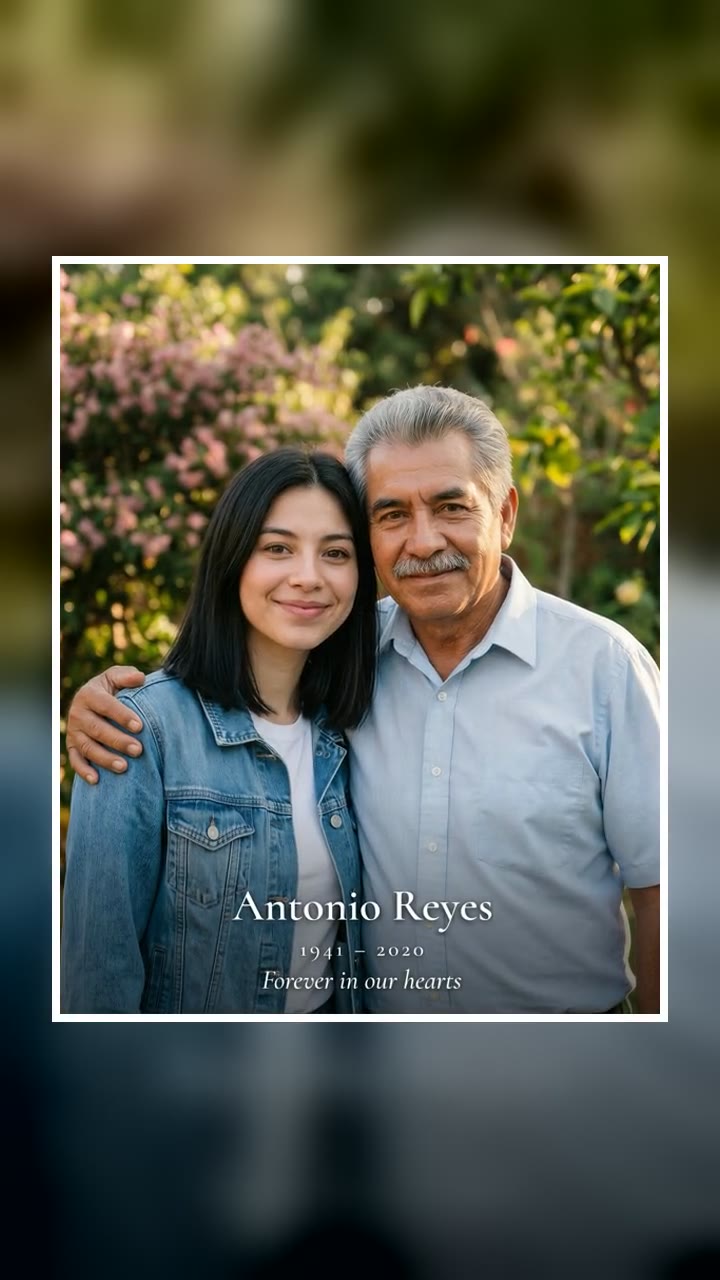
Add Loved One to Photo AI Generator
$9.99 per photo, free preview first
Make yours
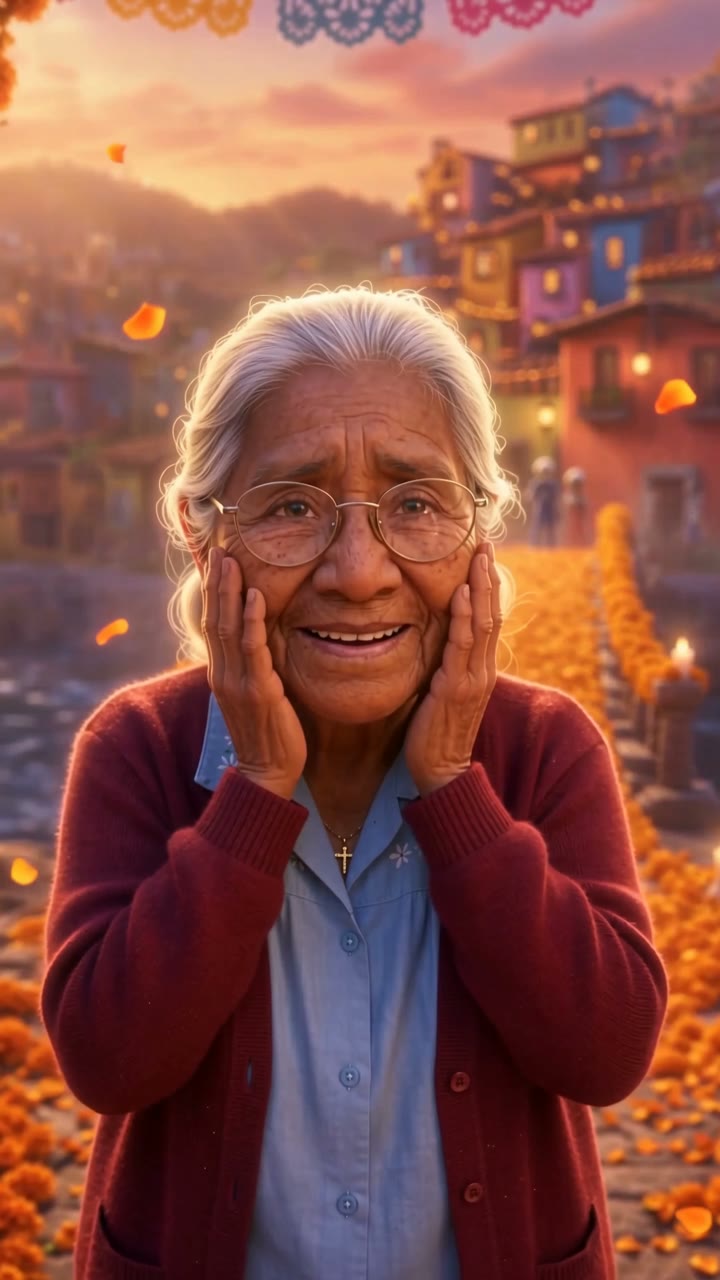
Day of the Dead Family AI Video Generator
$4.99 for your first video, then $5.99 each, free preview first
Make yours

Rainbow Bridge AI Video Generator
$7.99 per video, free preview first
Make yours
What these videos are, and what they aren't
An AI tribute video is a short scene built from a photo. The AI keeps the person's face, hair and clothes from the picture and places them somewhere symbolic: at the top of a staircase in the clouds, beside a Christmas tree, at a Day of the Dead ofrenda. Most last about ten seconds and have no sound, so you choose the music.
They became common on TikTok in 2026, usually called AI hug videos. A hug in heaven template ("abrazo en el cielo" in Spanish) went viral in the week before Father's Day and keeps returning on Mother's Day, the Day of the Dead and at Christmas. Every December there's also a wave of "Christmas in heaven" posts from people facing their first holiday without a parent.
They don't talk, they don't clone a voice and they don't pretend the person is back. That's deliberate. A short, quiet scene is a way to say you miss someone; it isn't a replacement for them.
Which tribute to make: hug video, Christmas, photo or pet
The right one depends on who you're remembering and when you want to share it. These are the tributes Try a Trend has ready:
| Tribute | You upload | You get | Price |
|---|---|---|---|
| Mom & Dad in Heaven | Your photo and theirs | A 10-second video: you run up golden stairs and hug them | $7.99 per video |
| Christmas in Heaven | Your photo and theirs | The same hug beside a Christmas tree, with snow falling | $7.99 per video |
| Add Loved One to Photo | Your photo and theirs | A high-resolution photo of you together, ready to print | $9.99 per photo |
| Day of the Dead Family | One photo of them | A 10-second animated scene of them crossing a marigold arch | $4.99 for your first video, then $5.99 each |
| Rainbow Bridge | One photo of your pet | A 10-second scene of your pet trotting along a golden cloud path | $7.99 per video |
Every one starts with a free preview, so you can see whether the face looks right before you spend anything.
Three ways to make one
1. A CapCut template
CapCut, the free editor from the company behind TikTok, has many grief and heaven templates. Search "hug in heaven", "mom in heaven" or "christmas in heaven" in its Templates tab, add your photos and export.
Good: free to try and quick once you find the template you saw.
Not so good: templates come and go, many are text and music over stock footage rather than a scene with the person in it, and how much the faces look like your photos varies a lot. Old or black-and-white photos often come out flat.
2. A general AI video tool
Tools like Kling or Runway can animate photos from a written description. You describe the setting and every shot yourself. Separately, photo-animation features in family-history apps, such as Deep Nostalgia from MyHeritage, make the face in an old portrait blink, smile and turn its head, without placing anyone in a new scene.
Good: the most control over the setting, the light and the clothes.
Not so good: you write and tune the prompt yourself, and keeping two faces recognisable through a hug is one of the hardest things these tools do. Each attempt uses credits, usually from a monthly plan or a credit pack.
3. A ready-made tribute scene (Try a Trend)
On Try a Trend the scene, the camera and the lighting are already set up, so you only upload the photos and confirm they're of your own family. Try a Trend is an independent tool, not affiliated with CapCut, TikTok or any app mentioned here.
- Pick the tribute that fits from the table above.
- Upload a clear photo of yourself and one of your loved one (or one photo of your pet).
- Look at the free preview, then pay for the full video only if it feels right.
Good: no template hunting, no photo restoration and no editing. A faded print or a black-and-white photo comes out in full colour. No angels or religious figures, so it suits any family.
Not so good: the scenes are fixed, the videos are silent, and it's an AI-made tribute, not real footage of the person.
Choosing the photo
The result can only be as good as the face it starts from.
- Pick one person per photo, face sharp and turned toward the camera. Crop out anyone else first.
- Printed photos are fine. Lay the print flat near a window, photograph it straight on without flash or glare, and crop out the border.
- Black-and-white and faded photos work too. A tiny or blurry photo gives the AI less to work with, so use the sharpest copy you have.
- Choose a photo where they look the way you remember them: their glasses, a favourite cardigan, that smile.
- For your own photo, a clear head-and-shoulders or waist-up shot in good light. The clothes in your photo are the ones you wear in the video.
- Only use photos of your own family that you have the right to use.
A few things to keep in mind
- Check the preview carefully. AI keeps a face close to the photo, but a small detail can still come out different. If it doesn't feel like them, try another photo before paying.
- Ask family before posting publicly. Not everyone grieves the same way. Some people send the video privately to siblings and cousins instead.
- Know what happens to the photos. On Try a Trend, photos are deleted automatically within 72 hours and are never used to train AI.
When people share them
Most people post on a day that already means something: Mother's Day, Father's Day, a birthday, the anniversary of the passing, November 1 and 2 for the Day of the Dead, or Christmas Eve. A short caption in your own words is enough. "One more hug" and their name are what most people write.
If there's someone you'd give anything to hug again, start with the Mom & Dad in Heaven video and look at the free preview of the two of you together.