Rainbow Bridge AI Video Generator
See them happy again on the Rainbow Bridge
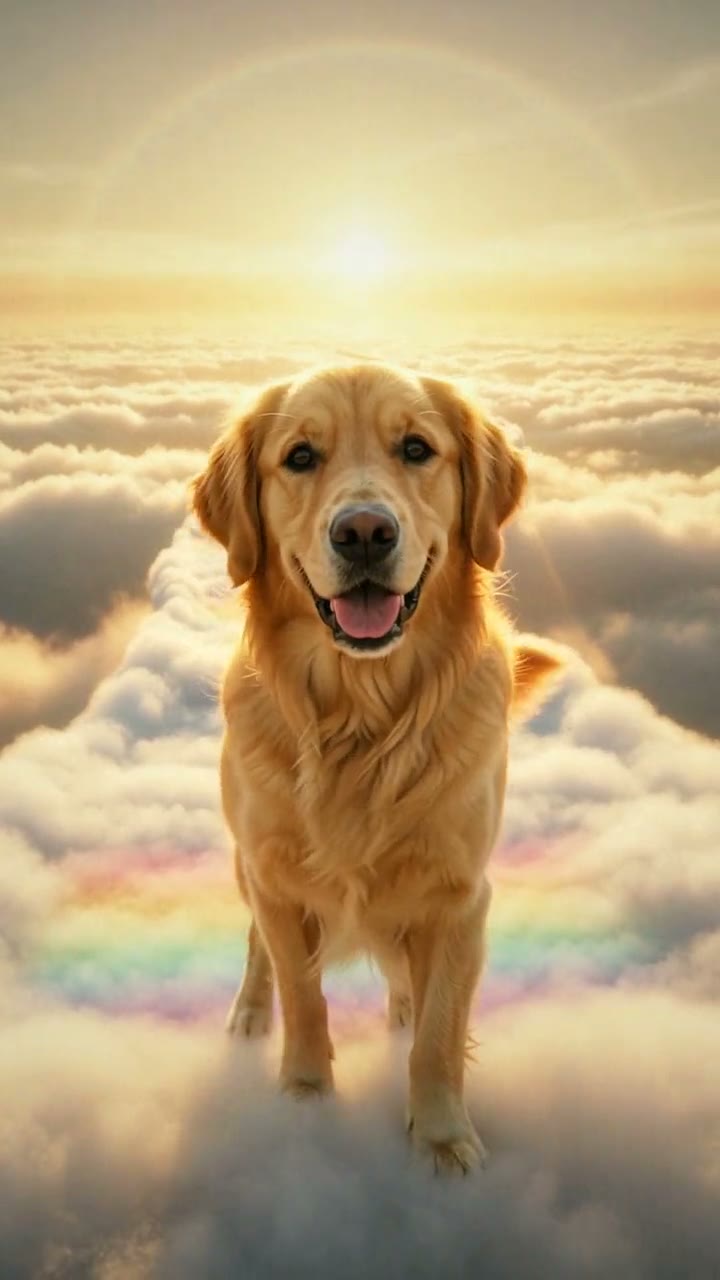
Upload one photo of your pet, see a free preview with no sign-up, then get a 10-second vertical 720p video for $7.99. No subscription, no watermark. Upload one photo of the dog or cat you miss. They walk toward you along a glowing path above golden clouds, lift a paw as if to say hello, look at you one more time, then turn and walk on into the light.
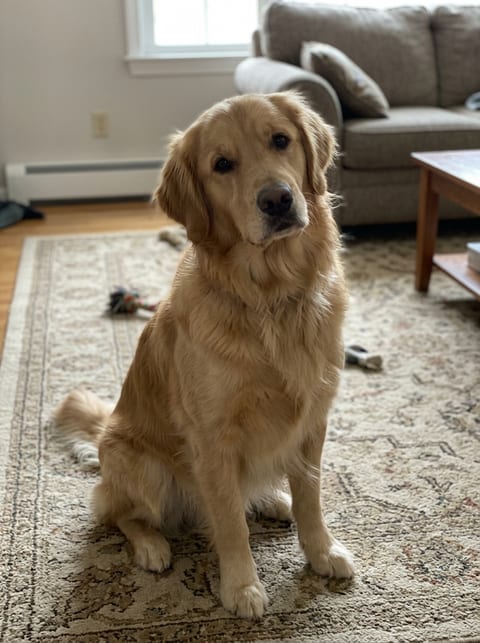
Your pet's photo
No watermark · Auto refund if it fails · Usually ready in 3 to 6 minutes
Example result. AI-generated, fictional pet.
1Pick your moment
2Pick your place
3Pick your feeling
4Add your photo
$7.99 per video · 1 photo · 10-second vertical video
- Face clearly visible
- Good light
- One pet per photo
- People in the photo
- Drawings or screenshots
We use your photo only to check it and make your preview and video, and delete it within 72 hours. We never sell it or use it to train AI.
5Confirm
6Preview, then animate
Add your photo to continue.
What is the Rainbow Bridge trend?
The Rainbow Bridge is how many pet lovers picture the place a pet goes after it dies: a sunny meadow and a bridge where it waits, healthy and happy again, until you meet once more. On TikTok, AI tribute videos built on this idea are some of the most shared pet memorial posts: one photo of a pet becomes a short clip of it walking toward the camera along a path above golden clouds, stopping to look at you, then trotting on into the light. People post them when a pet passes away, on its birthday or on Rainbow Bridge Remembrance Day, August 28.
Choose what they do, where it happens and how it should feel. Add a soft song when you post it.
What you get
You get a 10-second vertical video in 720p, an HD poster photo and a ready-to-post caption. It's silent, so you add the trending sound when you post. No app, no subscription, no watermark, and a free preview before you pay.
No green screen, no visual effects, no editing.
How to make the Rainbow Bridge AI video
- 1
Pick a moment, a place and a feeling, then upload one clear photo of your pet, with its face visible and no people in the shot.
- 2
Confirm it's your pet (or you have permission to use the photo).
- 3
Check your free preview. If you like it, get the full video.
- 4
Download in a few minutes and add a soft song when you post it.
Related: Mom & Dad in Heaven AI Video Generator · Christmas in Heaven AI Video Generator · Add Loved One to Photo AI Generator
Rainbow Bridge AI generator vs. filming your pet
Film your pet
Getting a real pet to hit every beat on camera is hard. To film it for real you need: green screen, visual effects and editing, plus a few takes.
A general AI video app
Apps like Kling or Runway can animate a photo, but you write the prompt yourself and retry until the faces and timing look right. Most sell credits or a monthly plan.
Try a Trend
Upload one photo of your pet. The Rainbow Bridge scene is already set up, you see a free preview first, and you pay per video with no subscription.
Buying for someone? Send this trend as a gift
Rainbow Bridge AI video FAQ
What app is used for the Rainbow Bridge trend?
You don't need an app. Try a Trend makes the Rainbow Bridge video in your browser from one photo of your pet, with no prompt to write. General AI video apps can do it too, but you write and tune the prompt yourself.
How do I make the Rainbow Bridge video from one photo of my pet?
Upload one photo of your pet and check the free preview. If you like it, get the full video: it's ready in a few minutes. Add the trending sound when you post.
Is there a free Rainbow Bridge AI generator?
The preview is free: you see a still of your pet in the trend before paying, up to 5 a day. The full video is paid per video, with no subscription.
How much does the Rainbow Bridge video cost?
Each video is $7.99, and you can buy up to 5 at once at the same price each. Each video comes with an HD poster photo, a ready-to-post caption and one free redo. No subscription.
How long does it take?
Usually 3 to 6 minutes. Keep the page open and your video appears when it's ready. If a video fails, your credit goes back automatically.
Is this an official Rainbow Bridge video?
No. Try a Trend is an independent AI tool that makes its own Rainbow Bridge video from a photo of your pet. We're not affiliated with TikTok, CapCut or any pet memorial service.
Is it real footage of my pet?
No. It's an AI-generated video made from your photo, not a real recording or a real place. The AI keeps your pet's breed, coat colour and markings from the photo, but small details can differ from how they really looked.
Can I choose what happens in the video?
Yes. Before you make your free preview, pick a moment (walking into the light, running to you, playing or resting), a place (the Rainbow Bridge, a flower meadow, the beach or their spot at home) and a feeling (warm and comforting, happy the way you remember them, or a quiet goodbye). The price is the same whichever you pick.
Can I make it for a pet that has passed away?
Yes, that's who most people make it for: right after losing a pet, on its birthday, on the anniversary of its passing or on Rainbow Bridge Remembrance Day, August 28. It works just as well for a pet that's still by your side.
Are there angels or religious figures in it?
No. There are no angels, wings, halos or religious figures, and no people: only your pet, the place you picked and soft light. Your pet doesn't talk and there are no words on screen, so you can add your own when you post it.
Which photo works best?
A clear, sharp photo of one animal with its face visible. An older photo is fine as long as it isn't blurry, and if your pet was unwell in its last photos, an earlier one shows them the way you remember them.
Which photos can I use?
Only photos of your own pet, or photos you have permission to use. Pick a clear photo of one animal with its face visible and no people in it.
Does the video include music?
No. Videos are silent so you can add a soft song or a sound directly inside TikTok or Instagram, where it is licensed.
What happens to my photo?
It is used only to make your video and is deleted automatically within 72 hours.
More pet trends
See all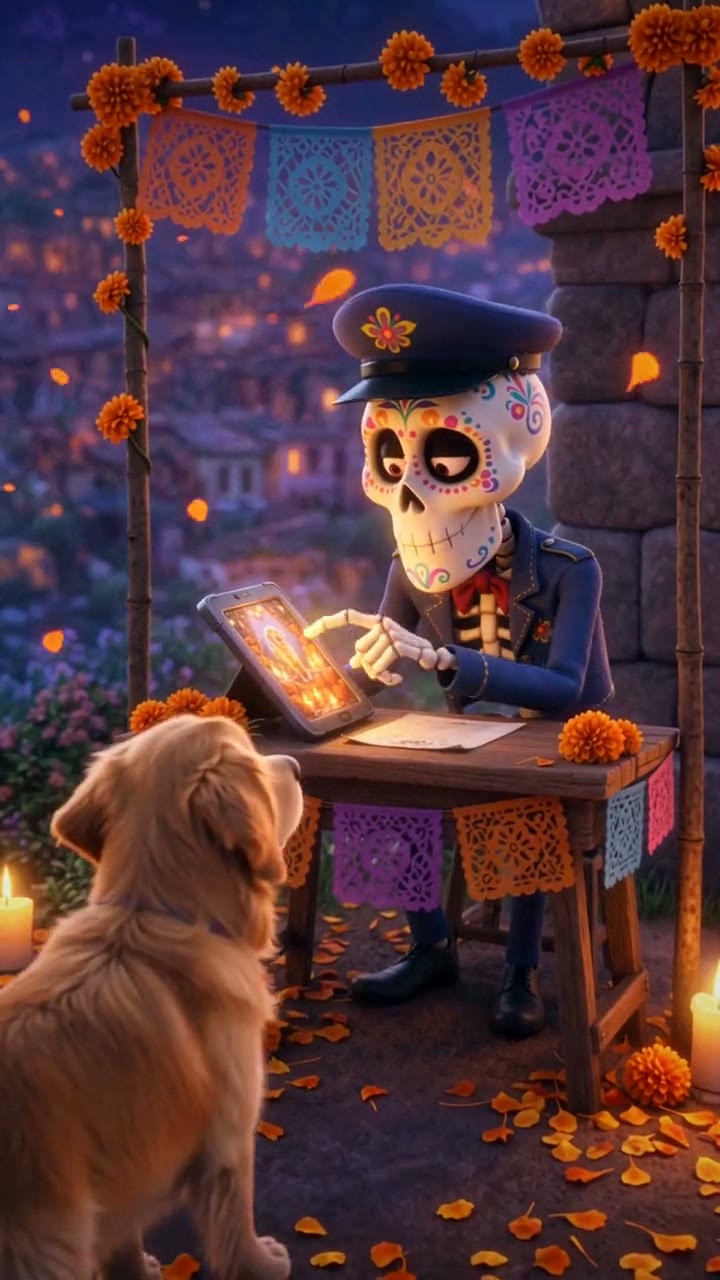
Day of the Dead Pet
Their photo is on the ofrenda, so they can cross
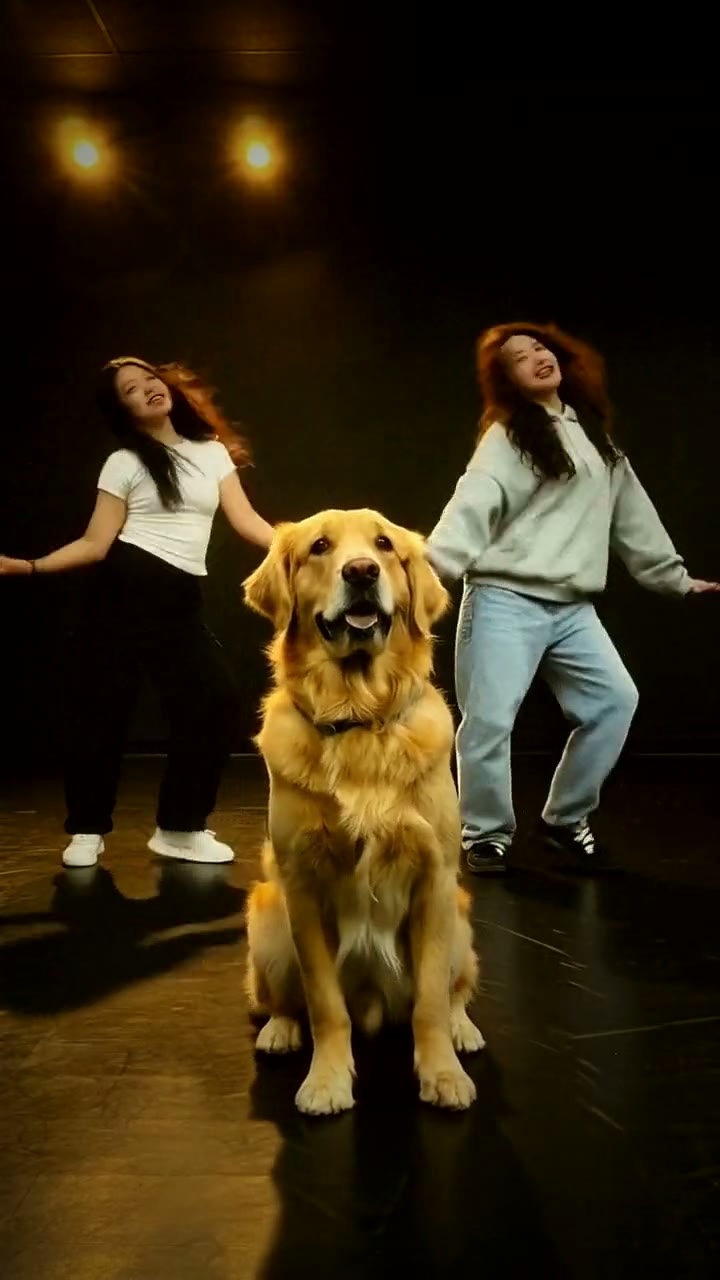
Dog Dance
Your pet dances front and center
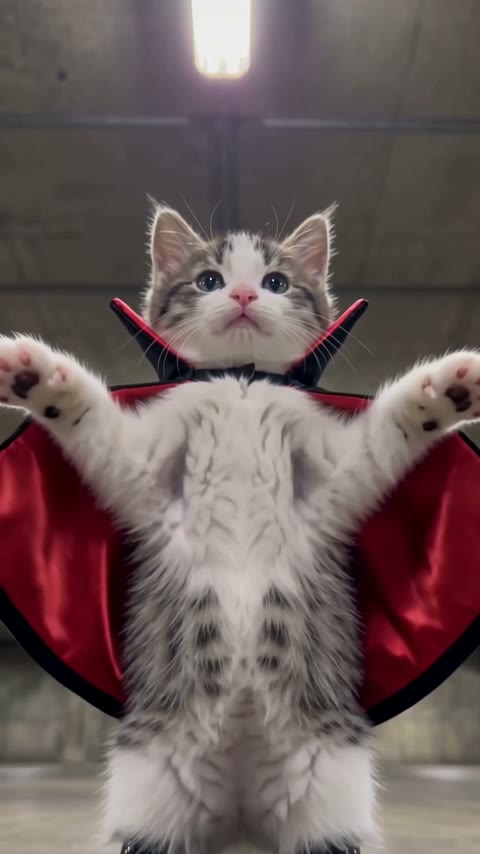
Ramalama
Your pet's Ramalama costume walk
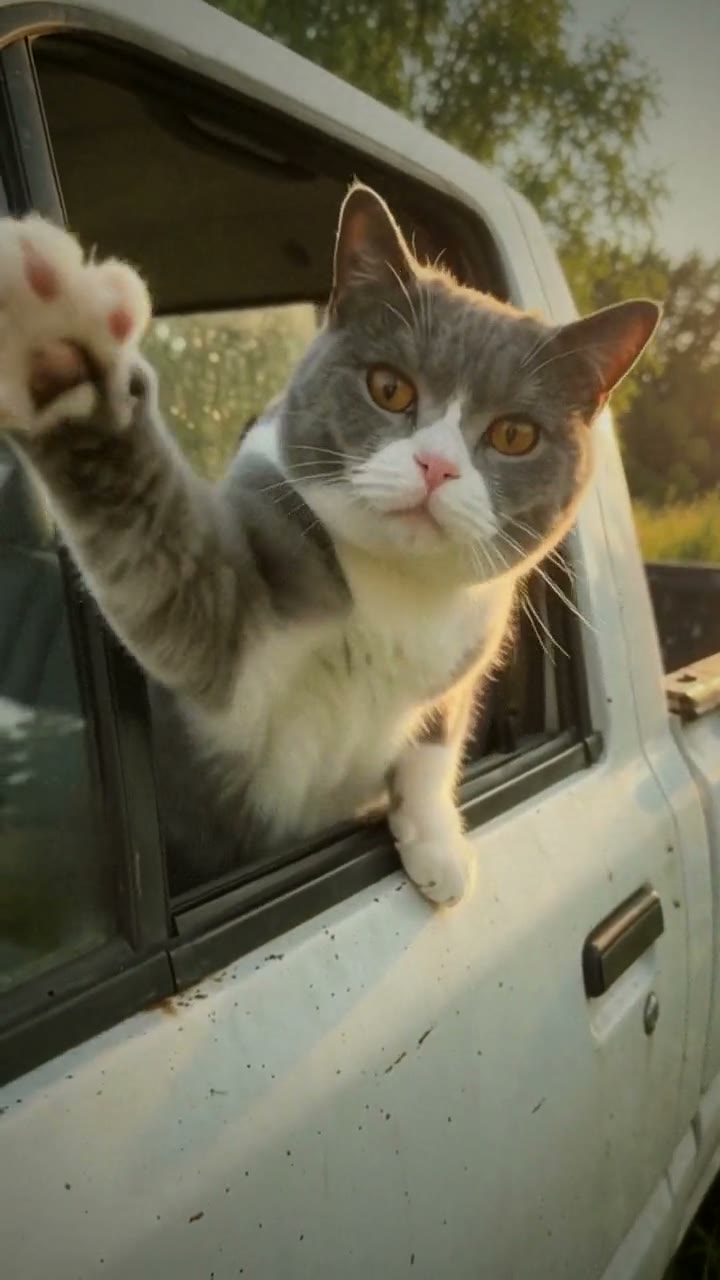
Hit the Road Dude
Your pet says: hit the road, dude
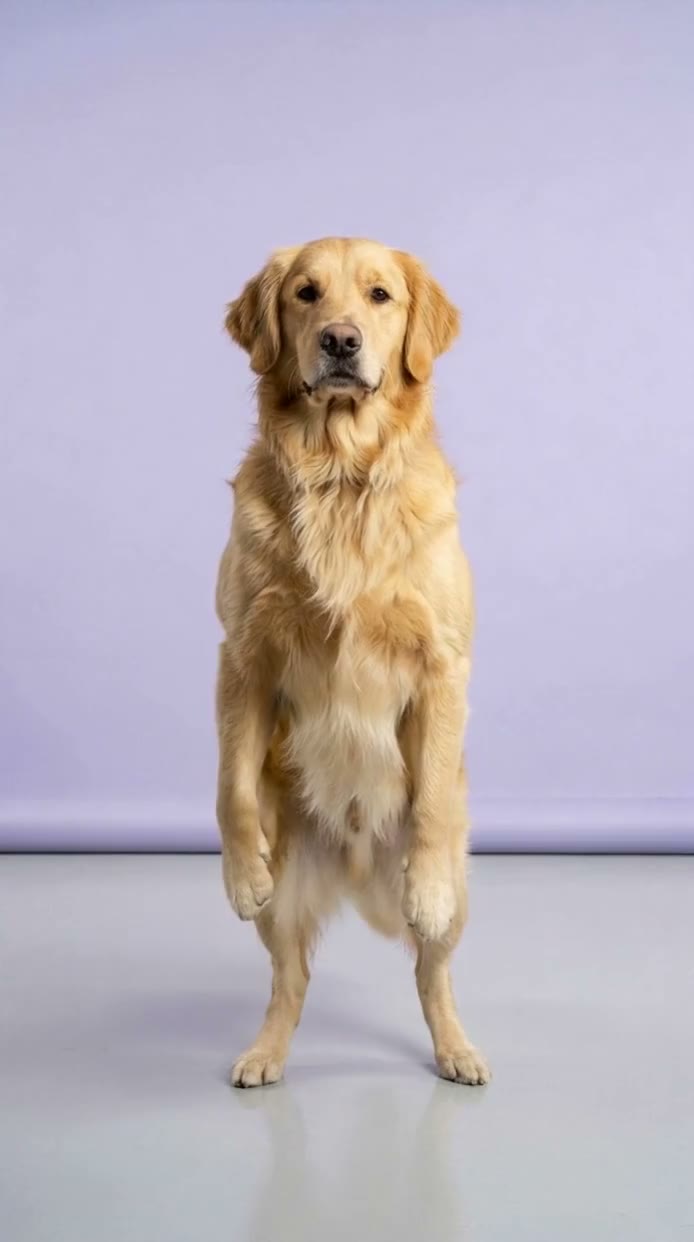
Chinese Flash Step
Your pet does the Chinese flash step
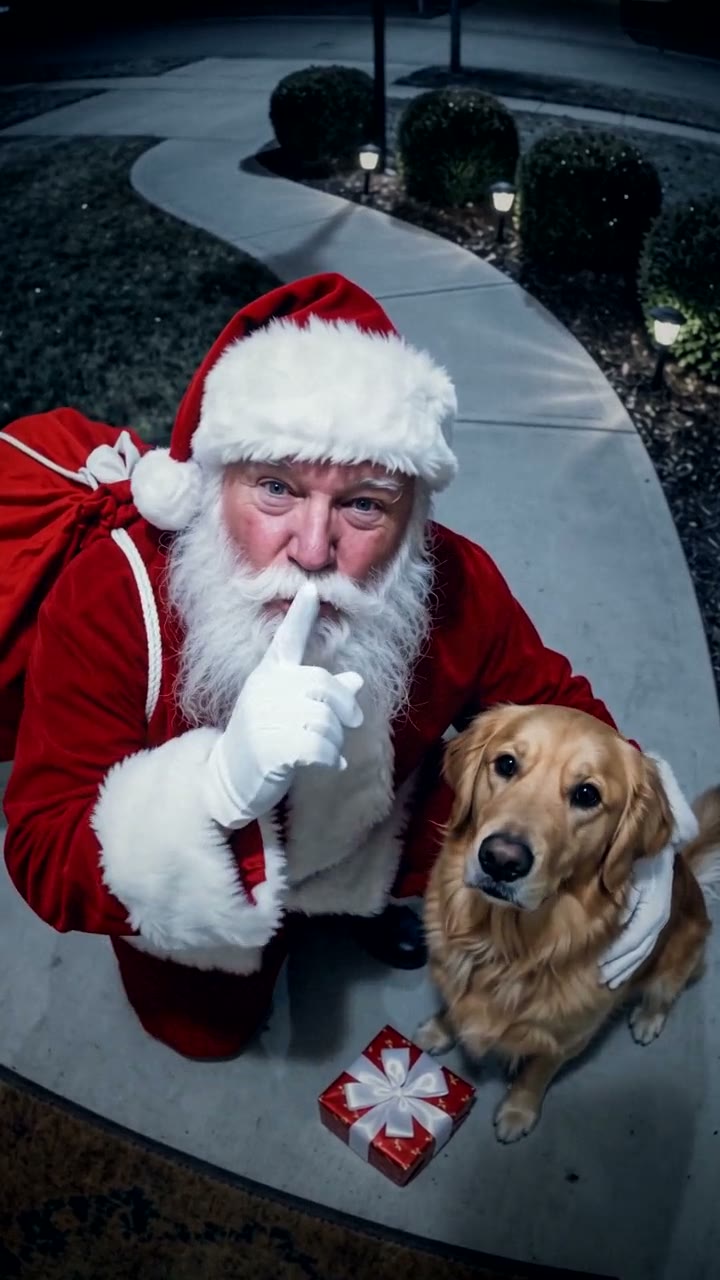
Santa in Your House
Your camera caught Santa, and he stopped for your pet
Christmas Dog
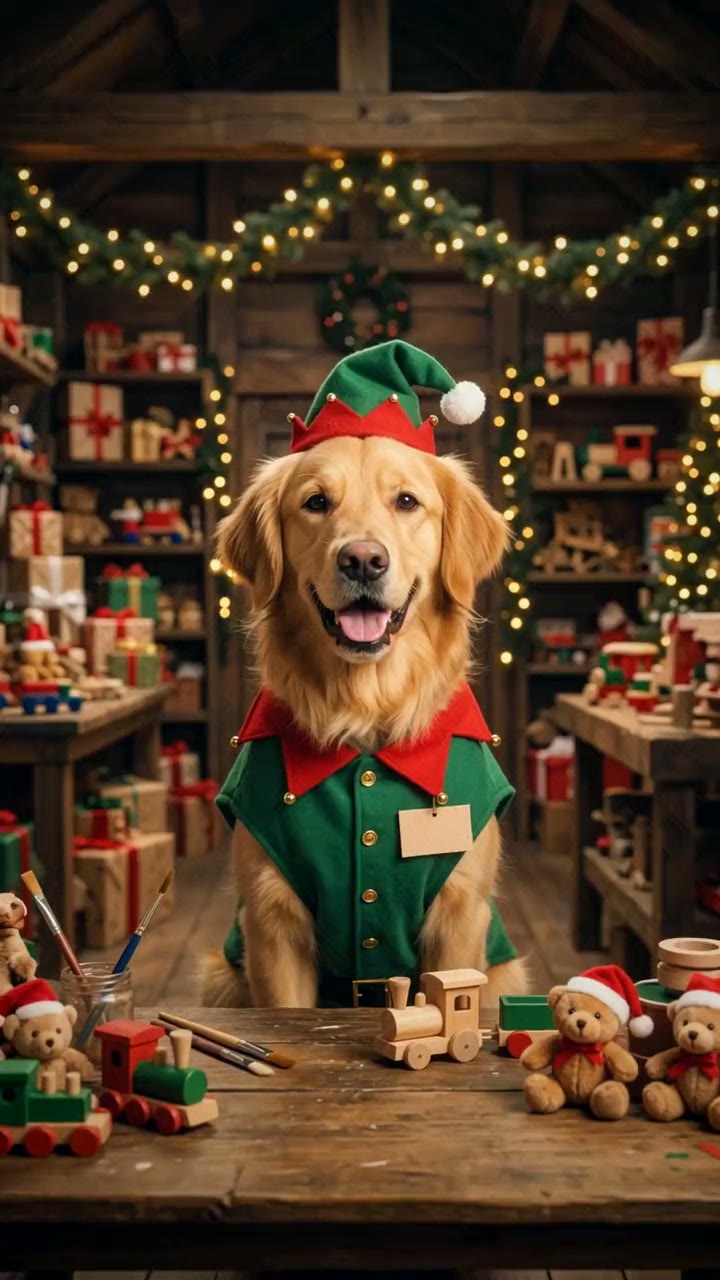
Your pet just got a job at the North Pole