What App Is Everyone Using for the AI Trend Videos on TikTok?
Most AI trend videos on TikTok are made with one of three kinds of tools: a CapCut template, a general AI video app such as Higgsfield, Kling or TikTok's own AI Alive, or a one-photo trend generator like Try a Trend, where the viral trend is already set up shot by shot and you see a free preview of yourself before you pay.
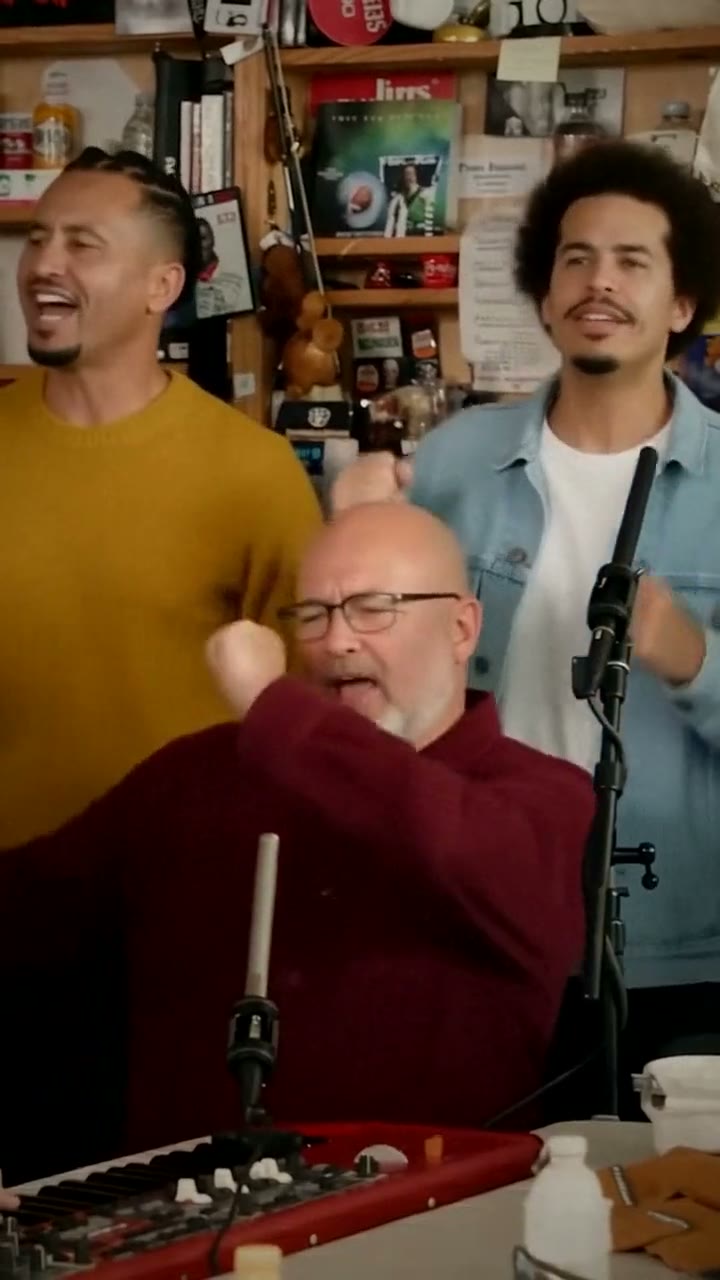
Tiny Desk AI Video Generator
$7.99 per video, free preview first
Make yours
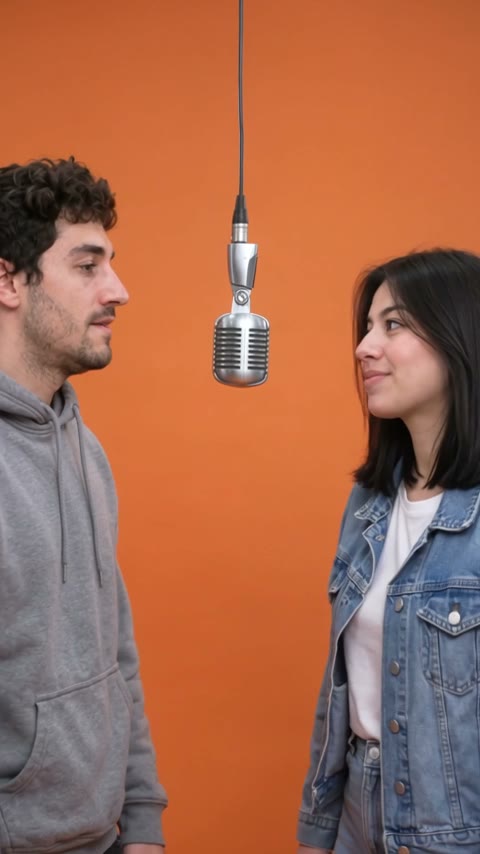
Hotel Lobby AI Video Generator
$4.99 for your first video, then $5.99 each, free preview first
Make yours
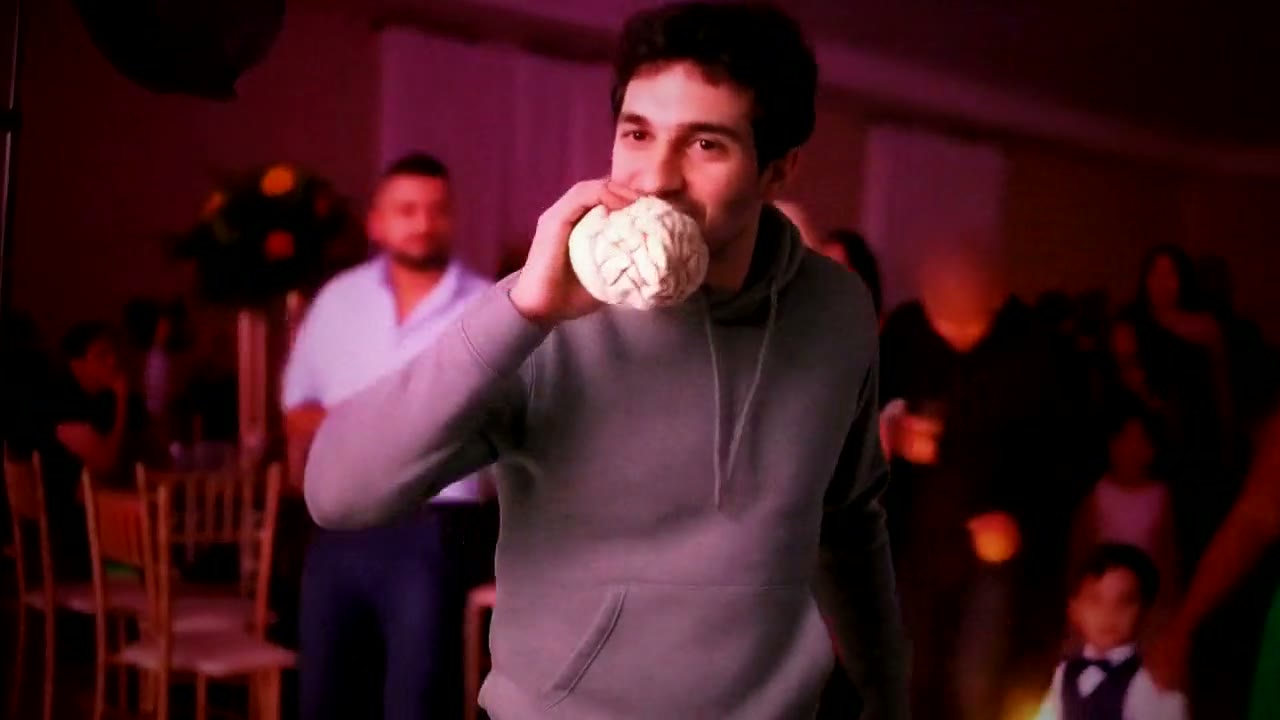
Dime Dime Baby AI Video Generator
$4.99 for your first video, then $5.99 each, free preview first
Make yours

Mom & Dad in Heaven AI Video Generator
$7.99 per video, free preview first
Make yours
How to tell which app made a video
When a creator doesn't say, three clues usually give it away:
- A template link. Videos made from a CapCut template often show a "CapCut · Try this template" link above the caption. Tap it and the same template opens in CapCut.
- An ending card or watermark. Free plans of many apps add a logo in a corner or a short card at the end.
- The comments. "What app?" is the most common comment on these videos, and creators often pin the answer.
If none of those are there, the video was probably made with a general AI video app, where the creator wrote the scene themselves.
The three kinds of tools, compared
| CapCut template | General AI video app | One-photo trend generator | |
|---|---|---|---|
| What you need | A photo and a template link | A photo, a written prompt, sometimes a reference clip | One or two photos |
| Matches the viral video | Only if the template copies it | Only if you recreate every shot | Set up shot by shot |
| See it before you spend | Free to try | Each try uses credits | Free preview still |
| How you pay | Many templates are free; some need a Pro plan | A few free credits, then a monthly plan or credit packs | Per video, no subscription |
| Examples | CapCut | Higgsfield, Kling, Runway, TikTok AI Alive | Try a Trend |
1. CapCut templates
CapCut is the free video editor from the company behind TikTok, and most trends that spread fast spread through its templates. Someone builds a template once, and everyone else swaps in their own photo.
Good: free to try, quick, and the result looks exactly like the videos on your feed, because it's the same template.
Not so good: templates come and go, so the one from last week's tutorial may be gone. Many AI trends never get a template that puts your face into a moving scene; they're text, transitions or filters over a photo. You only see how your face turned out after it renders.
2. General AI video apps
Apps like Higgsfield, Kling and Runway turn a photo into video from a written description. Higgsfield is popular for its ready-made effects and camera moves; Kling and Runway are general image-to-video tools. TikTok's own AI Alive, in Stories, animates a still photo with gentle motion.
Good: you can make almost anything, and one subscription covers every trend you want to try.
Not so good: you write the prompt and fix the result yourself. Copying a specific viral video, with its cuts, timing and dance moves, takes many attempts, and every attempt uses credits. Faces can drift during fast motion or close-ups.
3. One-photo trend generators
A trend generator has each viral trend rebuilt in advance: the setting, the outfit or props, the camera moves and the cuts. You upload a photo, check a preview and download the finished video. Try a Trend is one of these, and it's an independent tool, not affiliated with TikTok, CapCut or any app mentioned here.
Good: no prompt, no template hunting, and the shots follow the original. You see a free preview of yourself in the scene before you pay, and there's no subscription.
Not so good: you can only make the trends that have been set up, the scene is fixed for each trend, and the videos are silent, so you add the trending sound in TikTok yourself.
What app to use for the AI trends going around now
People also ask about specific trends, like "what app is everyone using for the hotel lobby trend". Here's the fastest way to make the ones that are popular right now:
- [Tiny Desk "Outstanding"](/tiny-desk-ai): two friends become the singer and the sax player in a small office band. Two photos, an 18-second vertical video, $7.99 per video.
- [Hotel Lobby](/hotel-lobby-ai-trend): a two-person rap duet in an orange booth with a hanging vintage mic. One photo per person, $4.99 for your first video, then $5.99 each.
- [Dime Dime Baby](/dime-dime-baby-ai): you dance into a quinceañera party, bite a concha and stare down the camera. One photo, a 9-second horizontal video, $4.99 for your first video, then $5.99 each.
- [Hug in heaven](/mom-dad-in-heaven-ai): you run up golden stairs in the clouds into the arms of a parent you miss. Your photo and theirs, $7.99 per video.
Every trend page has a step-by-step guide that also compares the CapCut and AI-app ways of making it, so you can pick whichever suits you.
Which one should you use?
- You found a working template link today: use CapCut. It's free and the look is exactly right.
- You want to make lots of different AI videos every week: a general AI video app is worth the subscription, as long as you enjoy writing prompts and retrying.
- You want one specific trend, done right, without editing: use a trend generator and check the free preview first.
- Sentimental videos, like a parent who passed away: pick a tool that shows you the face before you pay. Getting two faces right through a hug is hard for general apps.
Tips that help with any app
- Use a clear, front-facing photo in daylight, with your eyes visible. Skip sunglasses, beauty filters and screenshots.
- One person per photo. For duets, use one photo for each person.
- Only use photos of yourself, or of people who agreed to it.
- Add the trending sound inside TikTok, where it's licensed, rather than baking a song into the video.
If you just want to be in this week's trend, start with the Tiny Desk video or browse every trend and look at your free preview.