Is There a Free Dame Hombro AI Generator? What's Free and What's Not
Yes and no: you can see yourself in the Dame Hombro scene for free on Try a Trend, because the preview still costs nothing and needs no account, but the finished 10-second video is paid ($4.99 for your first video, then $5.99 each, no subscription, no watermark); the only fully free routes are a CapCut template, if you can find one that still works, or the free credits of a general AI video app.
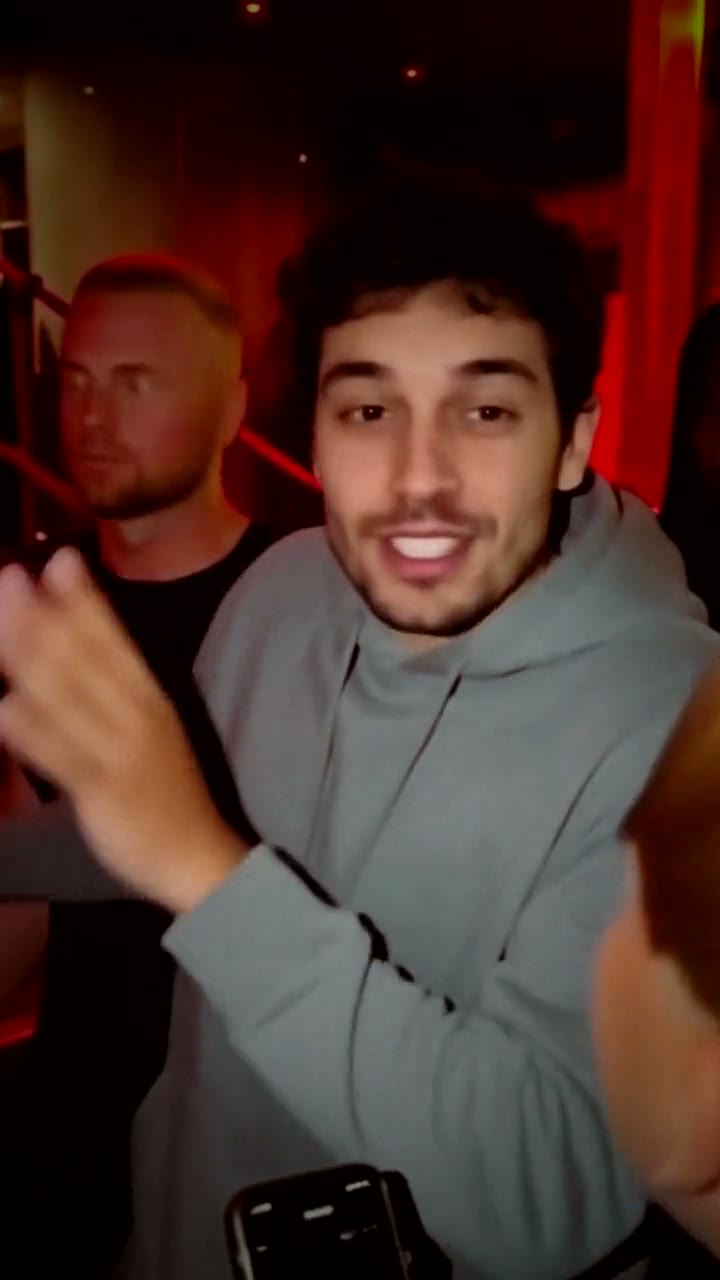
What you can do for free on Try a Trend
Most people asking this question want to know whether it's worth uploading a photo at all. Here is exactly where the free part ends.
- Upload and check your photo. Free. The photo check tells you right away if the picture won't work, for example if there's more than one person in it.
- See the free preview. Free, with no sign-up, up to five previews a day. You get a still of yourself at the red-lit club entrance with the crowd around you, so you can judge whether the face looks like you before you spend anything.
- The preview has a light watermark. It's there so the preview can't be used as the finished product. The paid video has no watermark.
- The video itself is paid. You pay once per video, with no plan to cancel later. The price is $4.99 for your first video, then $5.99 each.
So the honest summary is: trying it is free, keeping it is not.
What the paid video includes
If you decide to pay, this is what you get for that one payment:
- A 10-second vertical video in 720p (720×1280), one handheld shot from inside the crowd, with the same gestures, shrugs and timing as the viral clip.
- An HD poster photo and a ready-to-post caption.
- One free redo within 72 hours if you're not happy, made from the same photo.
- An automatic refund of the credit if the video fails.
- Your photo is deleted within 72 hours.
The video is silent. That's on purpose: you add the Dame Hombro sound inside TikTok or Instagram when you post. It's usually ready in about 3 minutes.
What you don't get: a choice of setting, or the pink shirt and sunglasses from the original. You wear the clothes from your photo, and the crowd is the same in every video. If those matter to you, read on.
The truly free ways, and what they cost you instead
A CapCut template
This is the route most TikTok tutorials show. You find a Dame Hombro or Bulin 47 freestyle AI video with a template link, open it in CapCut, add your photo and export. You may be able to do it for free on your phone, and templates usually keep the original audio.
The cost is your time and luck. Templates come and go, so the link in a tutorial may already be dead, and you may have to dig through several posts to find one that works. You can't pick the outfit or the setting, and you only see how your face came out after it renders.
Free credits in a general AI video app
Apps like Kling or Runway usually give new users a few free credits. That can be enough for one attempt, but a text prompt alone gives you a generic person rapping at a club, not this exact moment. Getting the meme itself usually means motion transfer or character replacement, which needs a clip you have the right to use, and the crowded frame makes it easy for the AI to replace the wrong person. Once the free credits run out, these apps sell monthly plans or credit packs.
Which one makes sense for you
| You want | Best route |
|---|---|
| A video tonight for nothing, and you don't mind hunting | A CapCut template |
| To experiment with your own clip and settings | A general AI video app |
| To check your face first, then one finished video with no editing | Try a Trend, free preview then $4.99 for your first video, then $5.99 each |
How to get the most out of the free preview
The preview is the free part, so use it well. Upload a clear, front-facing photo without sunglasses: the preview is where you find out whether the AI can match your face. If it doesn't look like you, try a different photo before paying, because the free redo later reuses the same photo. Our photo tips for the Dame Hombro video go through what works and why photos get rejected.
New to the trend? What the Dame Hombro trend is explains the original clip, and how to make the Dame Hombro AI video compares the three ways to make it step by step.
Try a Trend is an independent tool. It isn't affiliated with Bulin 47, the song, anyone in the original clip, TikTok, CapCut or the apps mentioned here.
FAQ
Is the Dame Hombro AI generator free?
The preview is free and needs no account. The finished video is paid per video, $4.99 for your first video, then $5.99 each, with no subscription.
Does the free preview have a watermark?
Yes, a light one across the still. The video you pay for has no watermark.
Do I need to sign up or start a free trial?
No. You upload a photo and see the preview without an account, and paying doesn't start a subscription or a trial that renews.
Is there a free version without a watermark?
Not on Try a Trend. A CapCut template may be free, but whether a working one exists depends on the day.
What if I pay and the face doesn't look like me?
You can redo the video once for free within 72 hours, but it uses the same photo, so a redo helps with a bad take more than with a bad photo. The best protection is checking the free preview and switching photos before you pay.
Is it cheaper than a subscription?
For one or two videos, usually yes, since you pay only for the video you keep. If you make AI videos every day, a subscription app may work out better.
Try the free part first
Upload one photo, look at yourself at the club door in the free preview, and decide from there. Start your Dame Hombro video.