Paws at You AI Video Generator
Your pet, pawing right at you
Upload one photo of your pet, see a free preview with no sign-up, then get a 5-second vertical 720p video for $4.99 (your first video; $5.99 each after that). No subscription, no watermark. It sits in soft falling snow right up close to the camera, looks at you with big shiny eyes and reaches out to pat the lens with its paw, again and again, until its paw pad is pressed right against the screen.
1Pick your style
2Add your photo
1 photo · 5-second vertical video
- Face clearly visible
- Good light
- One pet per photo
- People in the photo
- Drawings or screenshots
We use your photo only to check it and make your preview and video, and delete it within 72 hours. We never sell it or use it to train AI.
3Confirm
4Preview, then animate
Add your photo to continue.
What is the Paws at You trend?
Paws at You comes from the viral Mei Mei snow leopard "paws at you" meme that spread across TikTok in late October 2026: a wide-eyed snow leopard sits face to face with the viewer and keeps reaching out to pat the screen with its paw. Fans redrew it as cartoons and edits, and pet owners wanted the same moment with their own cat or dog. In our version your own pet keeps its own look and does the paw-at-you move in the snow, either realistic or as a cartoon drawn in the soft, hand-drawn style of the original.
Your 5-second video, beat by beat
- 1Your pet sits in fresh snow right up close to the camera and looks into the lens with big, shiny eyes.
- 2It lifts a front paw and pats the lens, paw pad first.
- 3Two more quick, gentle pats, as if asking for attention.
- 4One last reach: its paw pad presses against the lens, big and close, before it settles back with a happy look.
What you get
You get a 5-second vertical video in 720p, an HD poster photo and a ready-to-post caption. It's silent, so you add the trending sound when you post. No app, no subscription, no watermark, and a free preview before you pay.
No snow trip, no bribing with treats, no editing.
How to make the Paws at You AI video
- 1
Pick a style (Realistic, or Cartoon like the original), then upload one clear photo of your cat, dog or other pet, with its face visible and no people in the shot.
- 2
Confirm it's your pet (or you have permission to use the photo).
- 3
Check your free preview. If you like it, get the full video.
- 4
Download in a few minutes and add the trending sound on TikTok.
Paws at You AI generator vs. filming your pet
Film your pet
Getting a real pet to hit every beat on camera is hard. To film it for real you need: snow trip, bribing with treats and editing, plus a few takes.
A general AI video app
Apps like Kling or Runway can animate a photo, but you write the prompt yourself and retry until the faces and timing look right. Most sell credits or a monthly plan.
Try a Trend
Upload one photo of your pet. The Paws at You scene is already set up, you see a free preview first, and you pay per video with no subscription.
Buying for someone? Send this trend as a gift
Paws at You AI video FAQ
What app is used for the Paws at You trend?
You don't need an app. Try a Trend makes the Paws at You video in your browser from one photo of your pet, with no prompt to write. General AI video apps can do it too, but you write and tune the prompt yourself.
How do I make the Paws at You video from one photo of my pet?
Upload one photo of your pet and check the free preview. If you like it, get the full video: it's ready in a few minutes. Add the trending sound when you post.
Is there a free Paws at You AI generator?
The preview is free: you see a still of your pet in the trend before paying, up to 5 a day. The full video is paid per video, with no subscription.
How much does the Paws at You video cost?
Your first video is $4.99. Every video after that is $5.99, and you can buy up to 5 at once, each extra $5.99. Each video comes with an HD poster photo, a ready-to-post caption and one free redo. No subscription.
How long does it take?
Usually 3 to 6 minutes. Keep the page open and your video appears when it's ready. If a video fails, your credit goes back automatically.
Is this the official Mei Mei snow leopard video?
No. Try a Trend is an independent AI tool that makes its own paws-at-you video from a photo of your pet, inspired by the viral Mei Mei snow leopard "paws at you" meme. We're not affiliated with the creators of Mei Mei, TikTok or CapCut, and we don't use any of the original images.
Will my pet turn into a snow leopard?
No. Your pet stays itself in both styles: the AI keeps its breed, coat colours and markings from your photo and only borrows the snow leopard's moment, sitting up close in the snow with big shiny eyes and reaching out to pat the camera.
Can I make it in the cartoon style of the original?
Yes. Pick Cartoon, like the original, and your pet is redrawn as a cute hand-drawn cartoon with soft pencil lines, huge shiny eyes and a misty grey-blue snowy background, like the original Mei Mei loop. It keeps its own breed, coat colours and markings, so an orange tabby becomes an orange tabby cartoon, not a snow leopard. Pick Realistic for a lifelike version in real snow. The free preview shows the style you picked, and both styles cost the same.
Does it work for dogs and other pets?
Yes. Cats are the most popular, but dogs, rabbits and other pets work the same way: your pet sits in the snow and paws at the lens.
Which photo works best?
A clear, sharp photo of one animal looking toward the camera, with its face and front paws visible. The video is a close-up, so a well-lit photo where you can see its eyes and markings works best, and the free preview shows you straight away if it looks right.
Which photos can I use?
Only photos of your own pet, or photos you have permission to use. Pick a clear photo of one animal with its face visible and no people in it.
Does the video include the song?
No. Videos are silent so you can add the trending sound directly inside TikTok or Instagram, where it is licensed.
What happens to my photo?
It is used only to make your video and is deleted automatically within 72 hours.
More pet trends
See all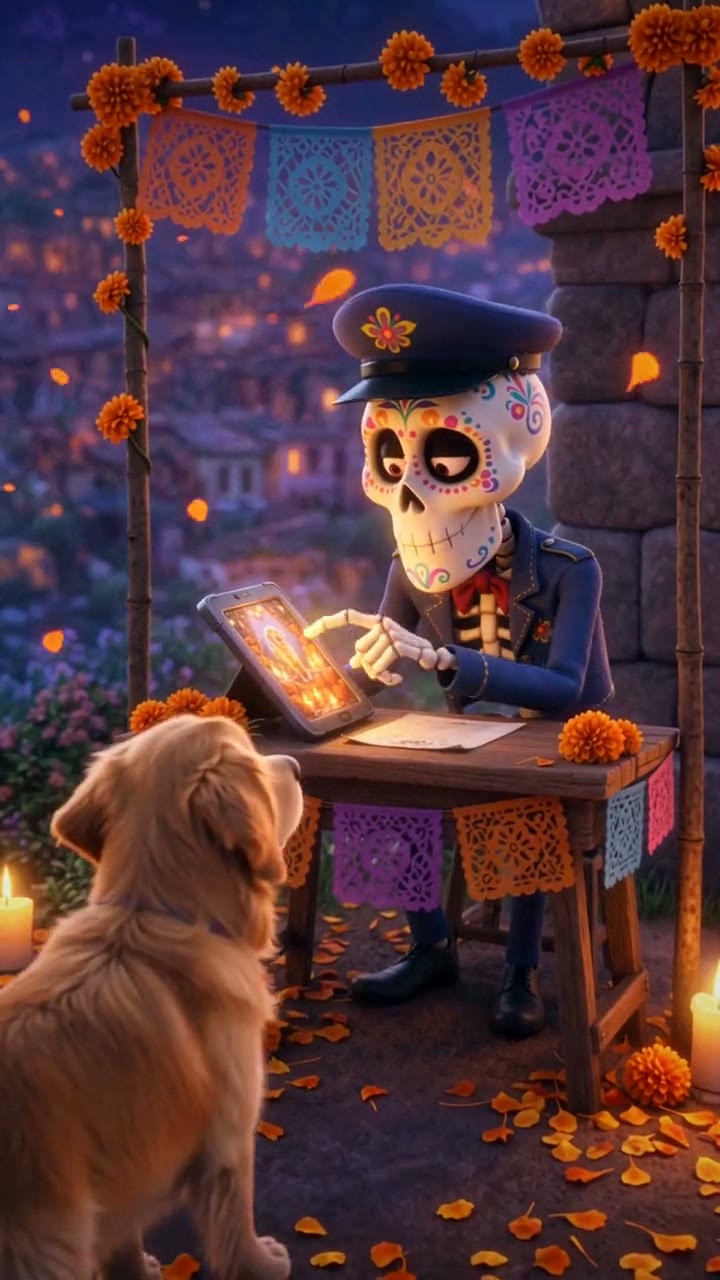
Day of the Dead Pet
Their photo is on the ofrenda, so they can cross
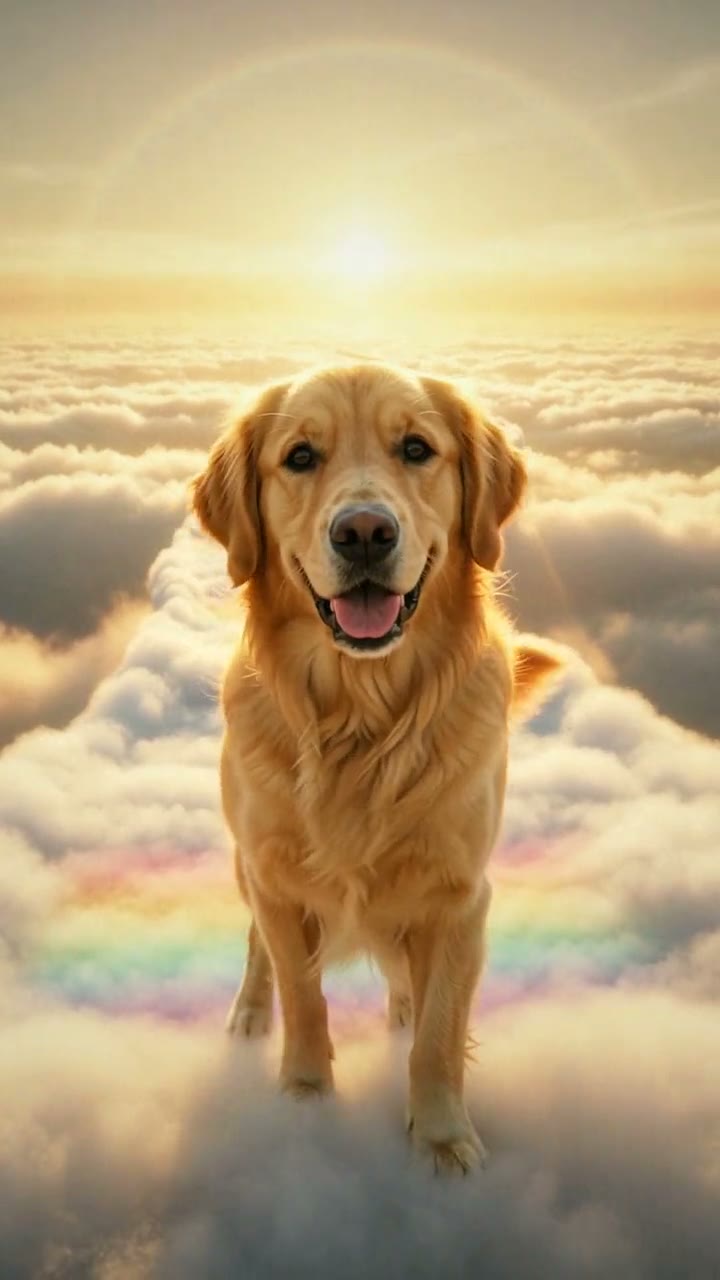
Rainbow Bridge
See them happy again on the Rainbow Bridge
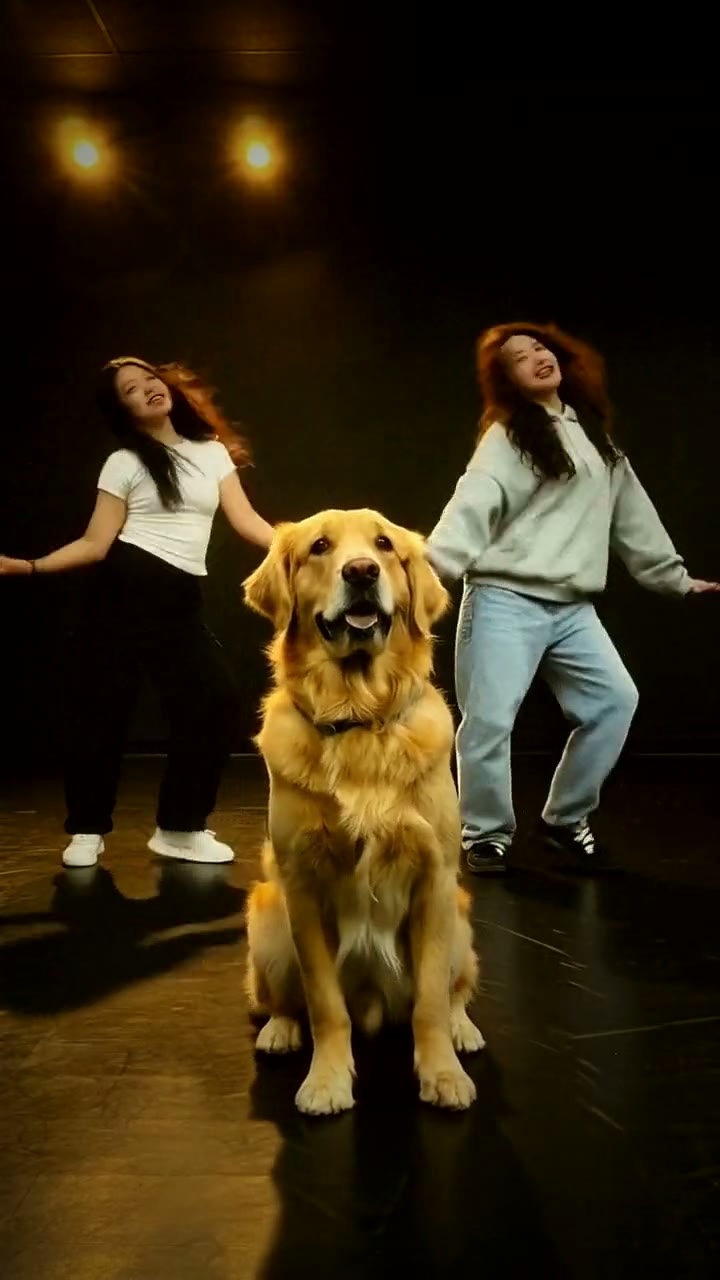
Dog Dance
Your pet dances front and center
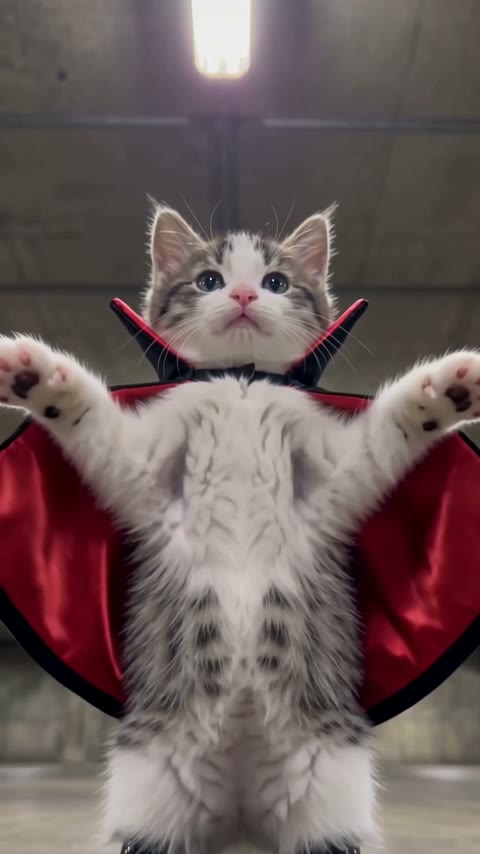
Ramalama
Your pet's Ramalama costume walk
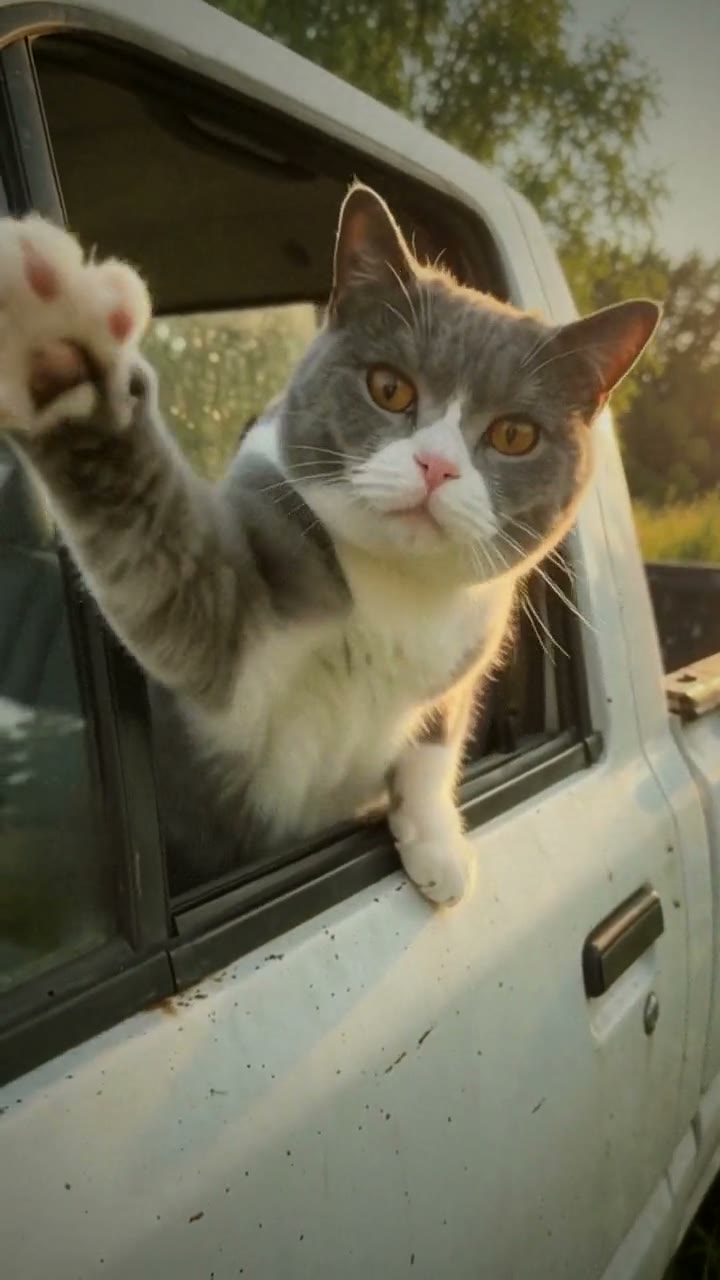
Hit the Road Dude
Your pet says: hit the road, dude
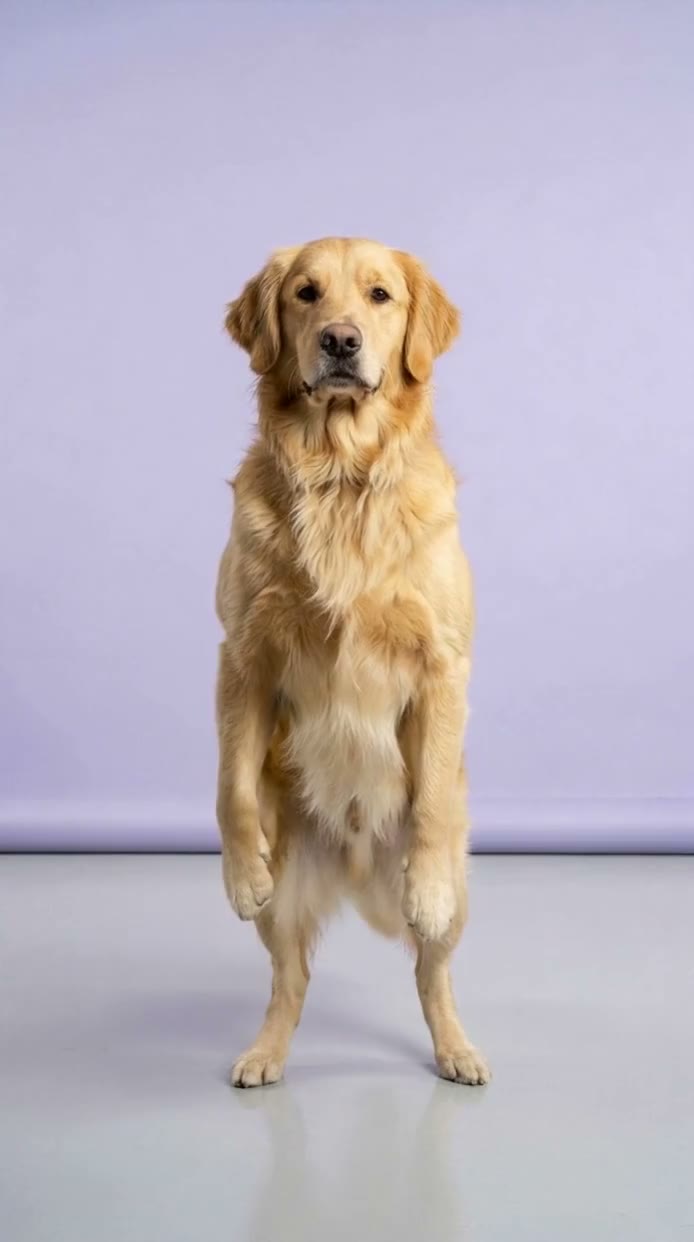
Chinese Flash Step
Your pet does the Chinese flash step
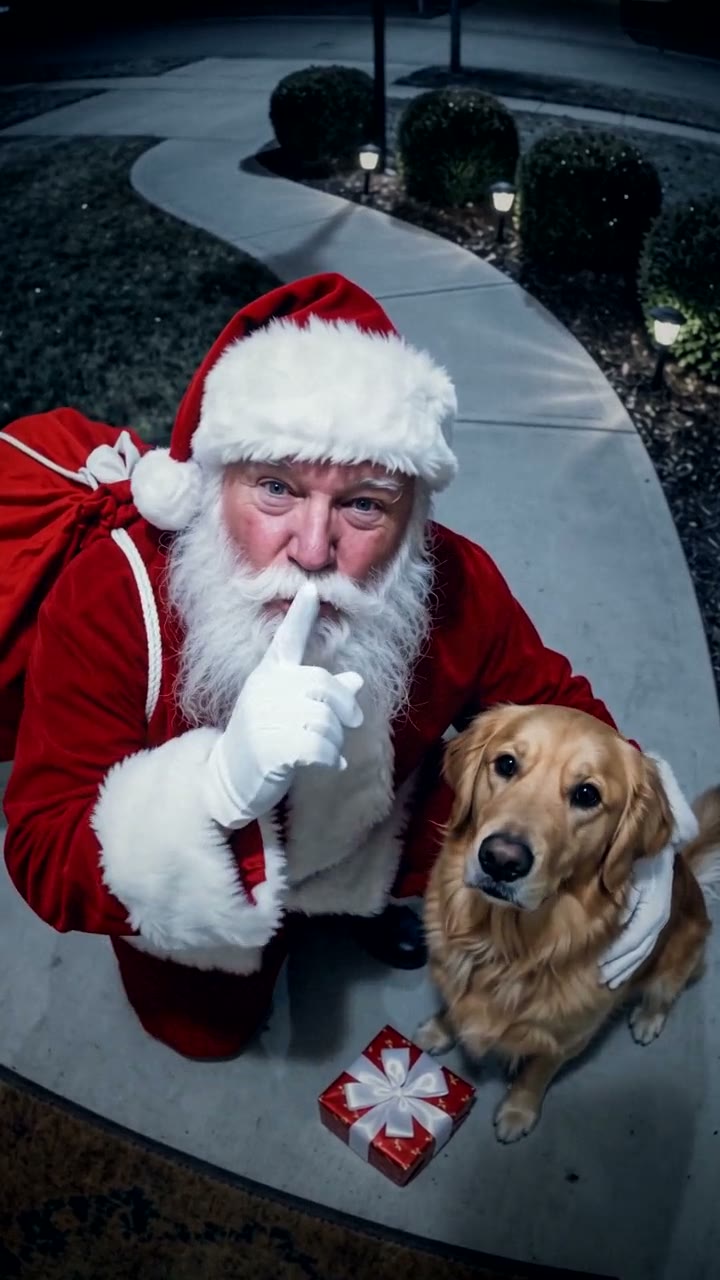
Santa in Your House
Your camera caught Santa, and he stopped for your pet
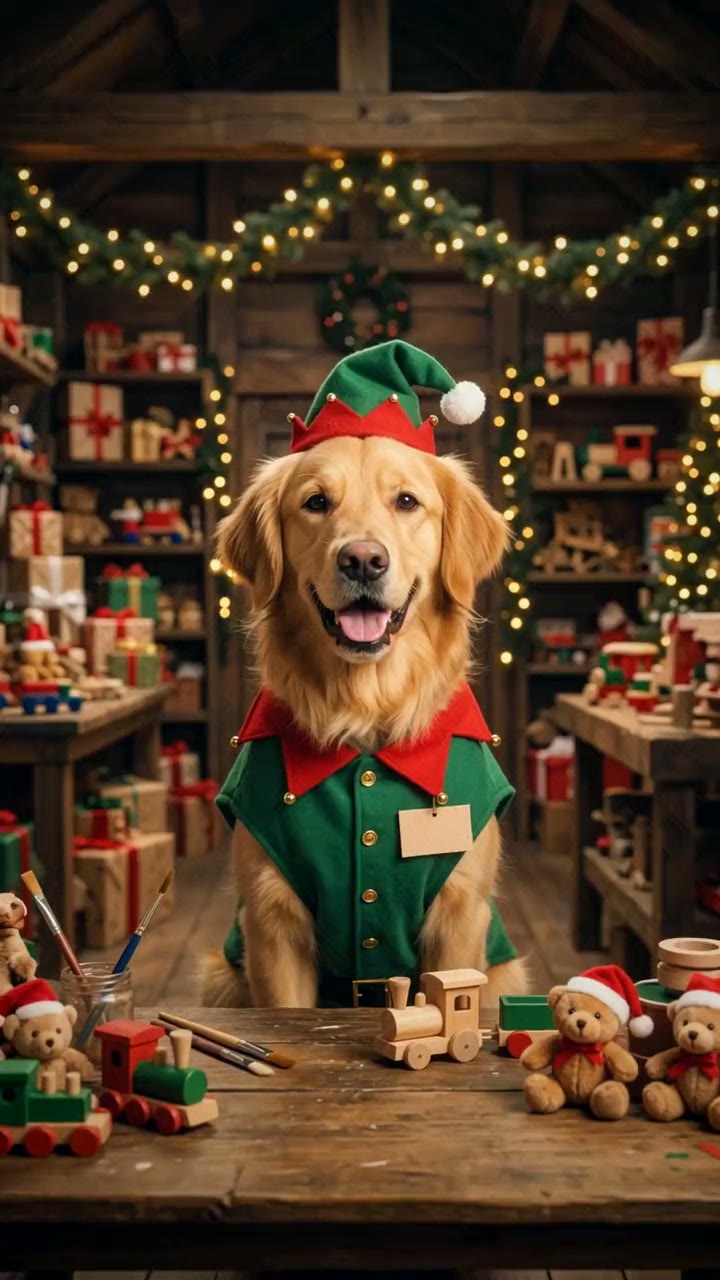
Christmas Dog
Your pet just got a job at the North Pole