GTA 6 Loading Screen AI Video Generator
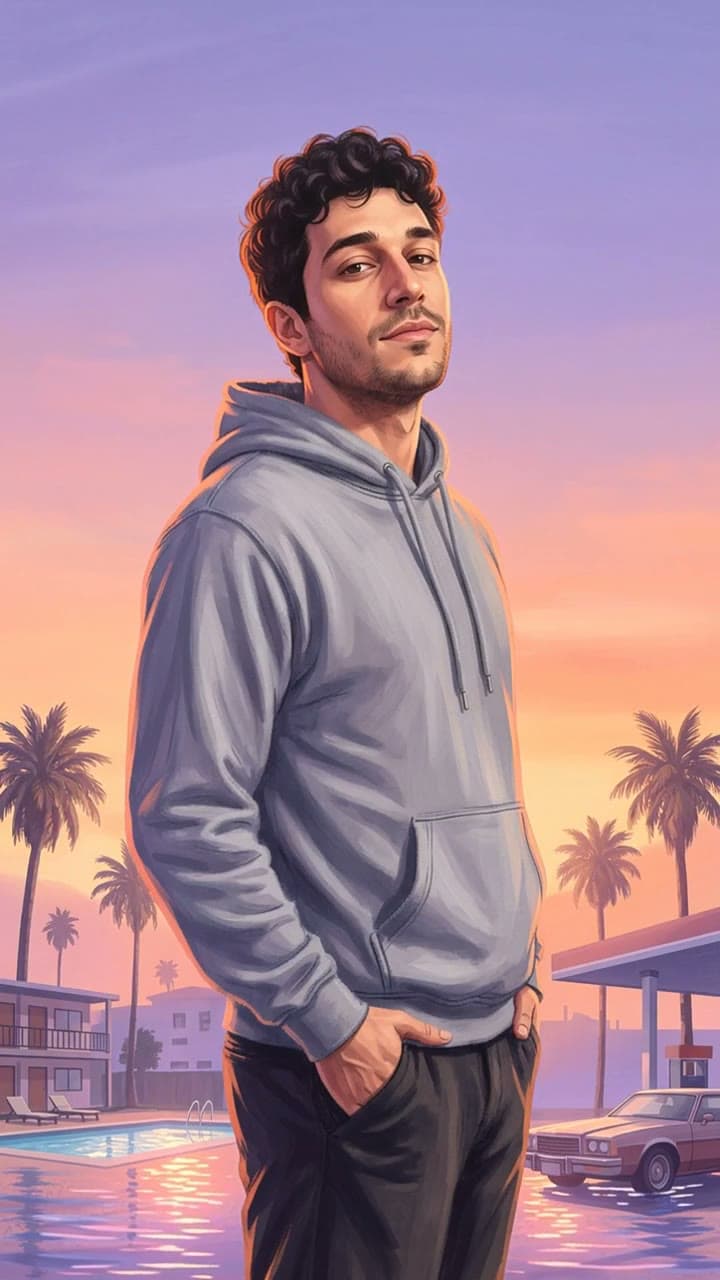
Your photo, painted as a GTA 6 loading screen
Upload one photo, see a free preview with no sign-up, then get a 5-second vertical 720p video for $4.99 (your first video; $5.99 each after that). No subscription, no watermark. You get a semi-realistic hand-painted loading screen poster of you (a soft lavender and peach sunset, palm trees, a motel pool, a gas station and a classic car) with your face, plus a short vertical video where a realistic photo-style shot of you turns into the poster, like the CapCut trend.
1Add your photo
1 photo · 5-second vertical video
- Face and shoulders
- Good light
- One person per photo
- Extreme close-ups
We use your photo only to check it and make your preview and video, and delete it within 72 hours. We never sell it or use it to train AI.
2Confirm
3Preview, then animate
Add your photo to continue.
What is the GTA 6 Loading Screen trend?
The GTA 6 loading screen trend, also called the GTA filter, turns a normal photo of you into the kind of character art the Grand Theft Auto games show while they load: a semi-realistic digital painting with soft shading and a warm glow along the edges, set against a hazy lavender and peach sunset with palm trees and low Florida-style buildings. On TikTok it took off through a CapCut template that shows your real photo first and then slides the painted poster over it, and it got even bigger when GTA 6 came out in November 2026. Plenty of people also try to get the look by pasting a long prompt into ChatGPT; here you upload one photo and get the poster and the video, with your face kept the same.
Your 5-second video, beat by beat
- 1A realistic photo-style shot of you, made by AI from your upload, standing by a motel pool and a gas station at dusk, palm trees behind you.
- 2A clean graphic wipe sweeps across the frame and the painted version replaces the photo.
- 3You end as a semi-realistic loading screen painting: soft lavender and peach sunset, a warm glow along your outline, palm trees swaying.
What you get
You get a 5-second vertical video in 720p, an HD poster photo and a ready-to-post caption. It's silent, so you add the trending sound when you post. No app, no subscription, no watermark, and a free preview before you pay.
No a digital artist, no prompt writing, no editing.
How to make the GTA 6 Loading Screen AI video
- 1
Upload one clear photo of you facing the camera, ideally from the waist up.
- 2
Confirm you are 18+ and the photo is of you (or someone who agreed).
- 3
Check your free preview. If you like it, get the full video.
- 4
See your poster free, then download the video and an HD poster in a few minutes.
GTA 6 Loading Screen AI generator vs. filming it yourself
Film it yourself
To film it for real you need: a digital artist, prompt writing and editing, plus a few takes.
A general AI video app
Apps like Kling or Runway can animate a photo, but you write the prompt yourself and retry until the faces and timing look right. Most sell credits or a monthly plan.
Try a Trend
Upload one photo. The GTA 6 Loading Screen scene is already set up, you see a free preview first, and you pay per video with no subscription.
Buying for someone? Send this trend as a gift
GTA 6 Loading Screen AI video FAQ
What app is used for the GTA 6 Loading Screen trend?
You don't need an app. Try a Trend makes the GTA 6 Loading Screen video in your browser from one photo, with no prompt to write. General AI video apps can do it too, but you write and tune the prompt yourself.
How do I make the GTA 6 Loading Screen video from one photo?
Upload one photo, confirm everyone pictured is 18+ and agreed, and check the free preview. If you like it, get the full video: it's ready in a few minutes. Add the trending sound when you post.
Is there a free GTA 6 Loading Screen AI generator?
The preview is free: you see a still of yourself in the trend before paying, up to 5 a day. The full video is paid per video, with no subscription.
How much does the GTA 6 Loading Screen video cost?
Your first video is $4.99. Every video after that is $5.99, and you can buy up to 5 at once, each extra $5.99. Each video comes with an HD poster photo, a ready-to-post caption and one free redo. No subscription.
How long does it take?
Usually 3 to 6 minutes. Keep the page open and your video appears when it's ready. If a video fails, your credit goes back automatically.
What is the GTA filter?
It is the name people use for turning a photo into the painted look of the GTA loading screens: semi-realistic digital painting with soft shading and a warm rim of light, a hazy lavender and peach sunset, palm trees and low Florida-style buildings. There is no official filter. Here you upload one photo and get that look as a poster and a short video, with your face kept recognisably yours.
Is this an official GTA 6 or Rockstar Games product?
No. Try a Trend is an independent AI tool. We're not affiliated with or endorsed by Rockstar Games, Take-Two Interactive, TikTok or CapCut. GTA 6 is only the name people use for this trend; your poster has no game logos, titles, text or game characters, just you in that painted style.
Can I make a GTA 6 AI photo without writing a prompt?
Yes. ChatGPT and other image tools can do the GTA look if you paste a long prompt and try a few times, and the face often drifts. Here you just upload one photo: we use the same style for everyone, keep your face, hair and glasses, and you see your poster free before you pay.
What do I get?
A vertical video of about 5 seconds, ready for TikTok, Reels or Shorts: it opens on a realistic photo-style shot of you (made by AI from your upload, in the same pose and scene as the poster), then the painted loading screen slides over it. You also get an HD copy of the poster without the watermark.
Can I get just the poster?
Yes. The free preview is your poster, made from your upload. It is a smaller image with a light tryatrend.com watermark, and you can save it or share it straight from this page. If you get the video, it also comes with the HD poster without the watermark.
What do I wear in the poster?
The same top you're wearing in your photo, in the same colour, painted in the loading screen style, so a hoodie stays a hoodie and a denim jacket stays a denim jacket. Your face, hairstyle, beard and glasses stay as in your photo too.
What photo works best?
A clear, well-lit photo of one person facing the camera, ideally from the waist up. A selfie works too. Avoid sunglasses, heavy filters and group shots.
Does the video include music?
No. Videos are silent so you can add the trending sound directly inside TikTok or Instagram, where it is licensed.
What happens to my photo?
It is used only to make your poster and video and is deleted automatically within 72 hours.
More trends
See all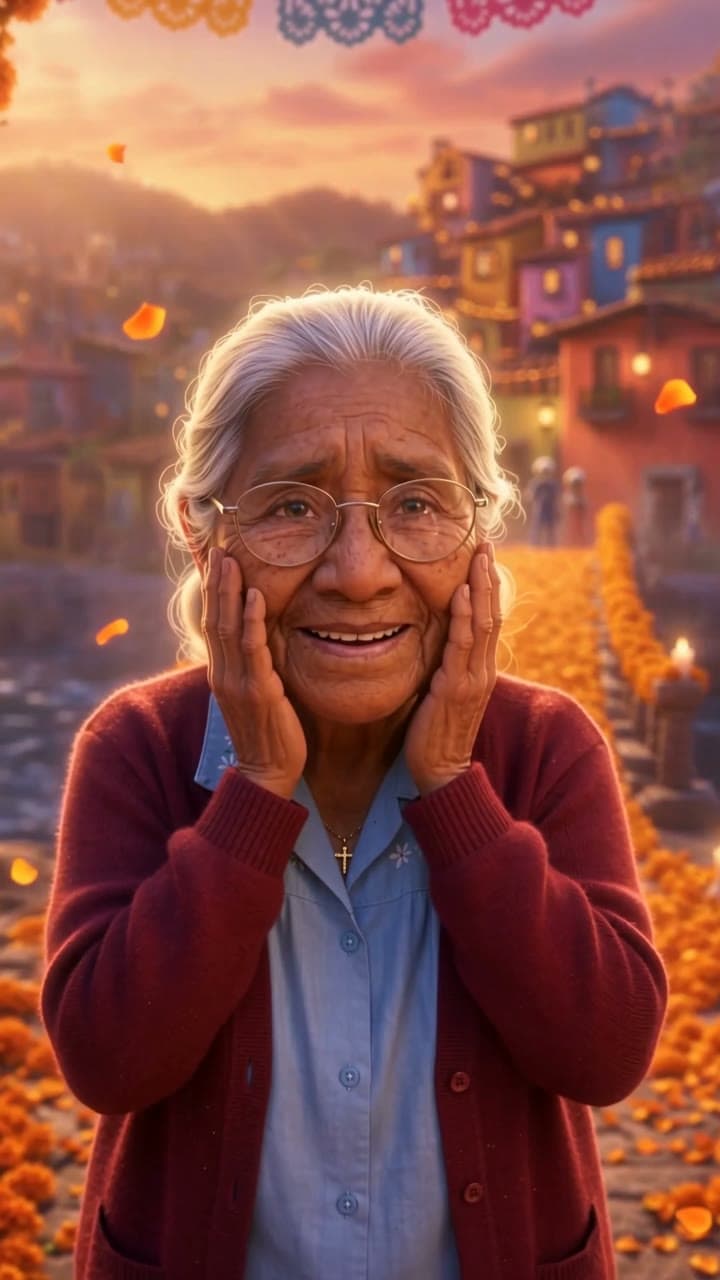
Day of the Dead Family
Their photo is on your ofrenda, so they get to cross
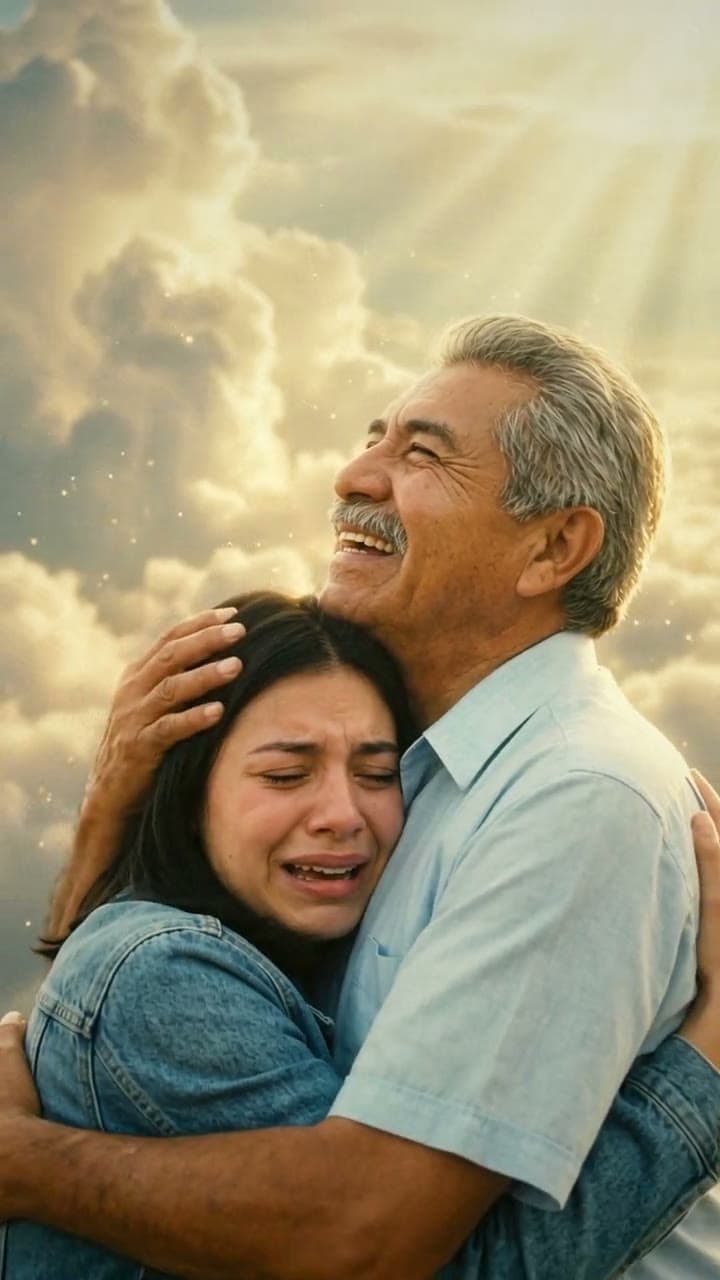
Mom & Dad in Heaven
One more hug with Mom or Dad in heaven
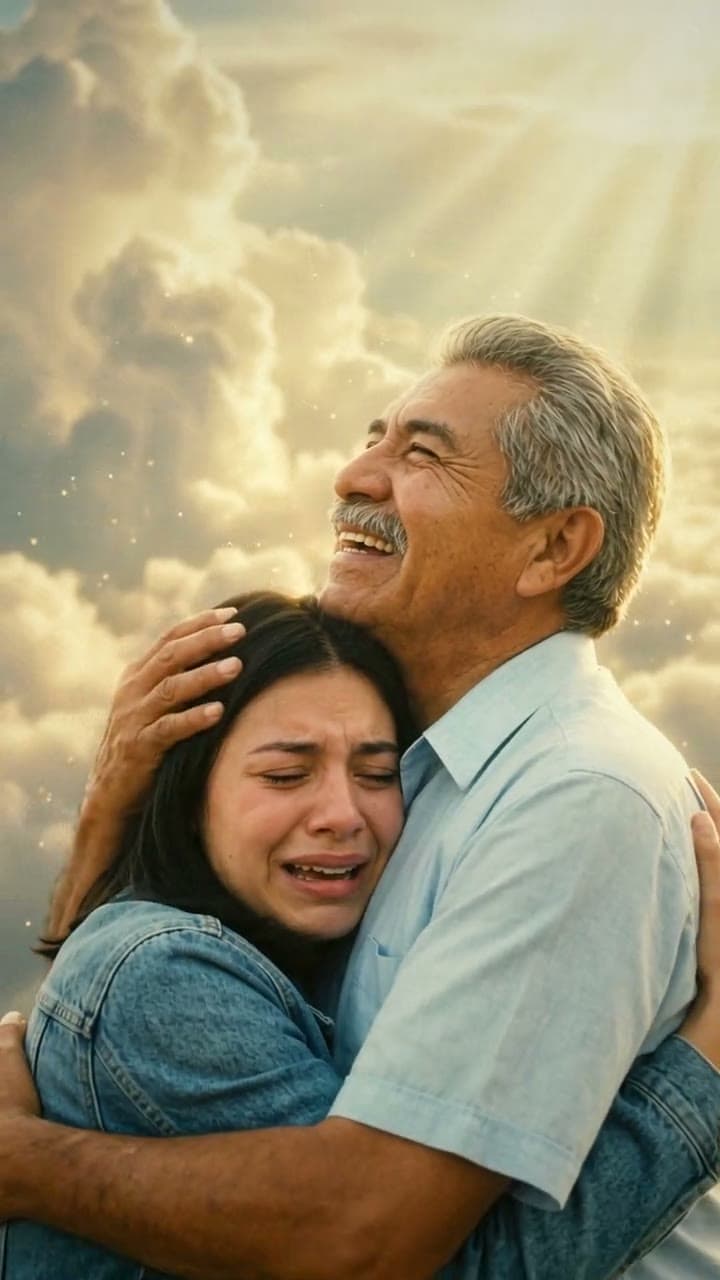
Hug in Heaven
Hold them one more time

Happy Birthday in Heaven
Give the one you miss a birthday in heaven
Add Loved One to Photo
One more photo together
Pregnancy Reveal
Two lines, happy tears, one long hug
Christmas in Heaven
Spend one more Christmas with the parent you miss
Witch Broom
Your ride is here. The sign is too.
I'm So Sorry I Lied
Little you, picture-perfect. Then the truth.
Dime Dime Baby
Dance in, bite the bread, give them the stare
Dame Hombro
Freestyle at the club door, crowd all around you
Dame Hombro Dance
Turn, circle the hands, shimmy the shoulders.
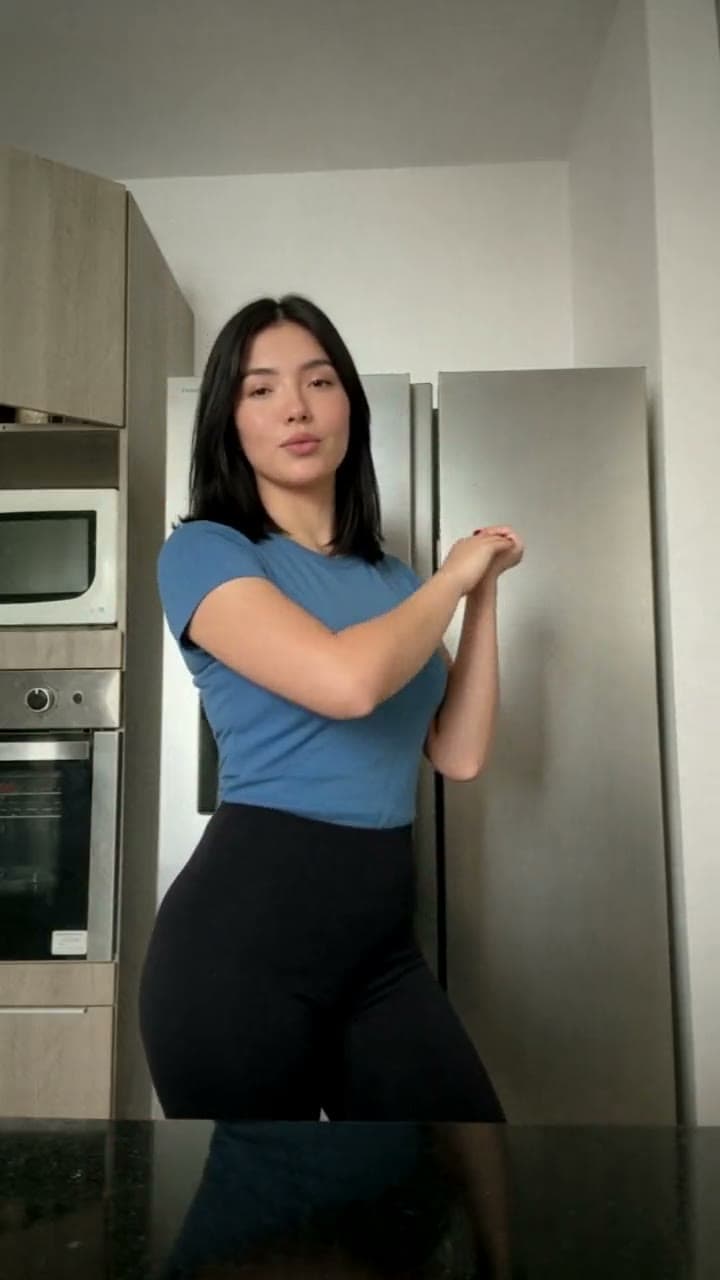
La Mujer del Pelotero
Hands up, forearms rolling, hips swaying.
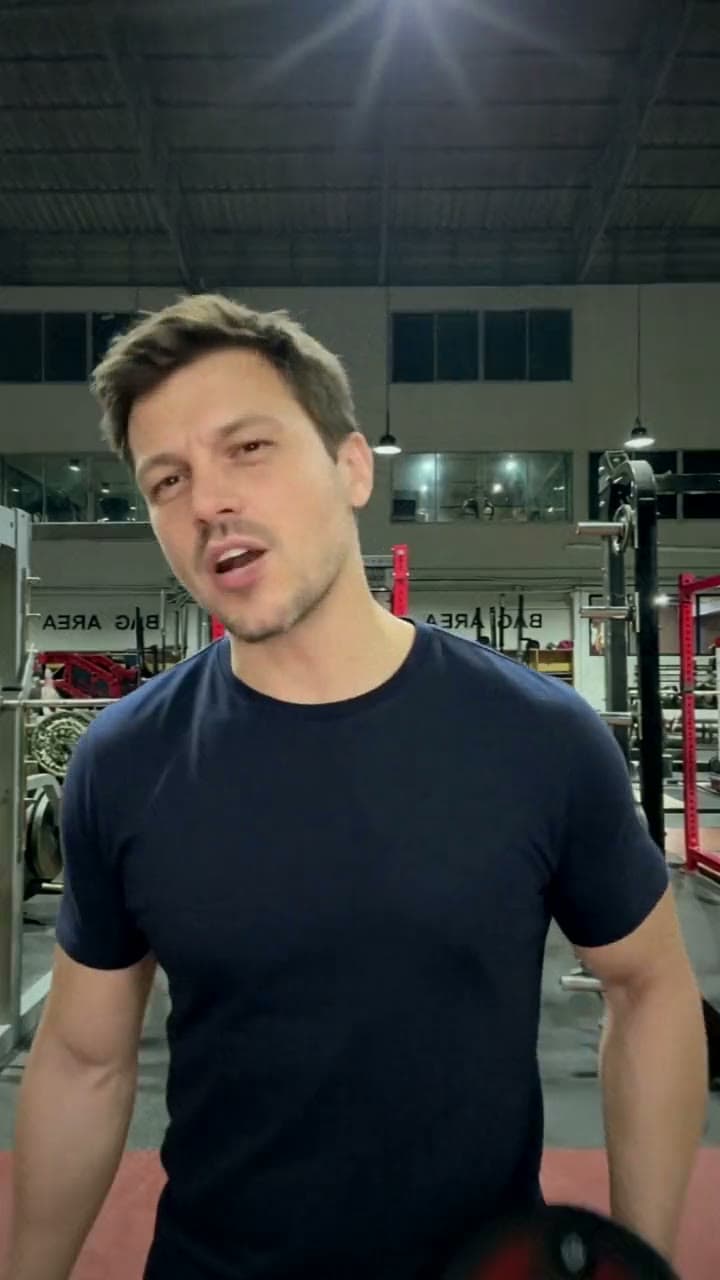
Huss Huss Huss
Everyone's out partying. You're in the gym. Huss huss huss.
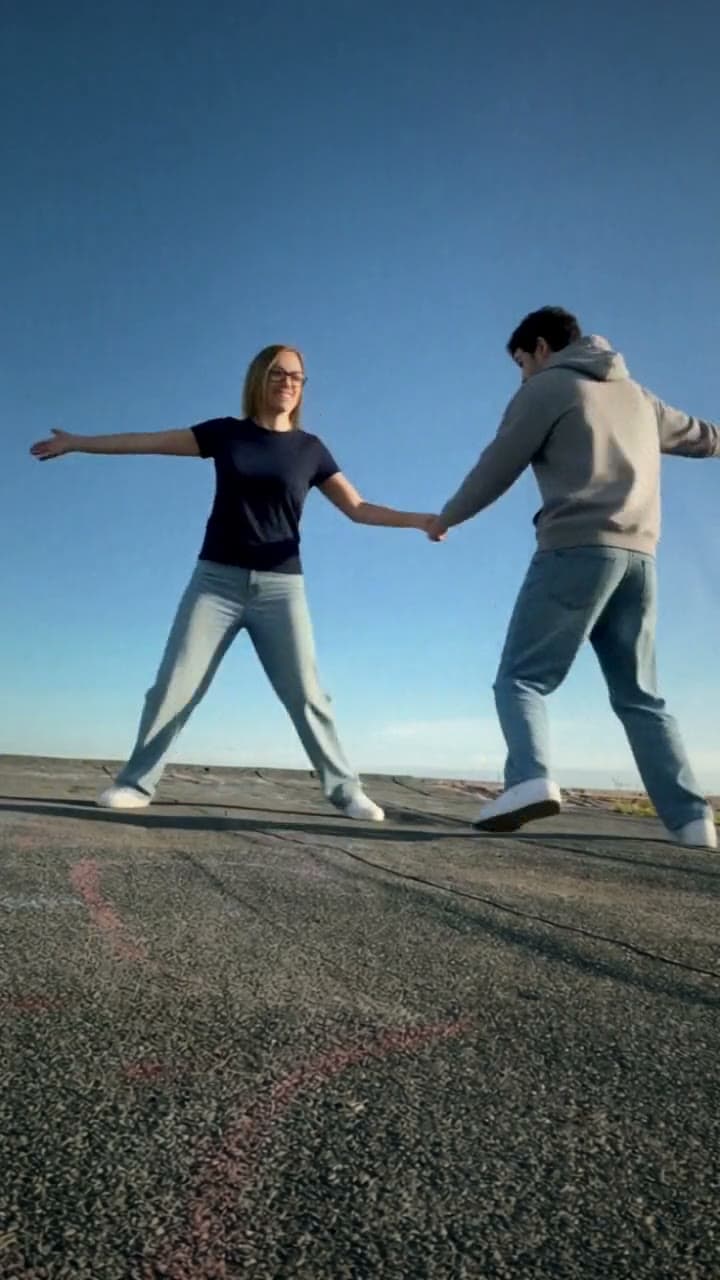
Last Dance
Hold hands, arm out, spin.
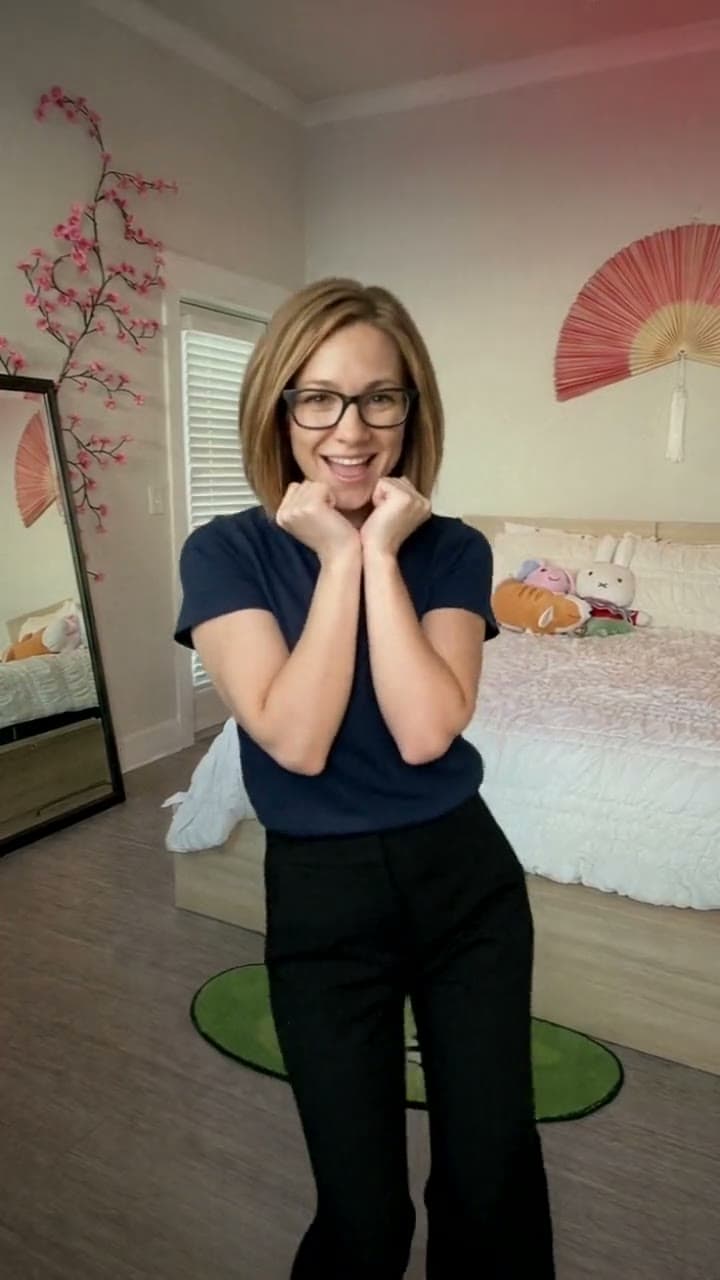
Talk to Me Doja
Fists under your chin, head tilted, sway.
Wassup in a Minute
Hands on your head, then your close-up.
Sticky Bubblegum
Clap, stick, pull, kick.
Schooling Seniors
You on the mic in the Schooling Seniors freestyle
Ice Ice Baby Dance
You, doing the Ice Ice Baby dance on the winter court
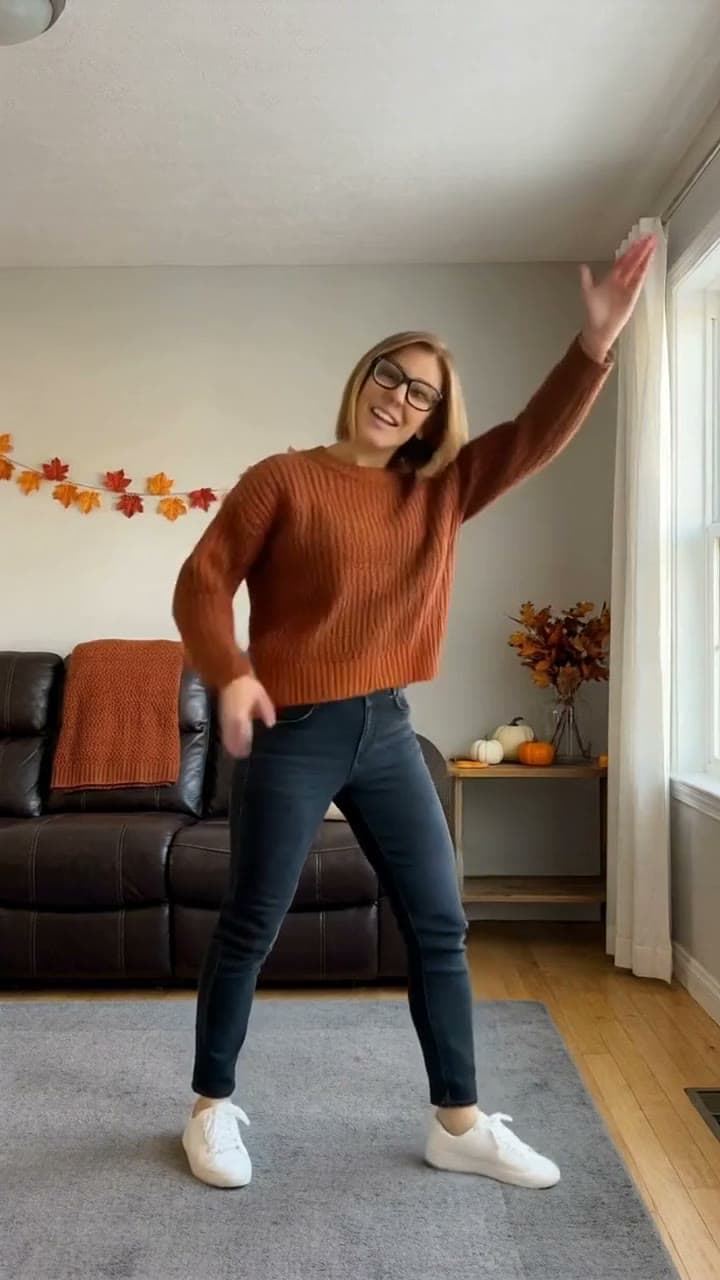
Thanksgiving Dance
You, doing the Thanksgiving bend at home
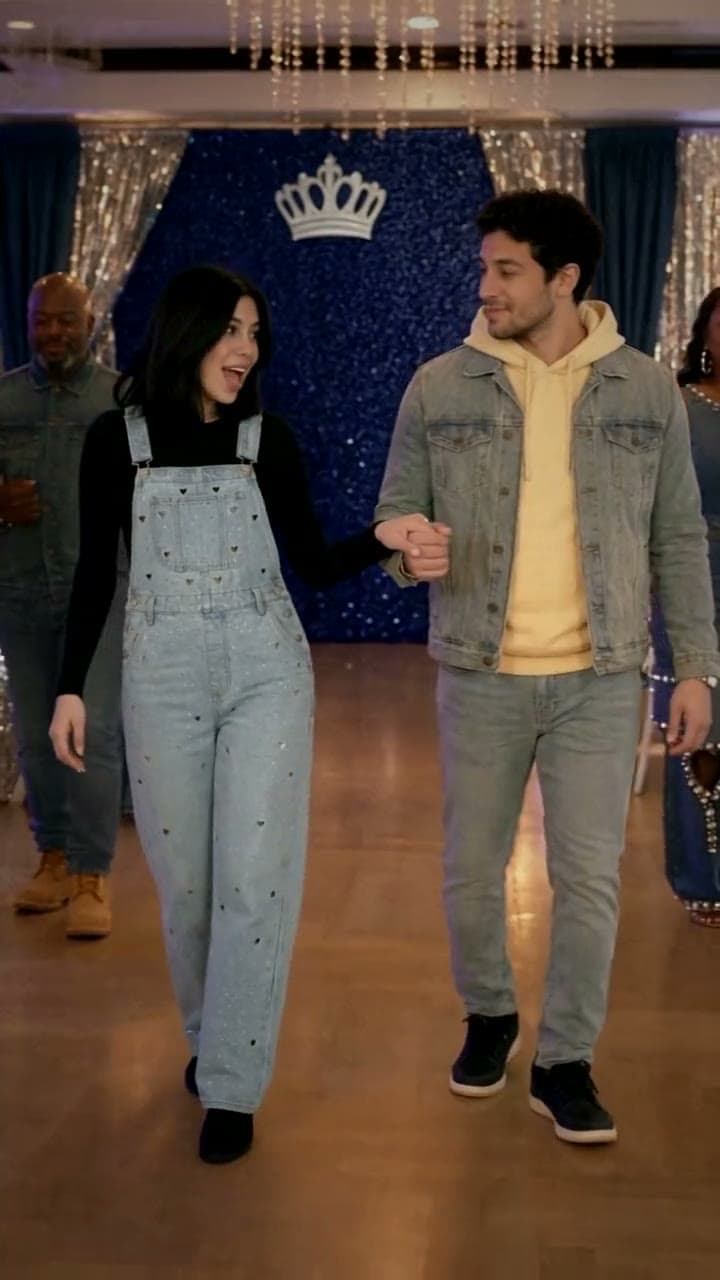
Hey Boo Come Slide With Me
You and your boo, sliding across the ballroom
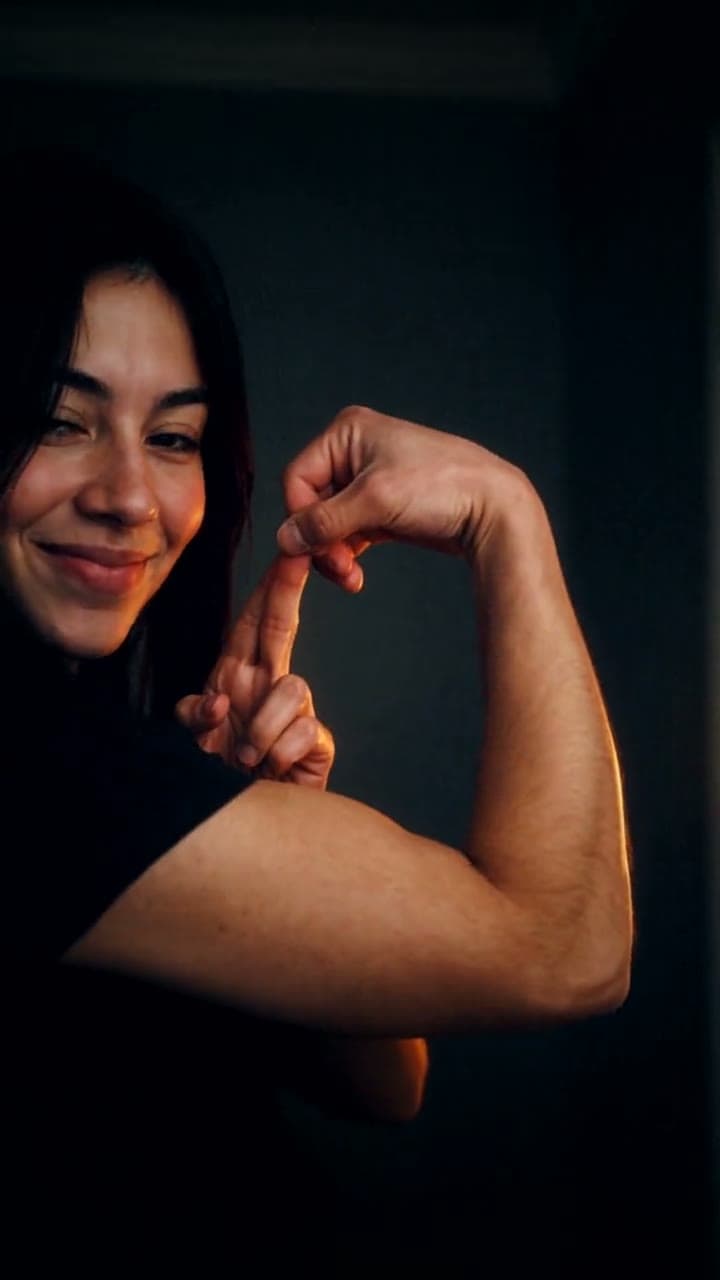
Bicep Heart
A bicep heart. No gym required.
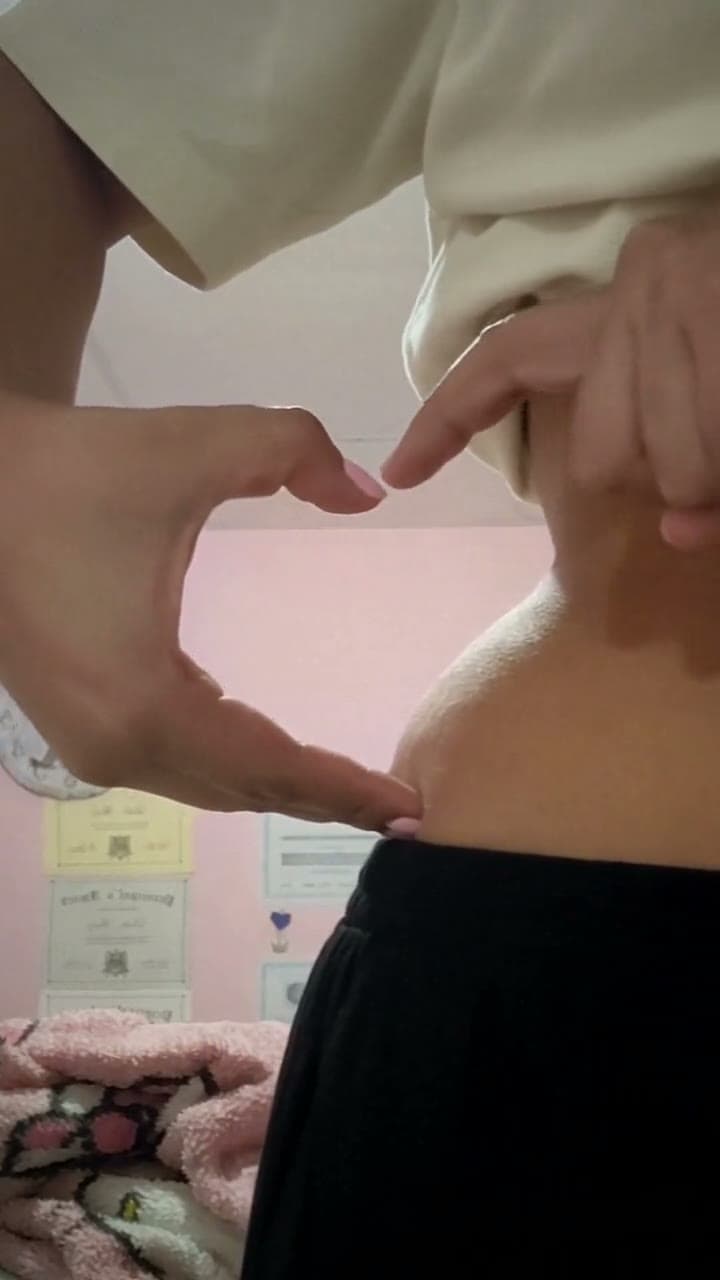
Waist Heart
Your hands, your waist, one heart.
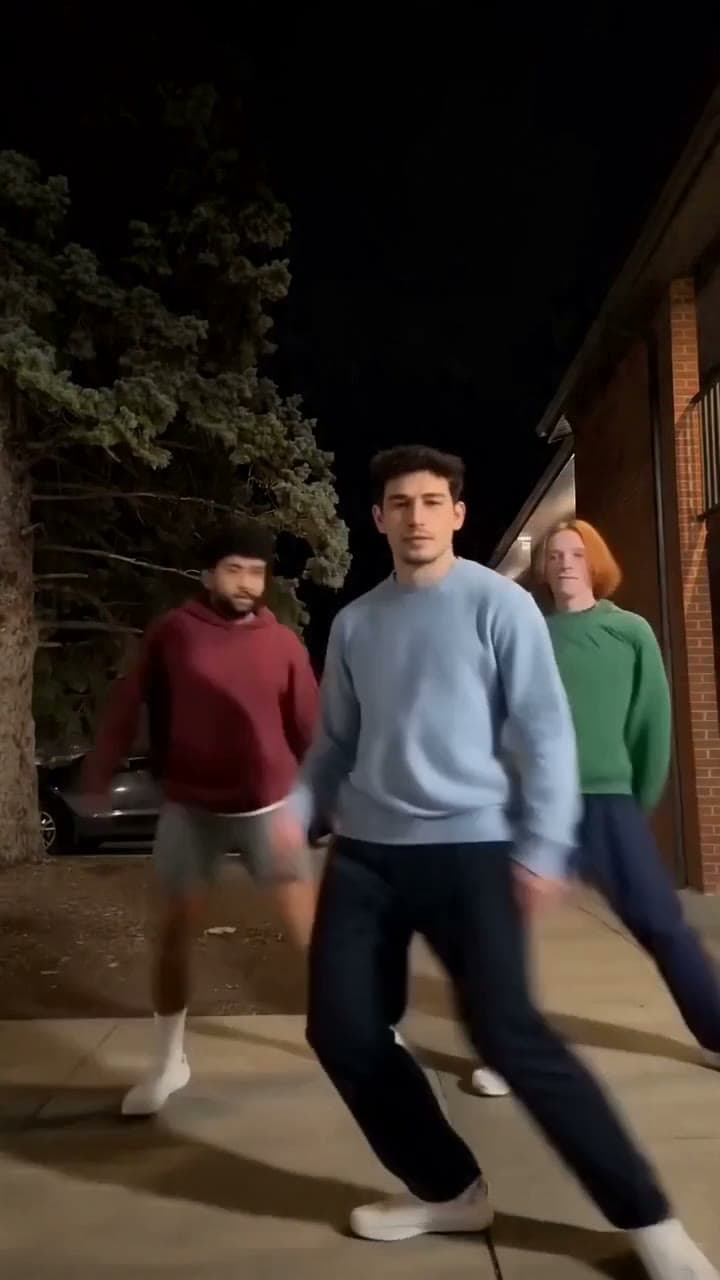
Chipmunks Dance
Lead the trio dance, step for step
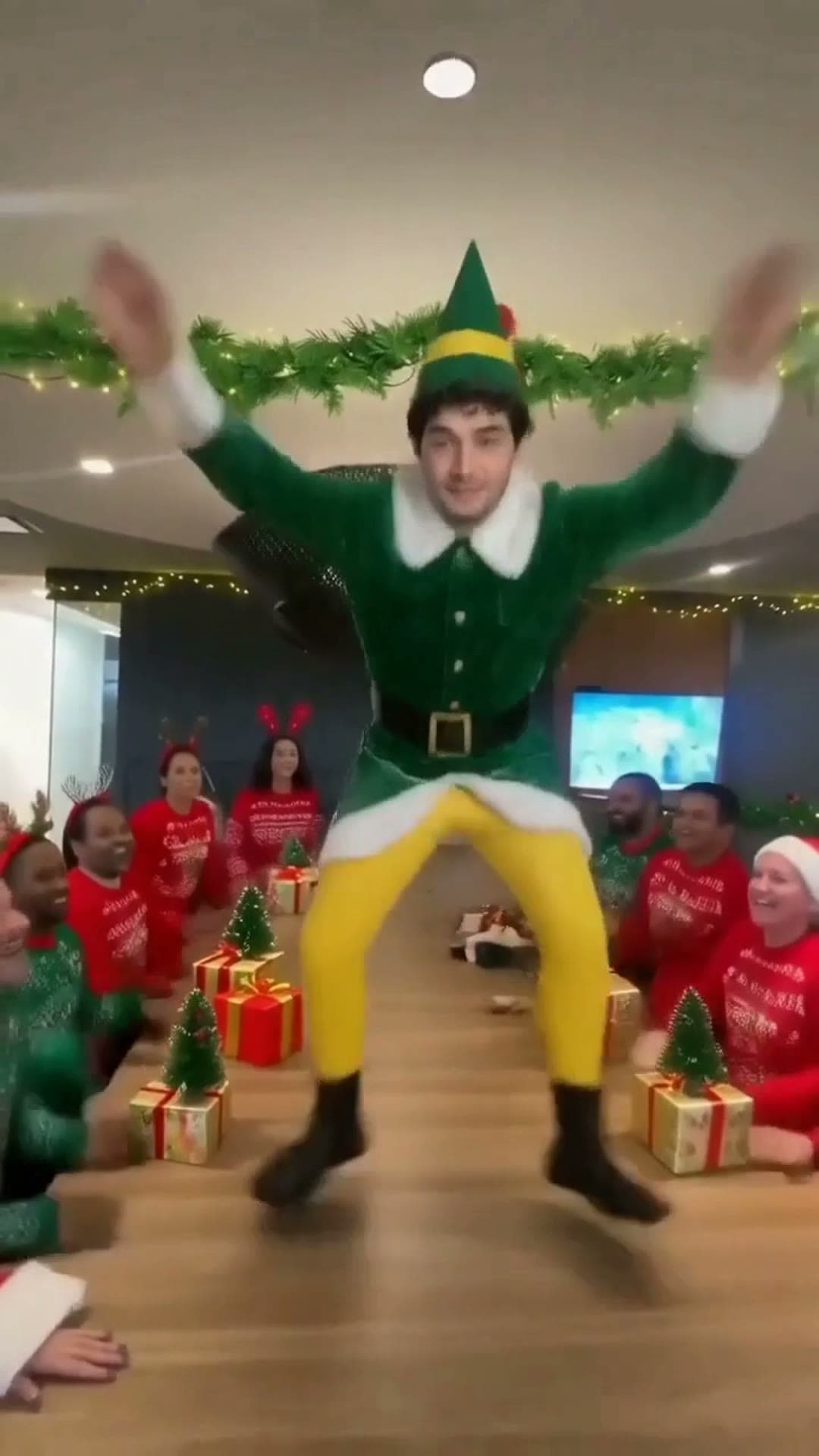
Elf Dance
You, the elf dancing on the office table
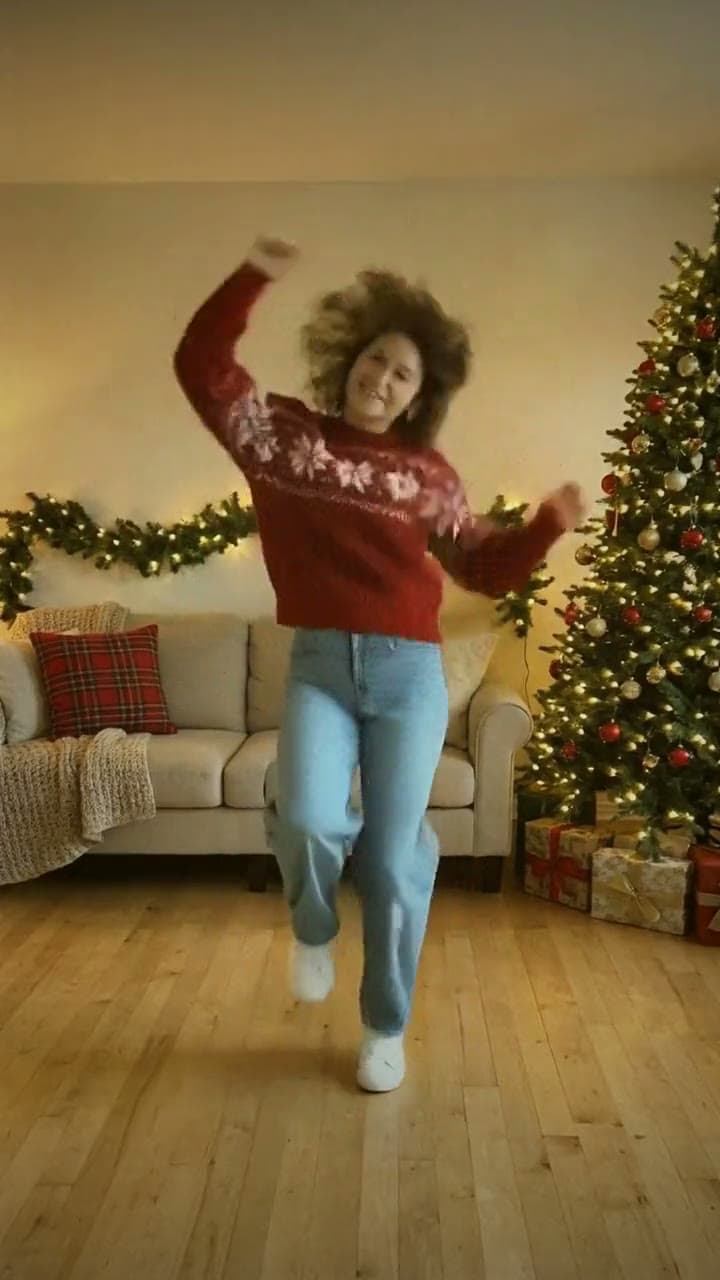
Charlie Brown Dance
You, doing the Charlie Brown dance by the tree
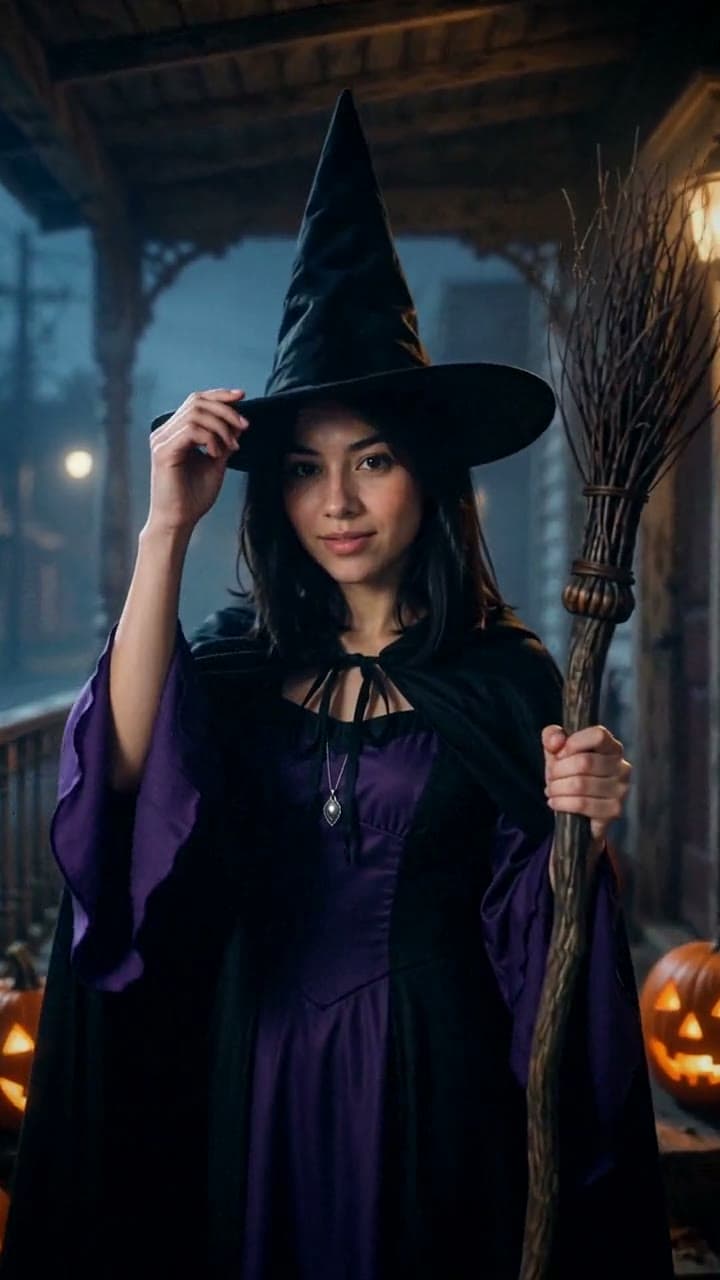
AI Halloween Costume
Try on a Halloween costume with one selfie.
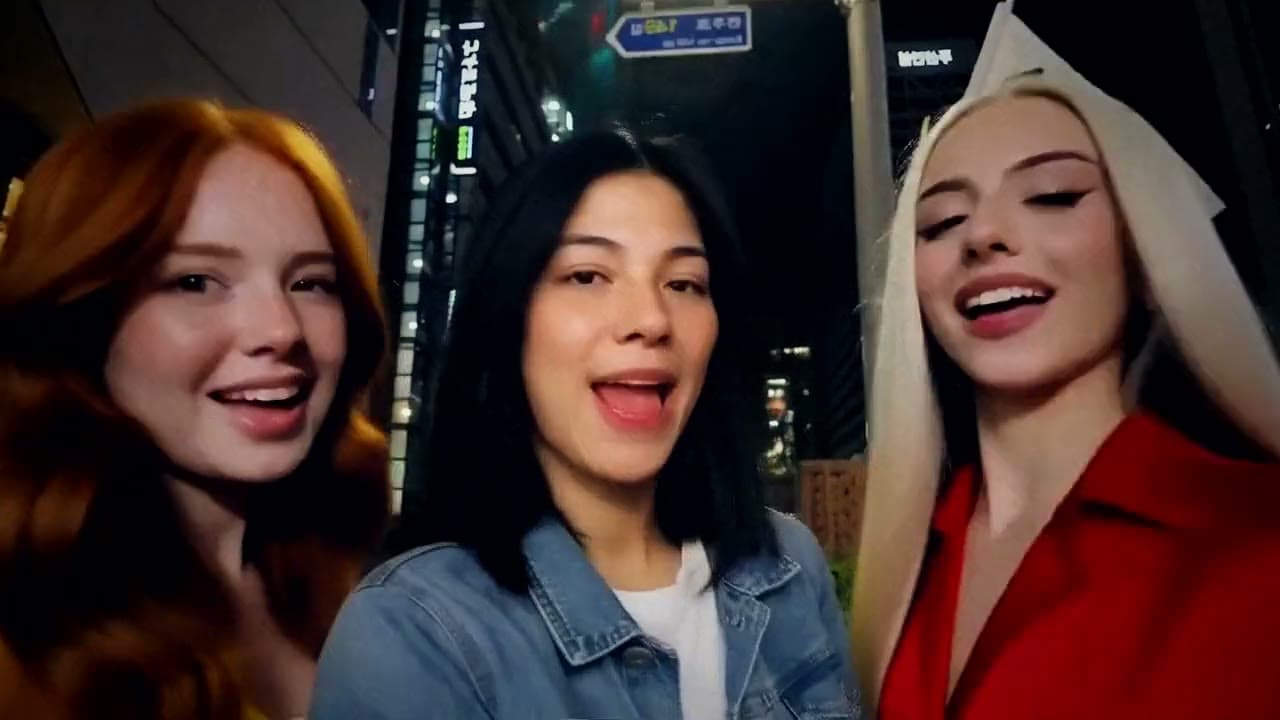
Gangnam Style
You take the middle spot in the Gangnam selfie
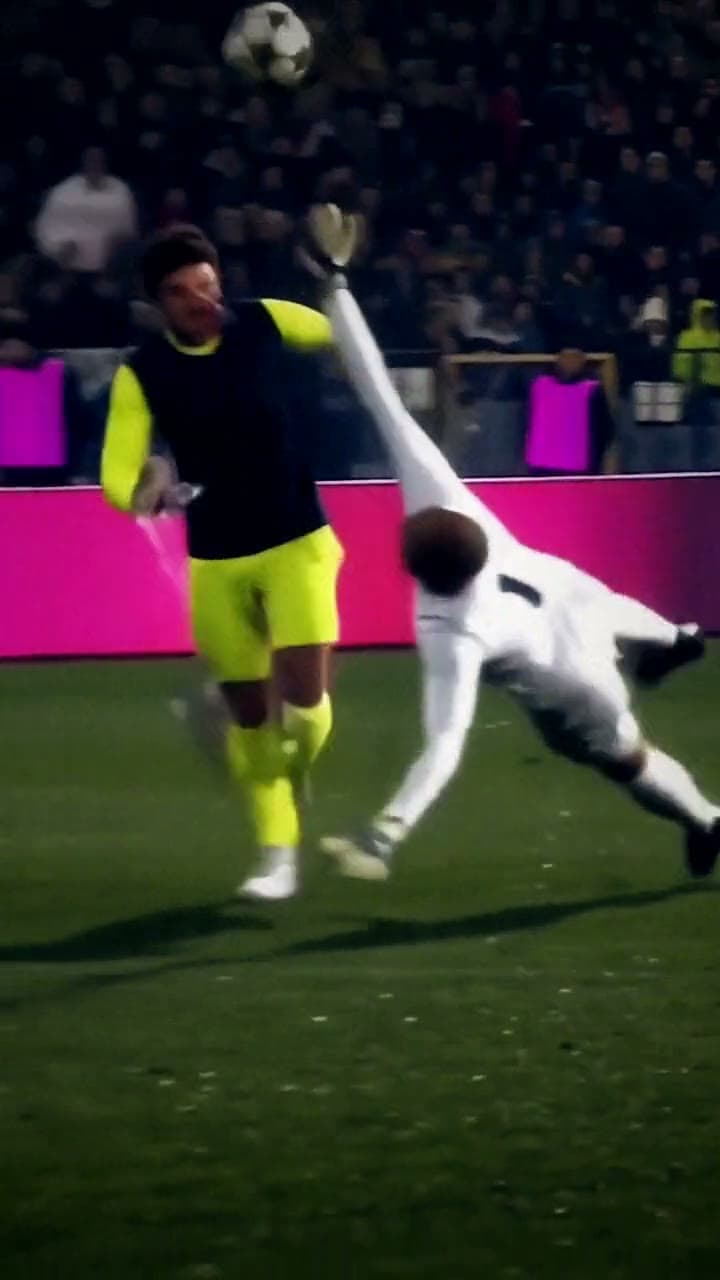
Ozil Goal
You score the famous Ozil goal
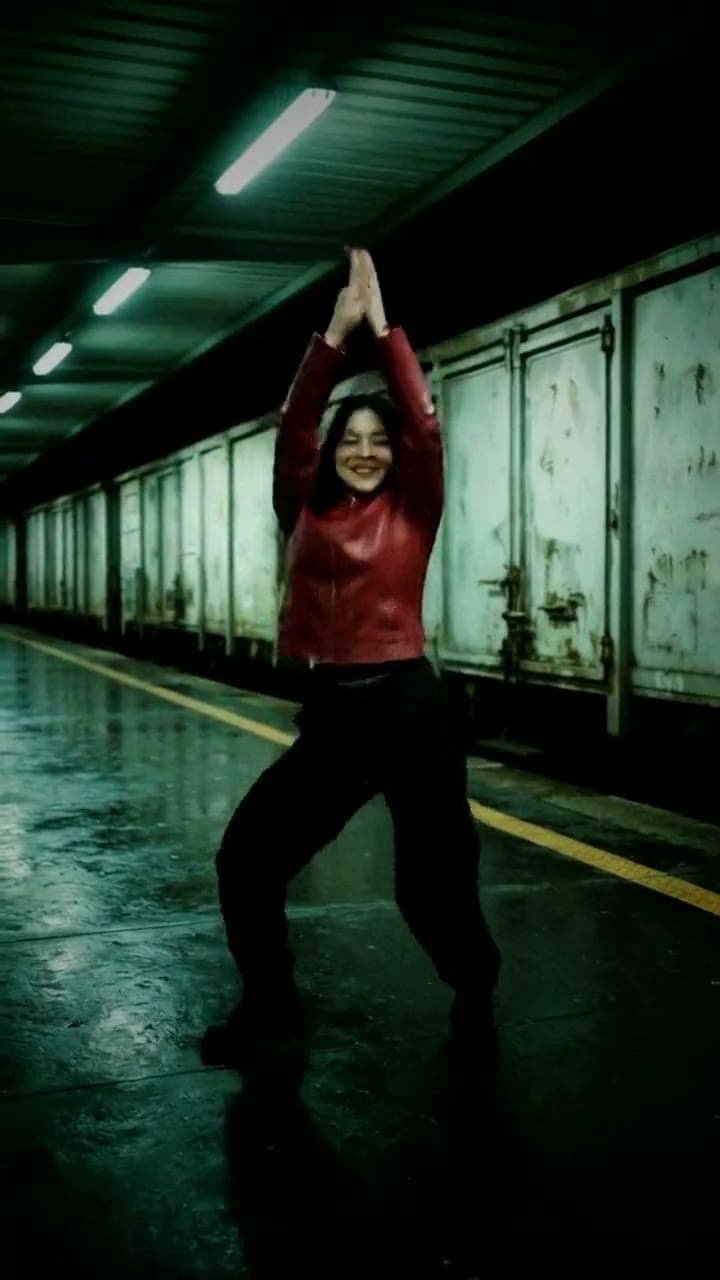
SaWaDiKa Dance
Do the SaWaDiKa dance, move for move
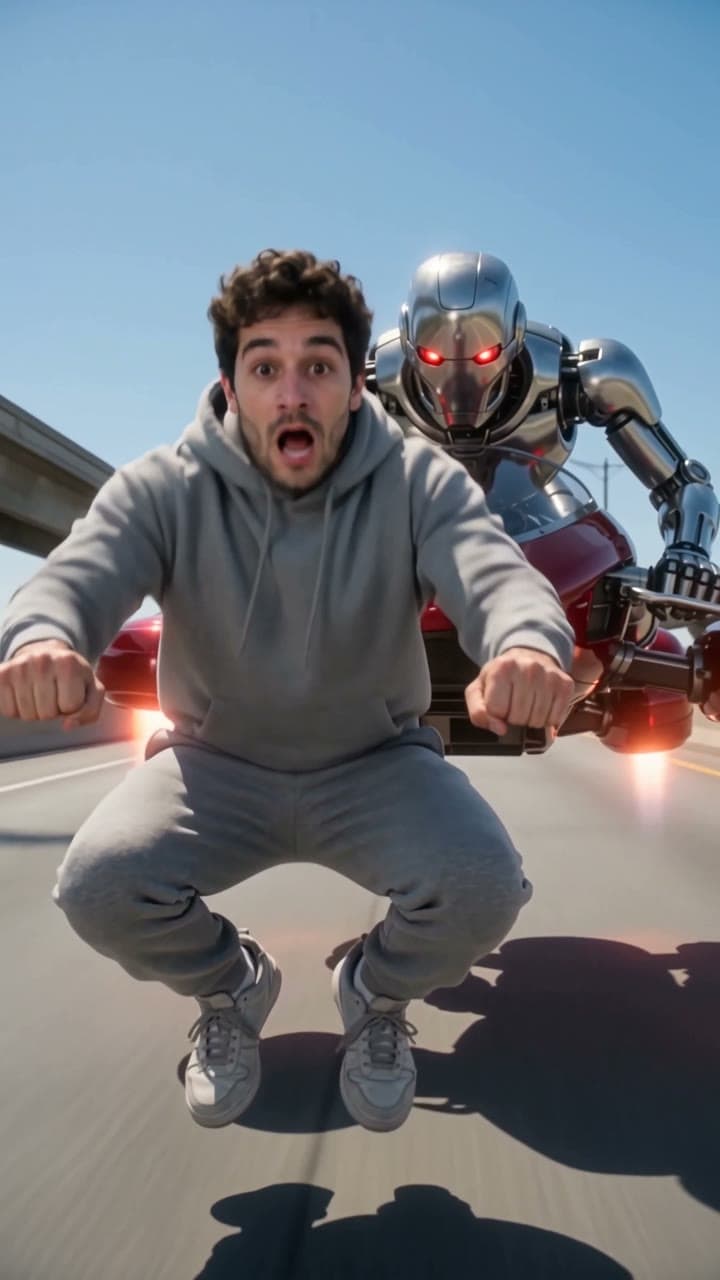
Crazy Frog
Ride the invisible bike, outrun the robot
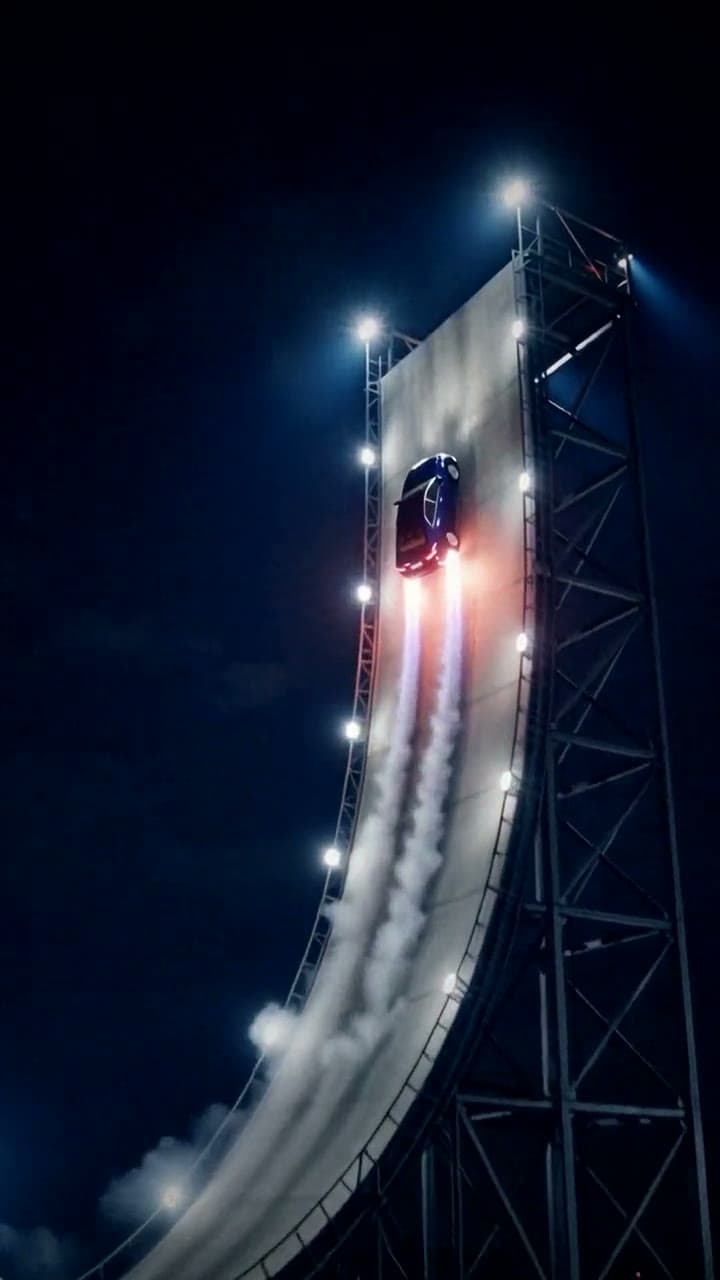
Flying Car
Send your car up the ramp and into the sky
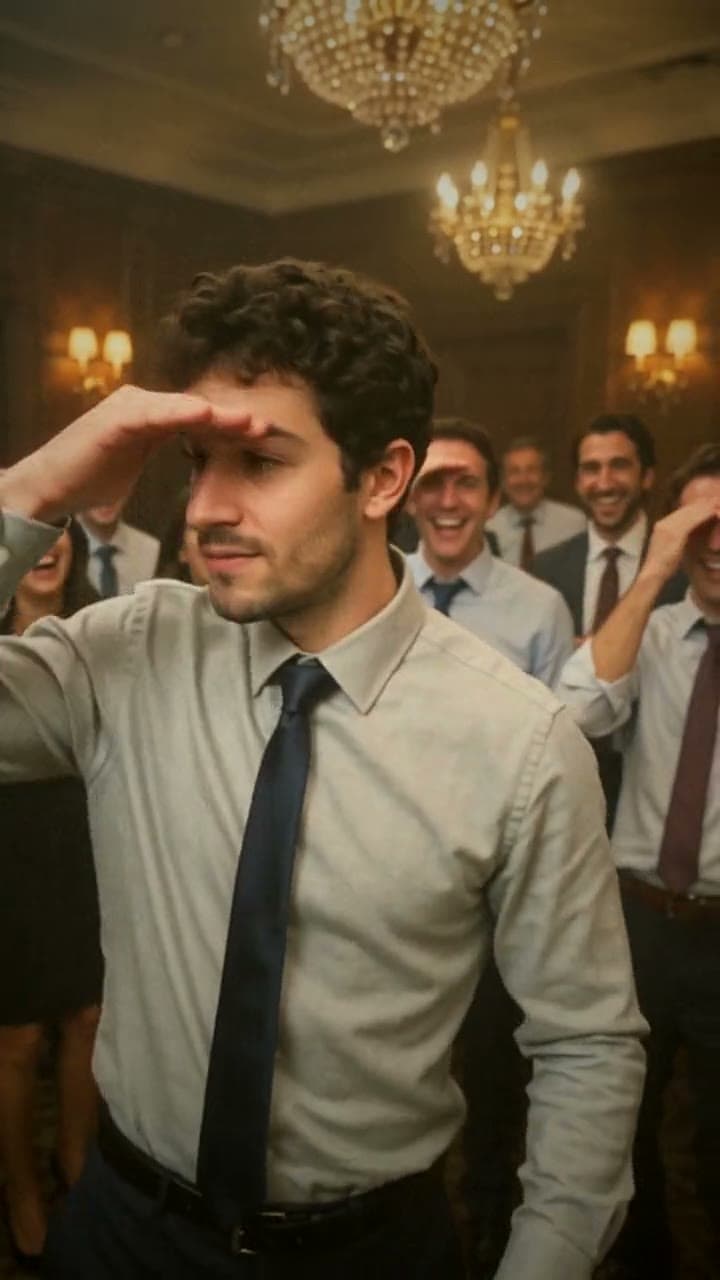
Burning Bridges
Run the room in the Burning Bridges party
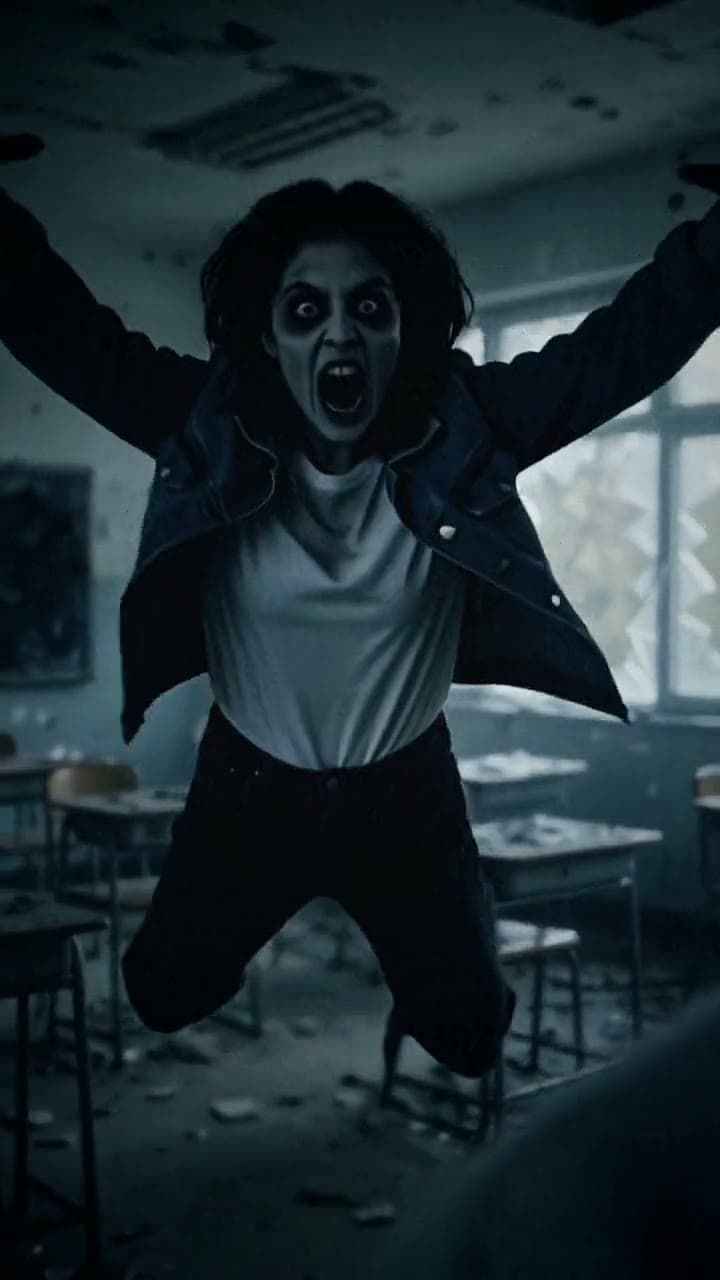
Zombie Love Story
One zombie lunge, one golden-hour hug
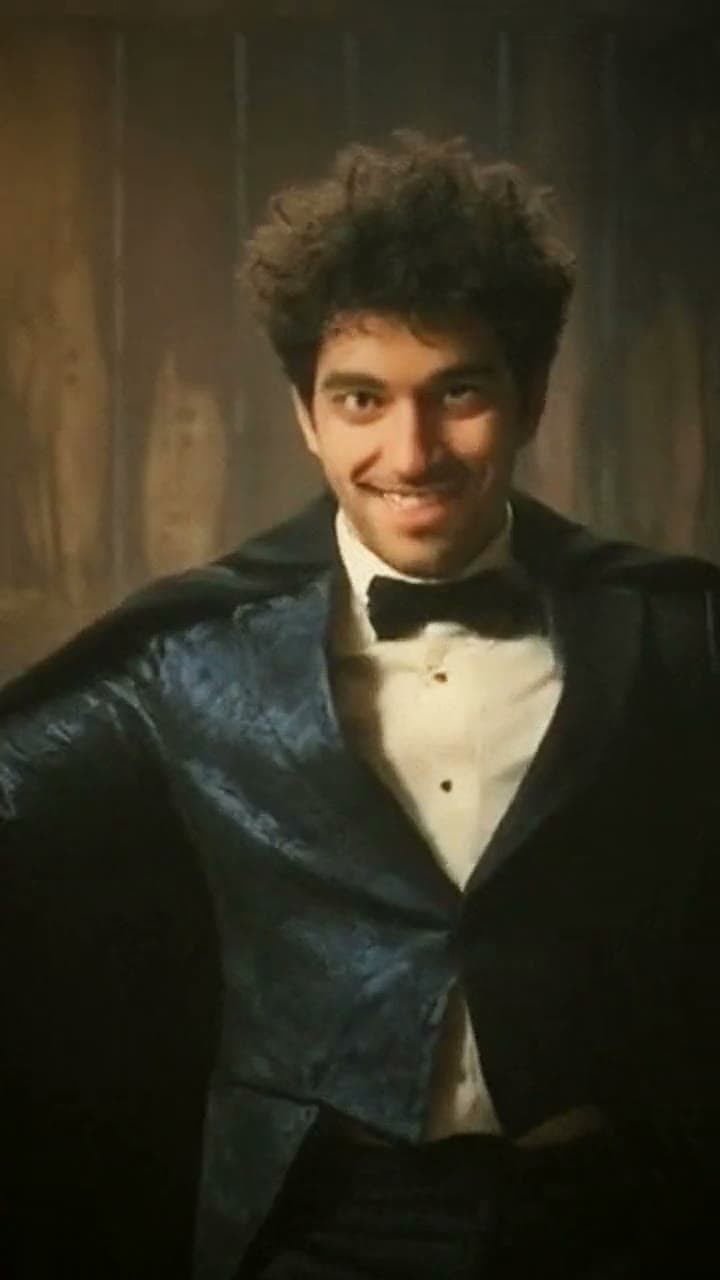
Rumpelstiltskin Tiptoe
You're the tiptoeing imp now
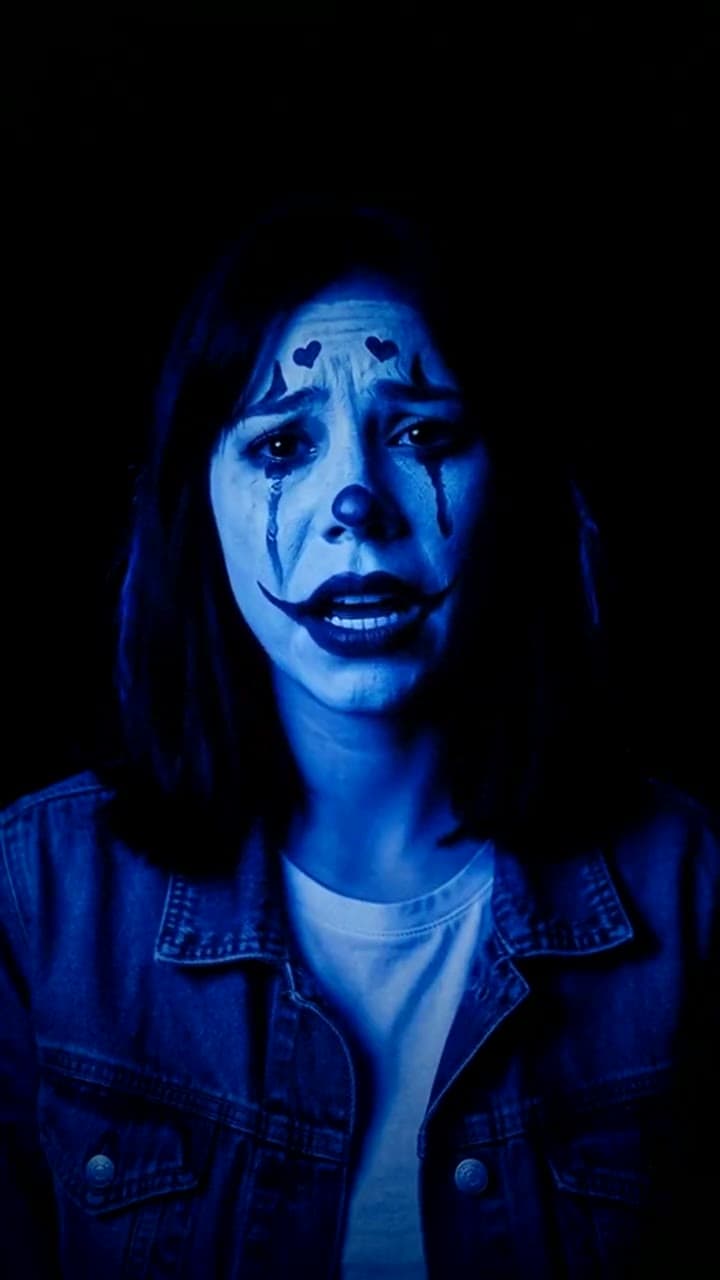
Color Changing Clown Makeup
The color changing clown, zero makeup needed
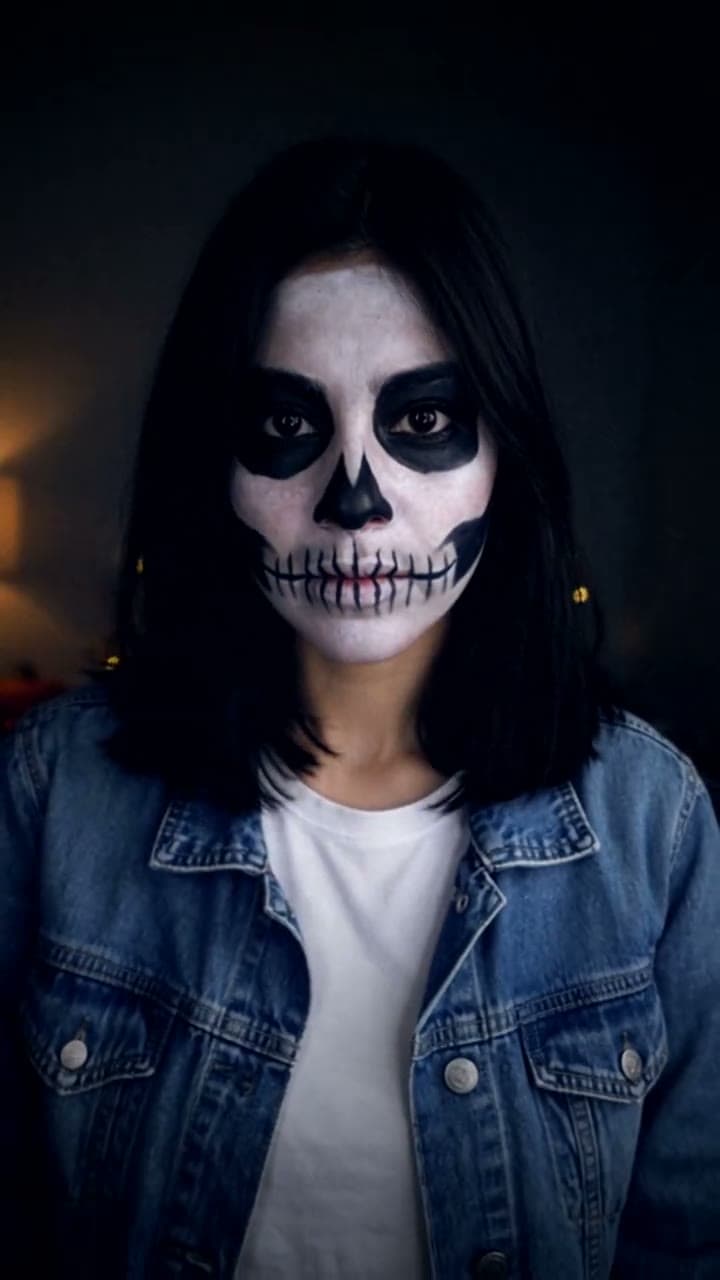
Halloween Makeup Transition
The skeleton makeup transition, zero makeup needed
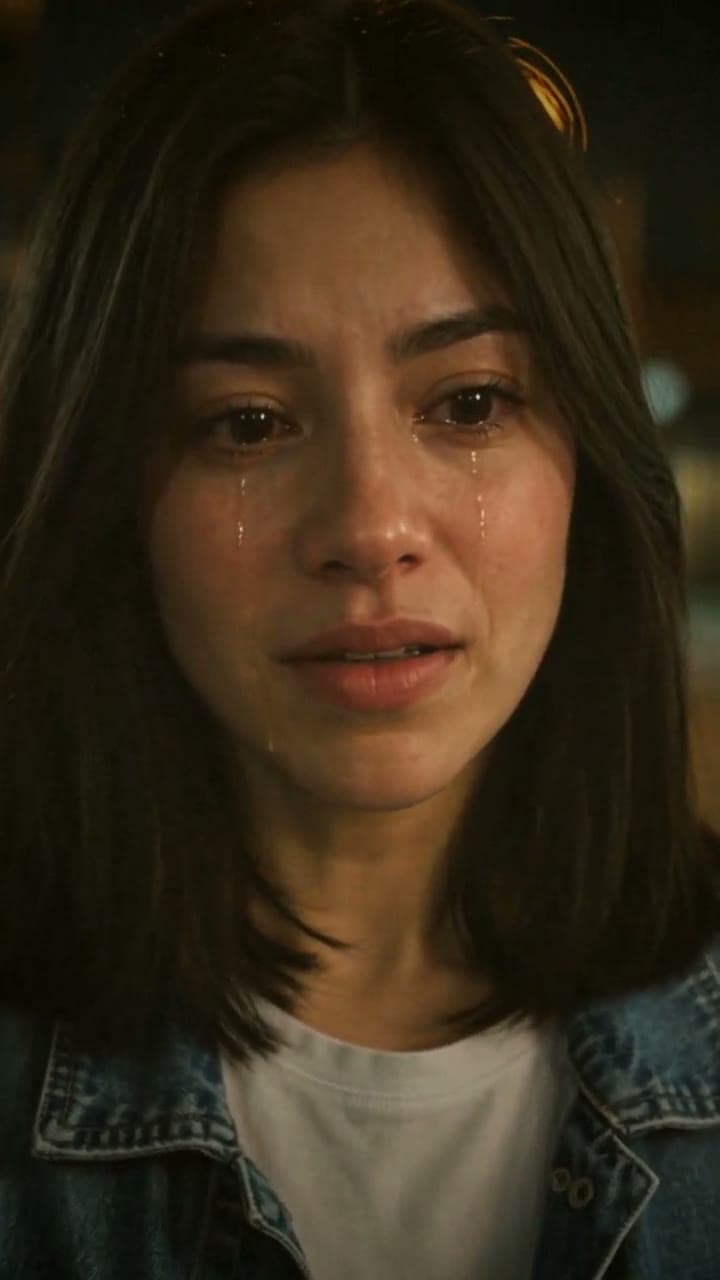
AI Crying
From smile to tears, from one photo
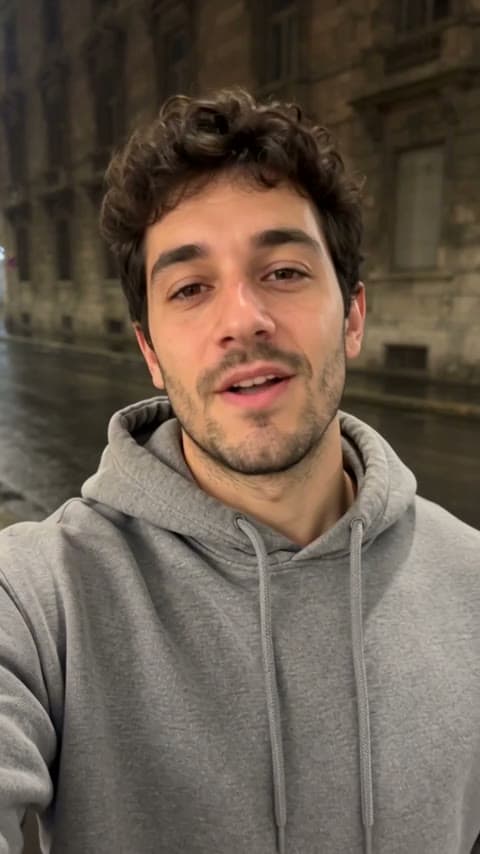
Unforgettable 24 Car
Hold up the 24, reveal your dream car
Ceiling Fan
The ceiling fan outfit change, no ladder needed
Hotel Lobby
You + a friend in the Hotel Lobby AI trend
Zombie Couple
Still your person, even as a zombie
Catch Santa on Camera
Your camera caught Santa in your living room
Tiny Desk
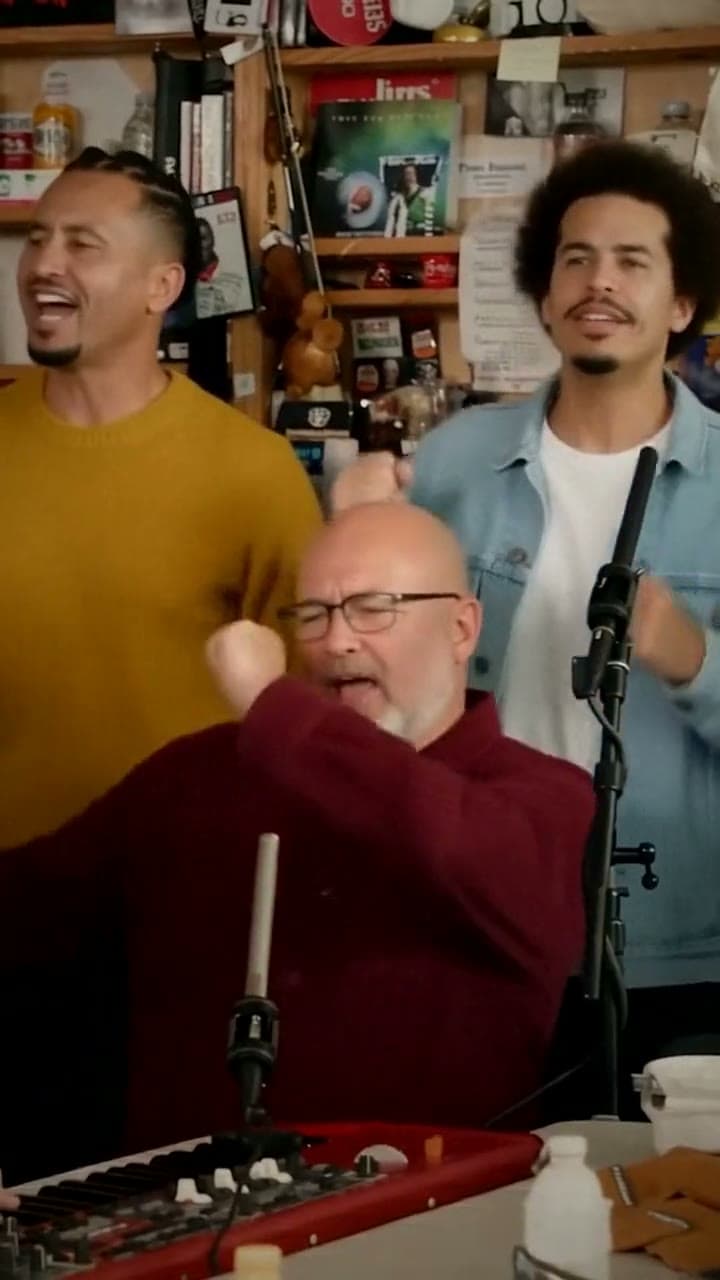
You on lead vocals in the Tiny Desk Outstanding meme