AI Crying Video Generator
From smile to tears, from one photo
Upload one photo, see a free preview with no sign-up, then get a 10-second vertical 720p video for $4.99 (your first video; $5.99 each after that). No subscription, no watermark. You start with a soft smile, your eyes slowly well up, a tear rolls down, then you look down and turn away into the city lights.
1Add your photo
1 photo · 10-second vertical video
- Face and shoulders
- Good light
- One person per photo
- Extreme close-ups
We use your photo only to check it and make your preview and video, and delete it within 72 hours. We never sell it or use it to train AI.
2Confirm
3Preview, then animate
Add your photo to continue.
What is the AI Crying trend?
The AI crying trend took off on TikTok in late September 2026: a still photo comes to life as the person smiles, tears up and turns away, usually posted with a sad song. People also call it the AI crying filter or the crying trend.
What you get
You get a 10-second vertical video in 720p, an HD poster photo and a ready-to-post caption. It's silent, so you add the trending sound when you post. No app, no subscription, no watermark, and a free preview before you pay.
No crying on cue, no night city shoot, no editing.
How to make the AI Crying video
- 1
Upload one clear, front-facing photo of you.
- 2
Confirm you are 18+ and the photo is of you (or someone who agreed).
- 3
Check your free preview. If you like it, get the full video.
- 4
Download in a few minutes and add the trending sound on TikTok.
AI Crying generator vs. filming it yourself
Film it yourself
To film it for real you need: crying on cue, night city shoot and editing, plus a few takes.
A general AI video app
Apps like Kling or Runway can animate a photo, but you write the prompt yourself and retry until the faces and timing look right. Most sell credits or a monthly plan.
Try a Trend
Upload one photo. The AI Crying scene is already set up, you see a free preview first, and you pay per video with no subscription.
Buying for someone? Send this trend as a gift
AI Crying video FAQ
What app is used for the AI Crying trend?
You don't need an app. Try a Trend makes the AI Crying video in your browser from one photo, with no prompt to write. General AI video apps can do it too, but you write and tune the prompt yourself.
How do I make the AI Crying video from one photo?
Upload one photo, confirm everyone pictured is 18+ and agreed, and check the free preview. If you like it, get the full video: it's ready in a few minutes. Add the trending sound when you post.
Is there a free AI Crying generator?
The preview is free: you see a still of yourself in the trend before paying, up to 5 a day. The full video is paid per video, with no subscription.
How much does the AI Crying video cost?
Your first video is $4.99. Every video after that is $5.99, and you can buy up to 5 at once, each extra $5.99. Each video comes with an HD poster photo, a ready-to-post caption and one free redo. No subscription.
How long does it take?
Usually 3 to 6 minutes. Keep the page open and your video appears when it's ready. If a video fails, your credit goes back automatically.
Is this the official AI crying filter?
No. Try a Trend is an independent AI tool that recreates the look of the trend with your own photo. We're not affiliated with TikTok, any editing app or the creators of the original videos.
Can I make a video of someone else crying?
Only with a photo of yourself or of an adult who agreed to it. Please don't use it to embarrass or mislead anyone.
What photo works best?
A clear, well-lit close-up of one face looking at the camera. Avoid sunglasses, heavy filters and group shots.
Does the video include the song?
No. Videos are silent so you can add the trending sound directly inside TikTok or Instagram, where it is licensed.
What happens to my photo?
It is used only to make your video and is deleted automatically within 72 hours.
More trends
See all
Day of the Dead Family
Their photo is on your ofrenda, so they get to cross
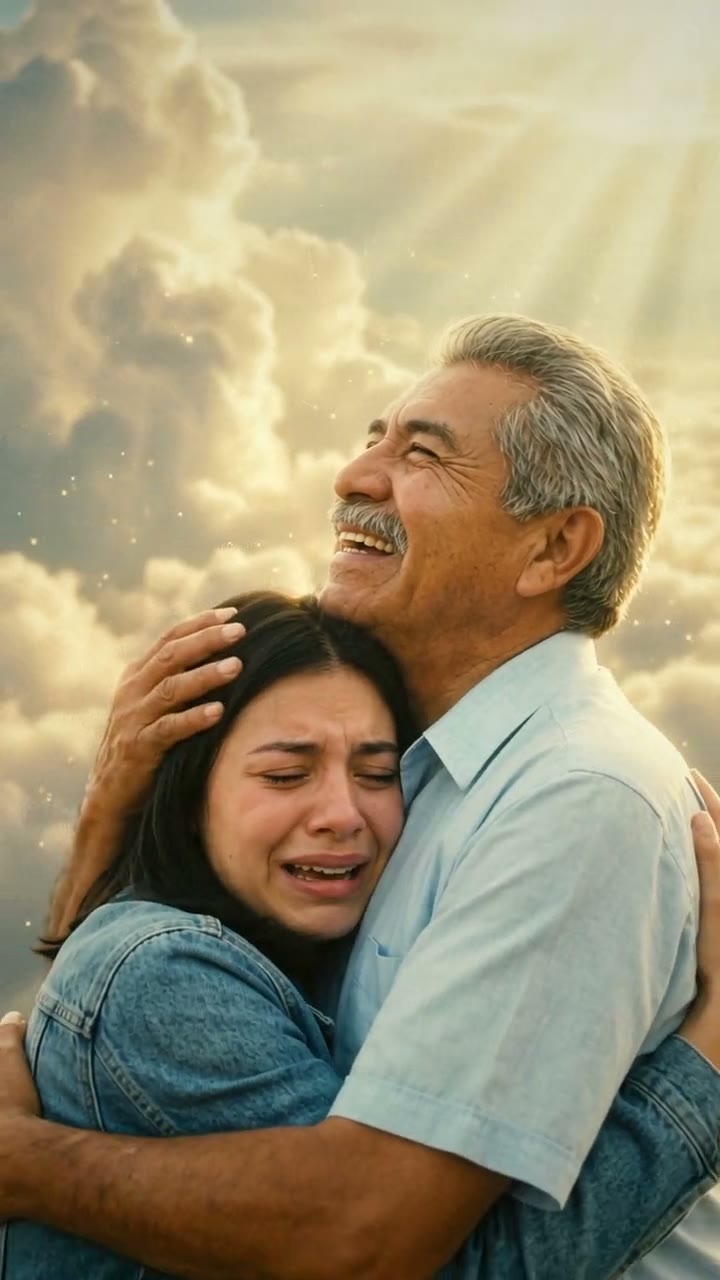
Mom & Dad in Heaven
One more hug with Mom or Dad in heaven

Happy Birthday in Heaven
Give the one you miss a birthday in heaven
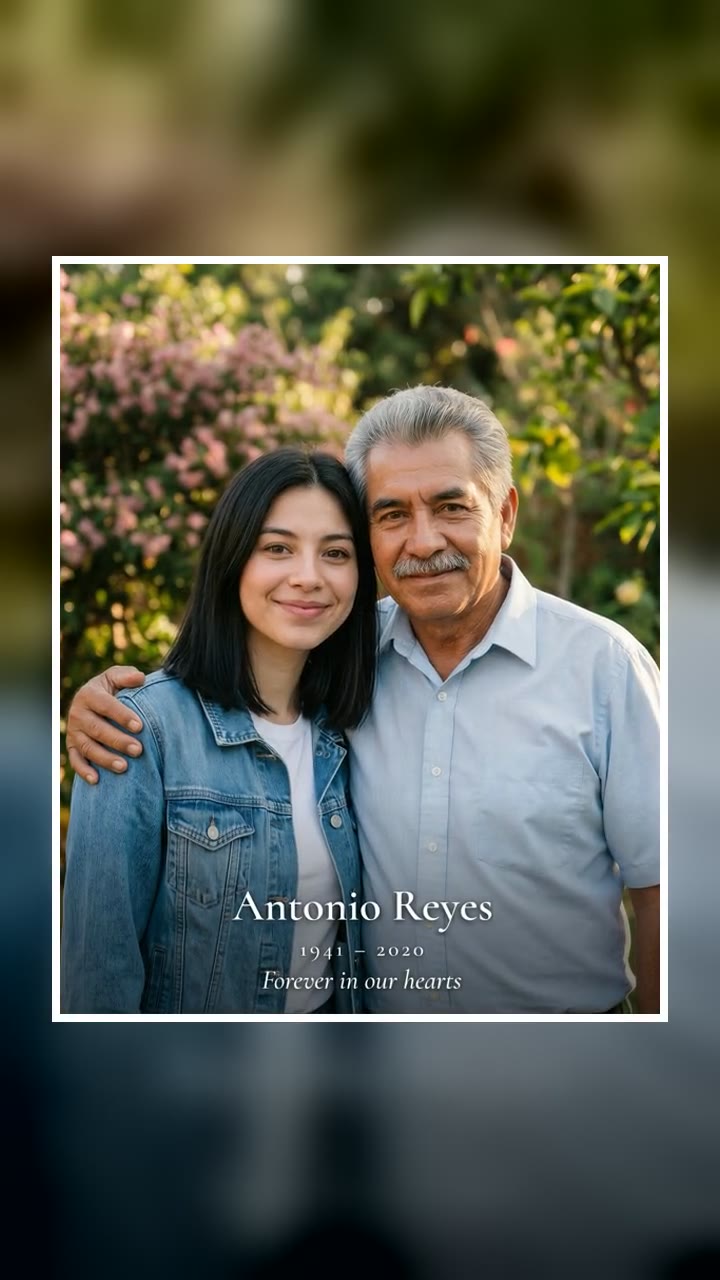
Add Loved One to Photo
One more photo together
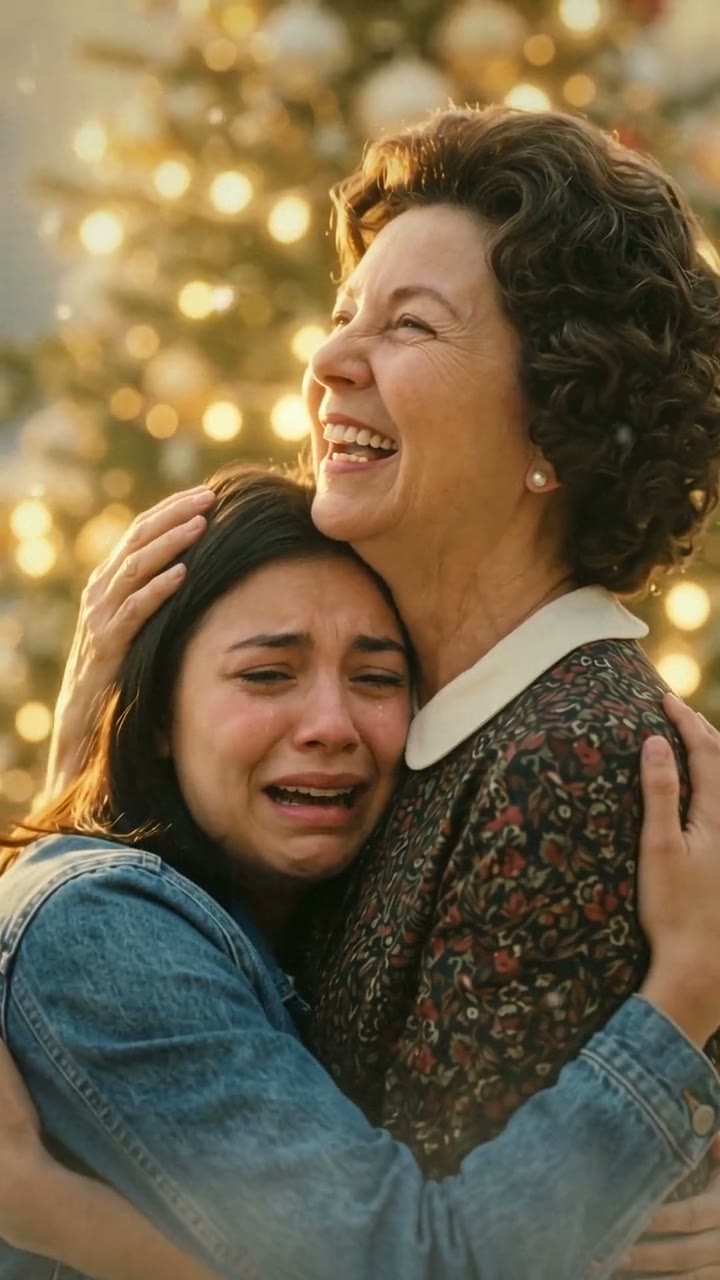
Christmas in Heaven
Spend one more Christmas with the parent you miss
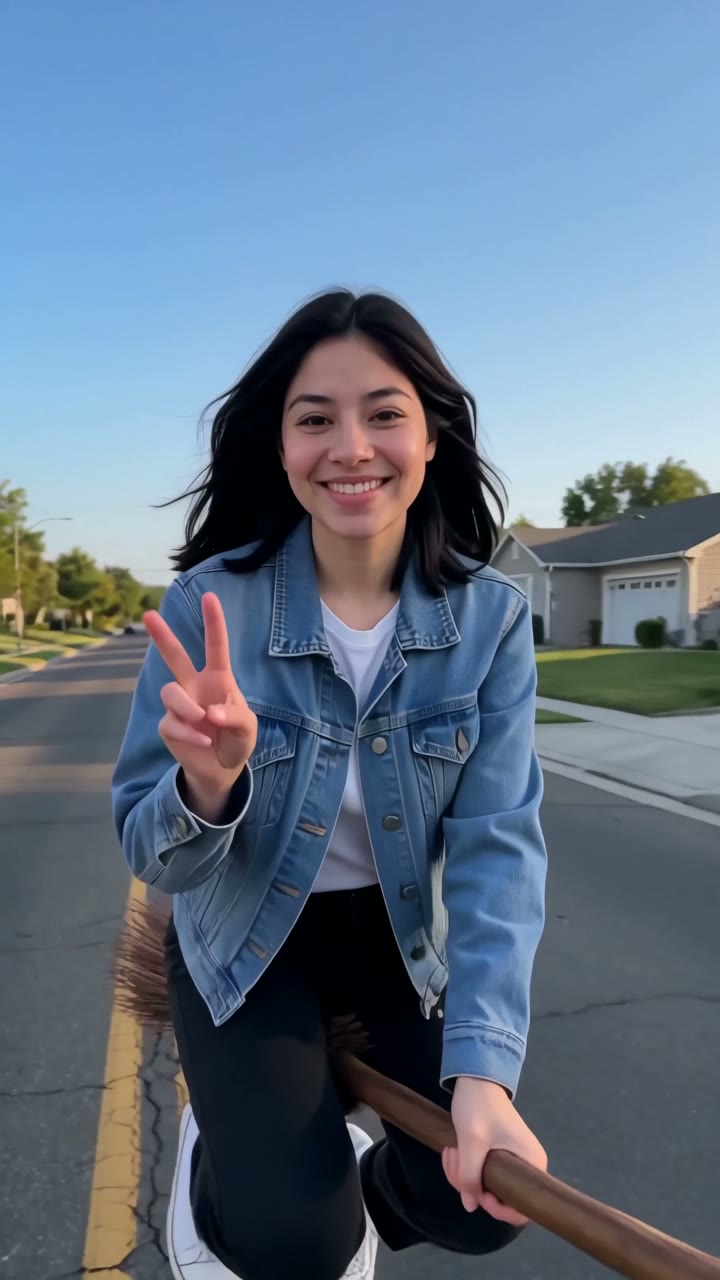
Witch Broom
Your ride is here. The sign is too.
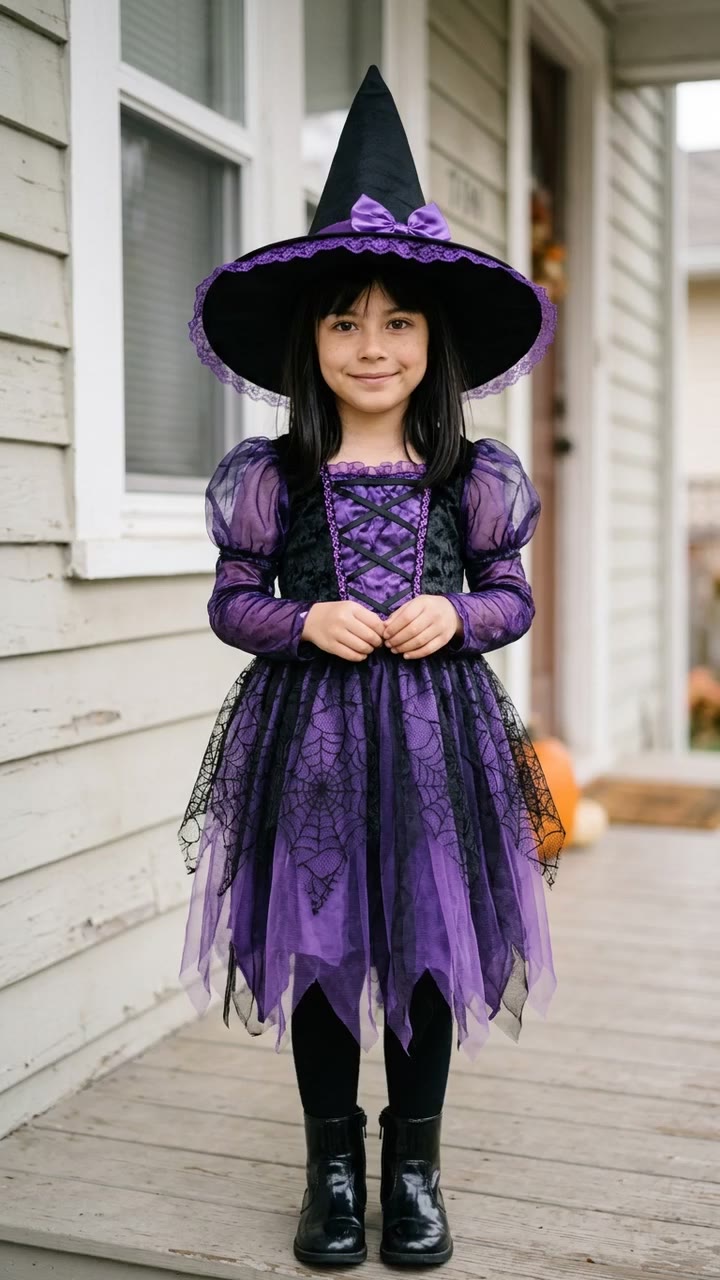
I'm So Sorry I Lied
Little you, picture-perfect. Then the truth.
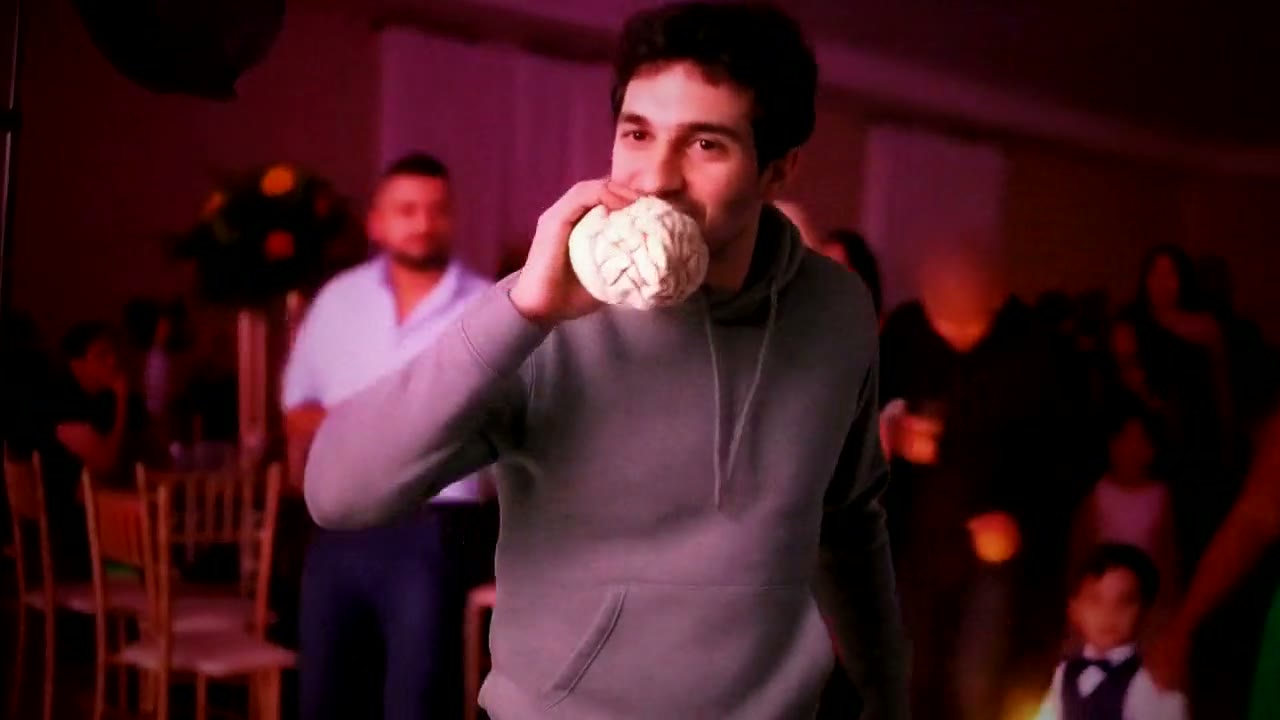
Dime Dime Baby
Dance in, bite the bread, give them the stare
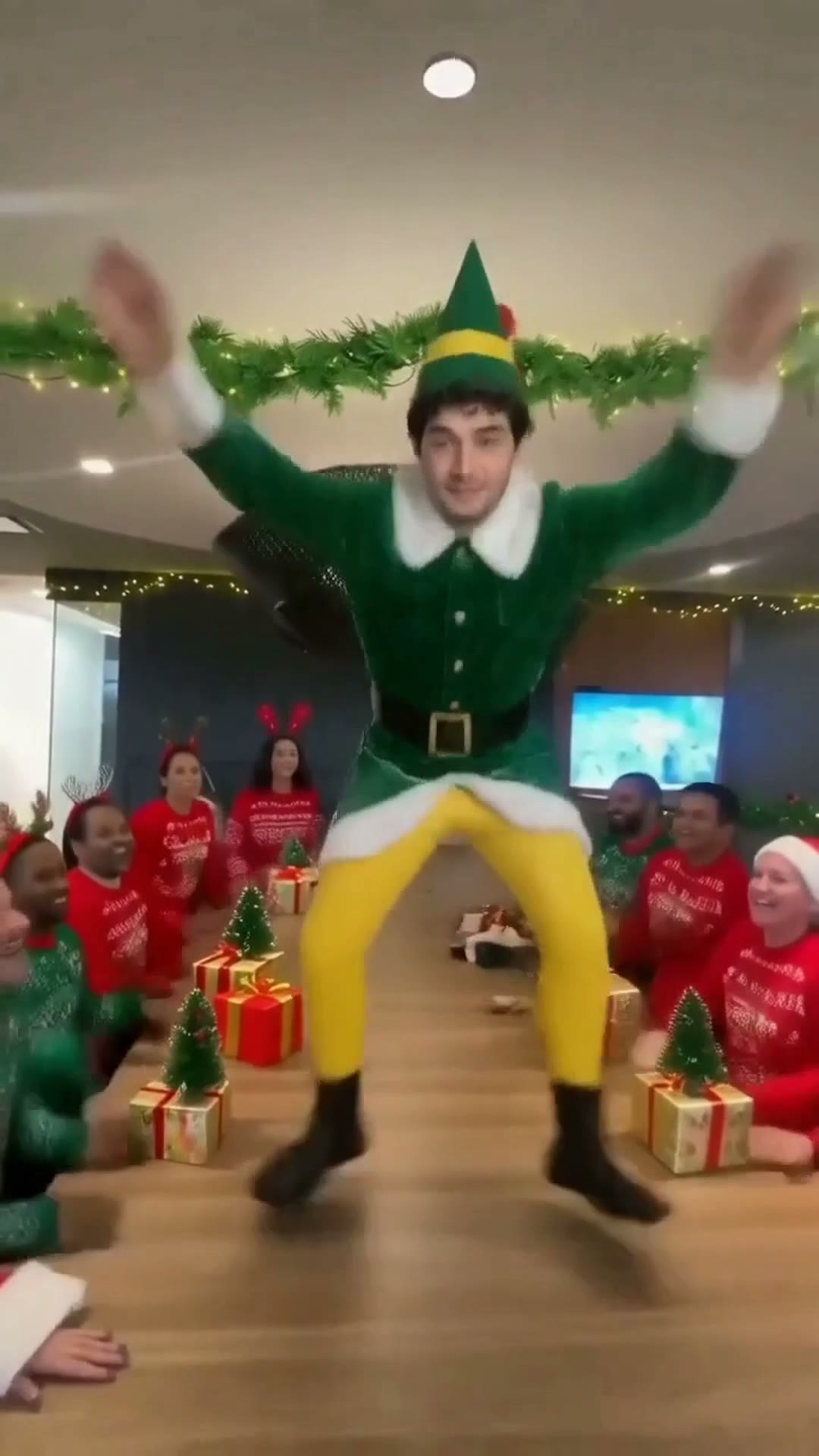
Elf Dance
You, the elf dancing on the office table
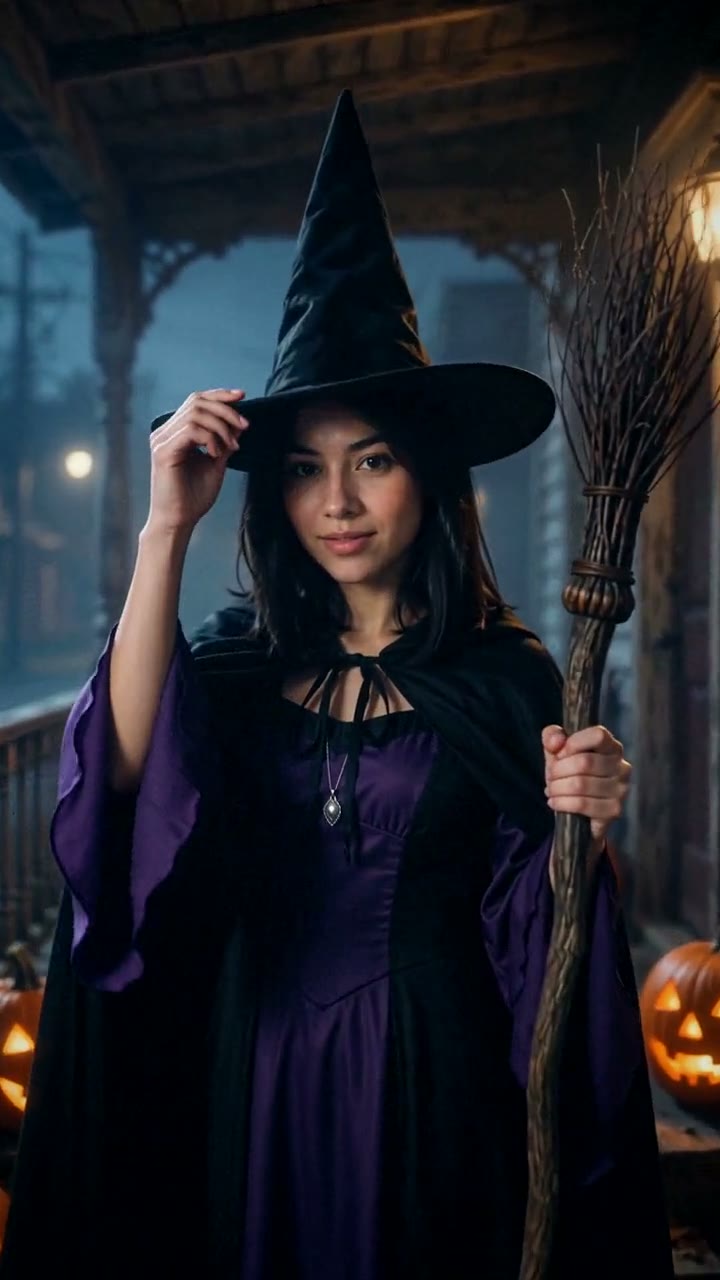
AI Halloween Costume
Try on a Halloween costume with one selfie.
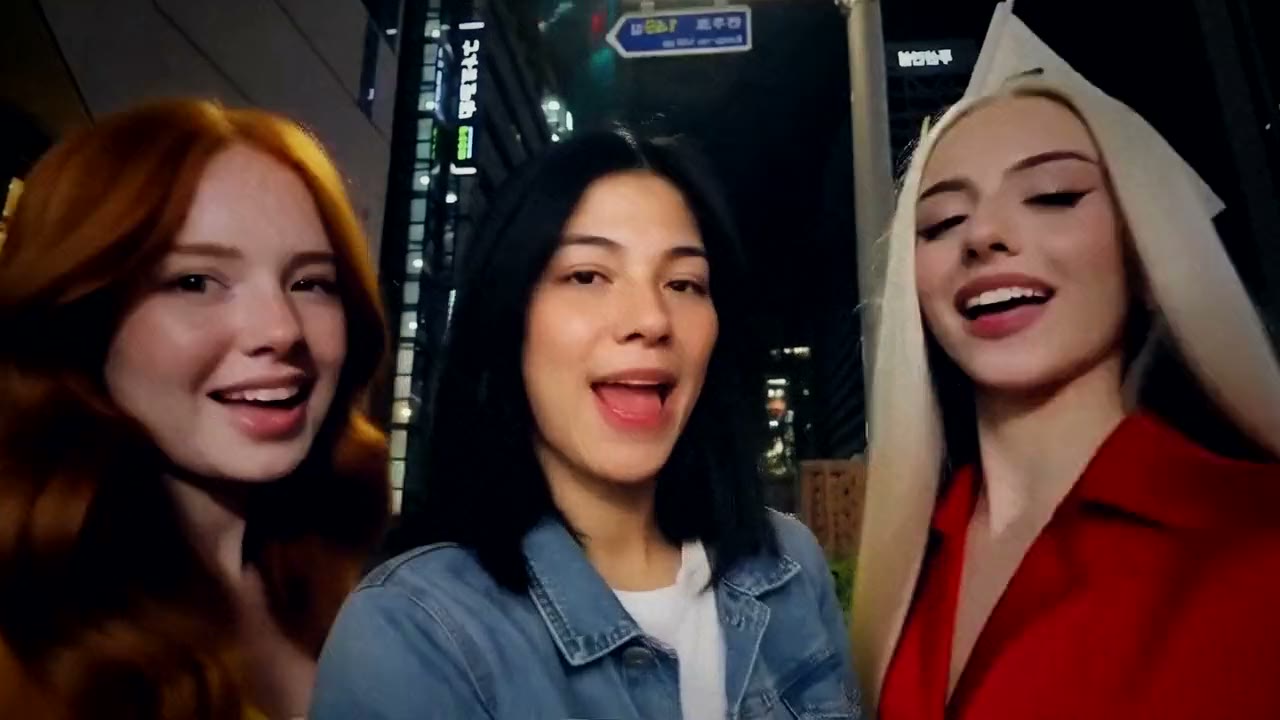
Gangnam Style
You take the middle spot in the Gangnam selfie
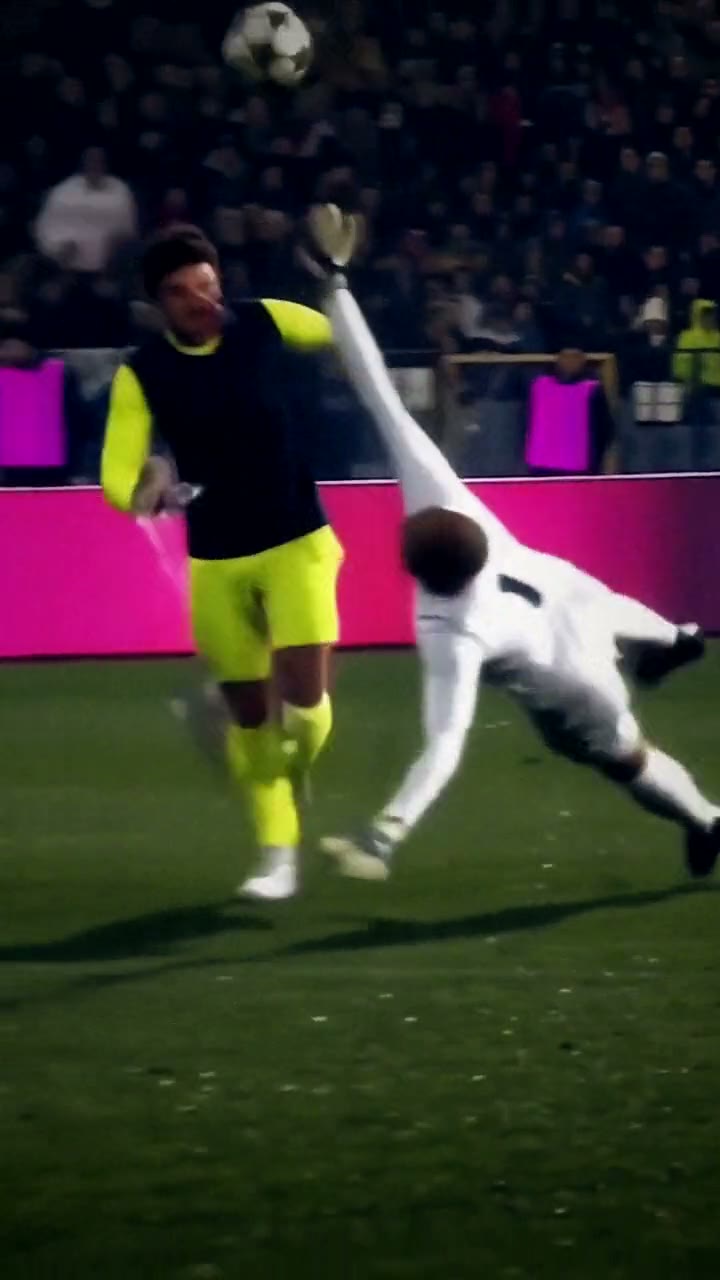
Ozil Goal
You score the famous Ozil goal
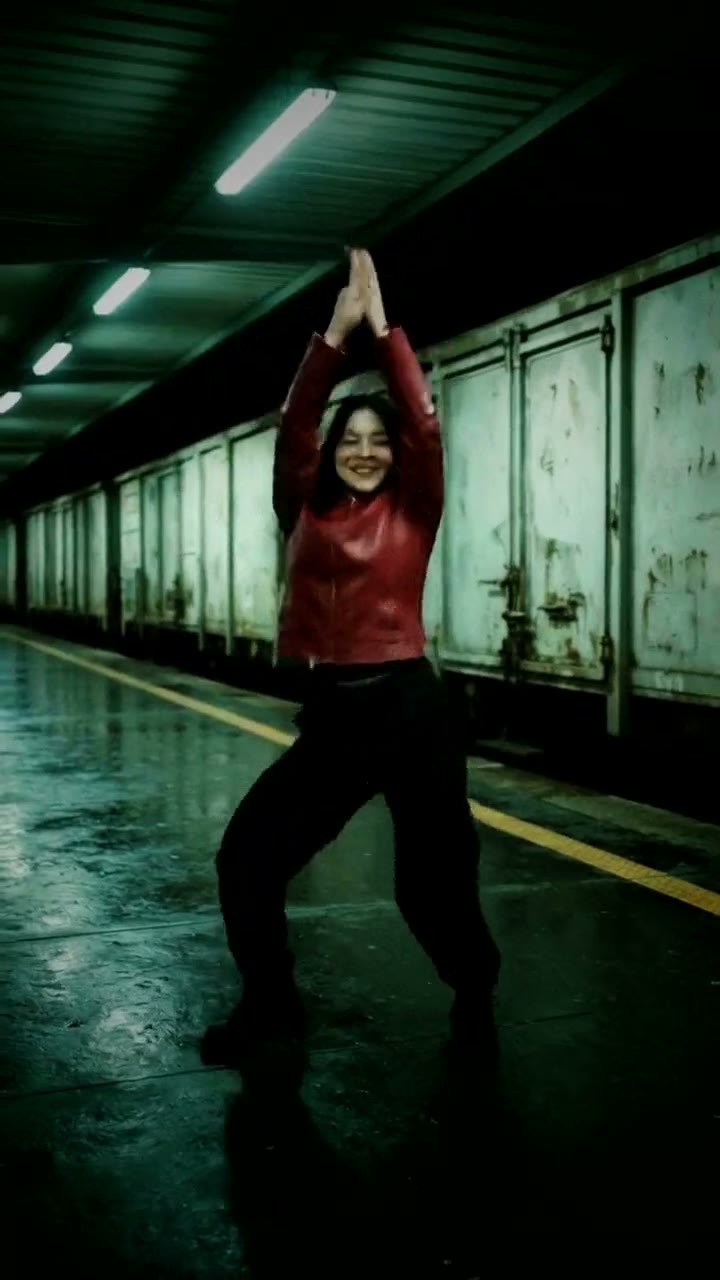
SaWaDiKa Dance
Do the SaWaDiKa dance, move for move
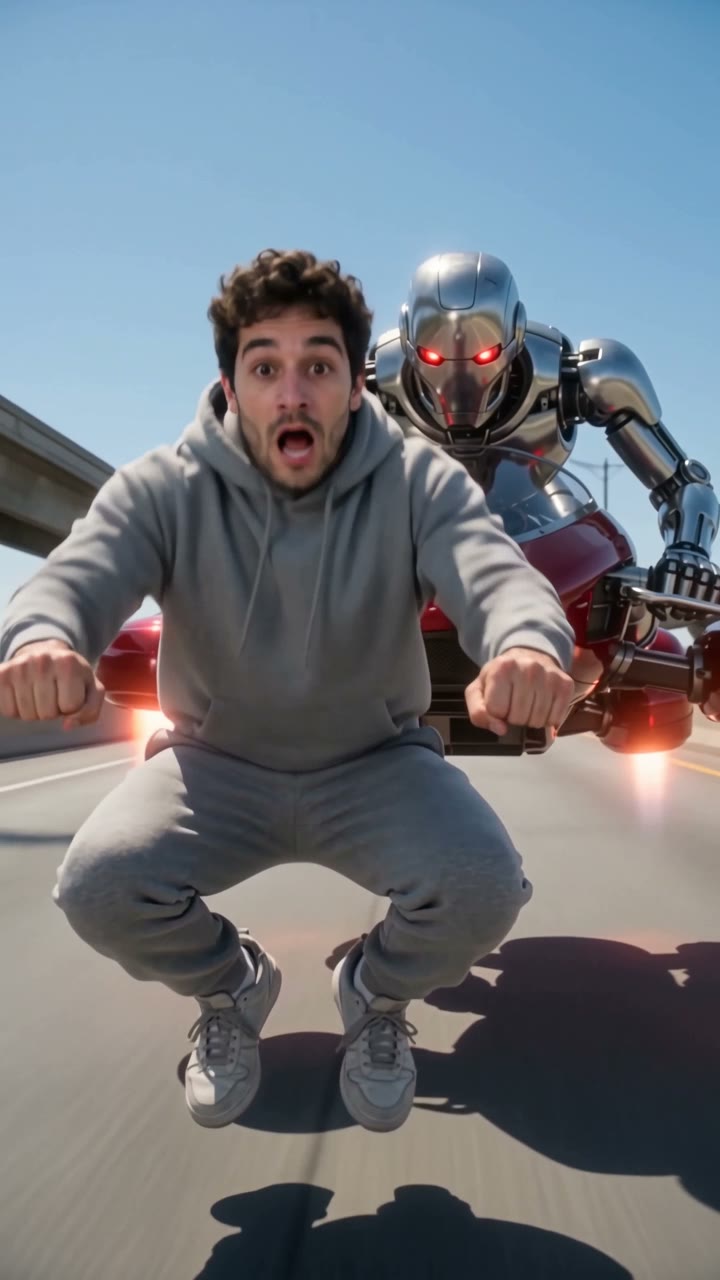
Crazy Frog
Ride the invisible bike, outrun the robot

Flying Car
Send your car up the ramp and into the sky

Burning Bridges
Run the room in the Burning Bridges party
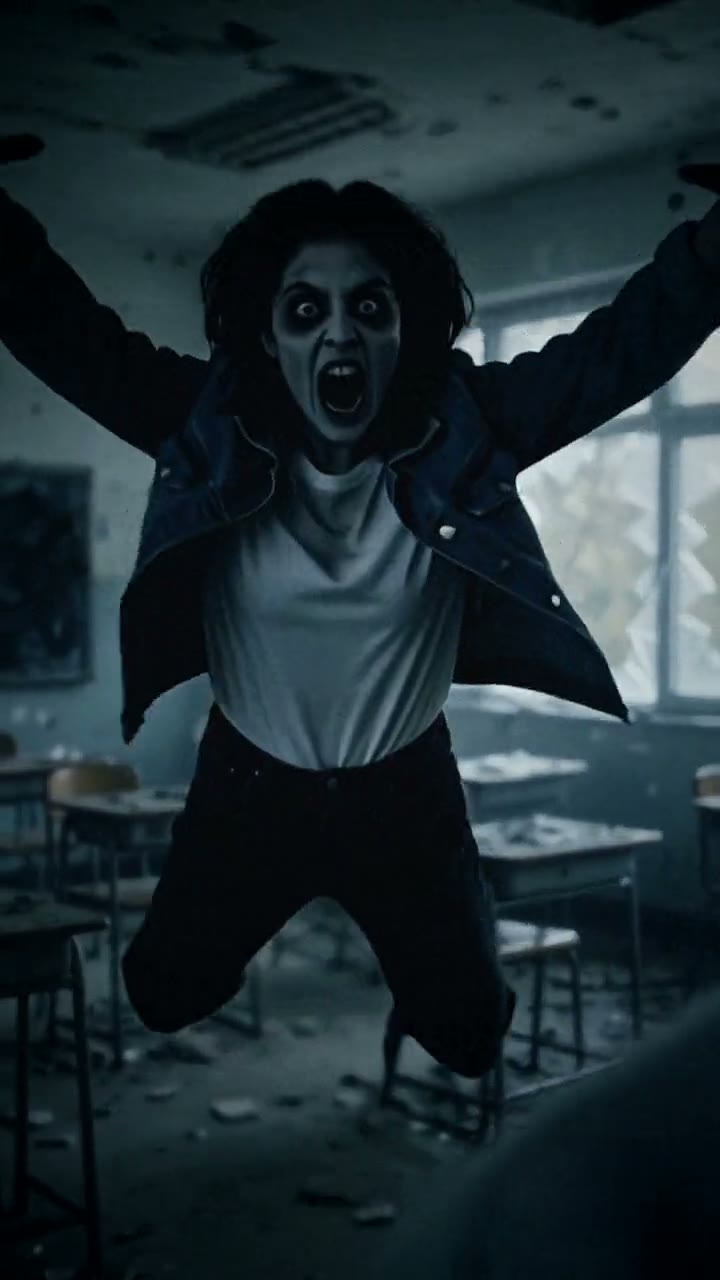
Zombie Love Story
One zombie lunge, one golden-hour hug
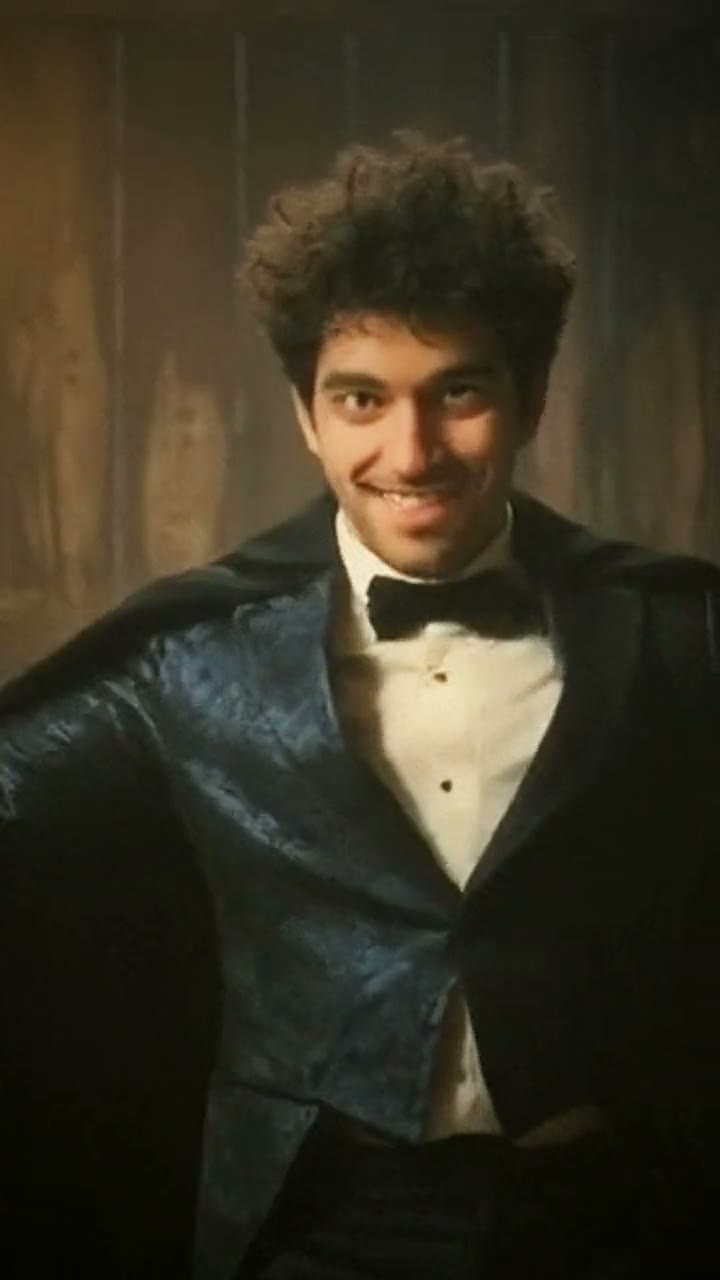
Rumpelstiltskin Tiptoe
You're the tiptoeing imp now
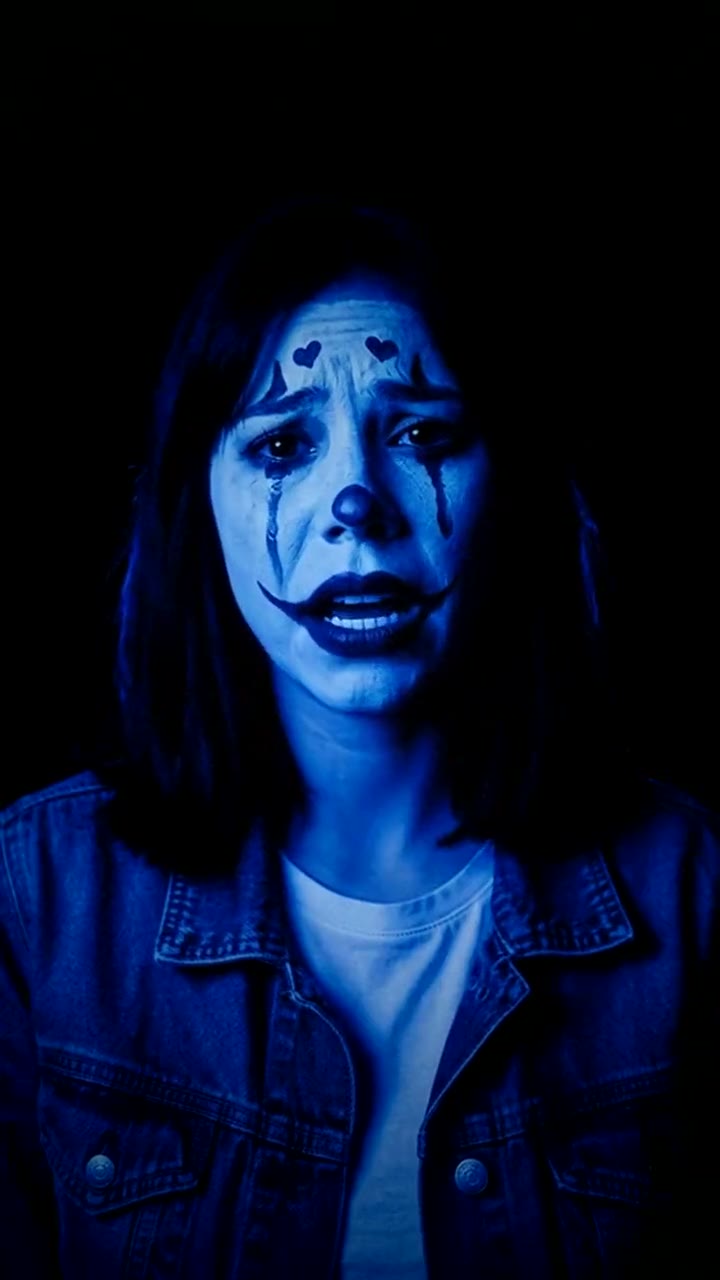
Color Changing Clown Makeup
The color changing clown, zero makeup needed
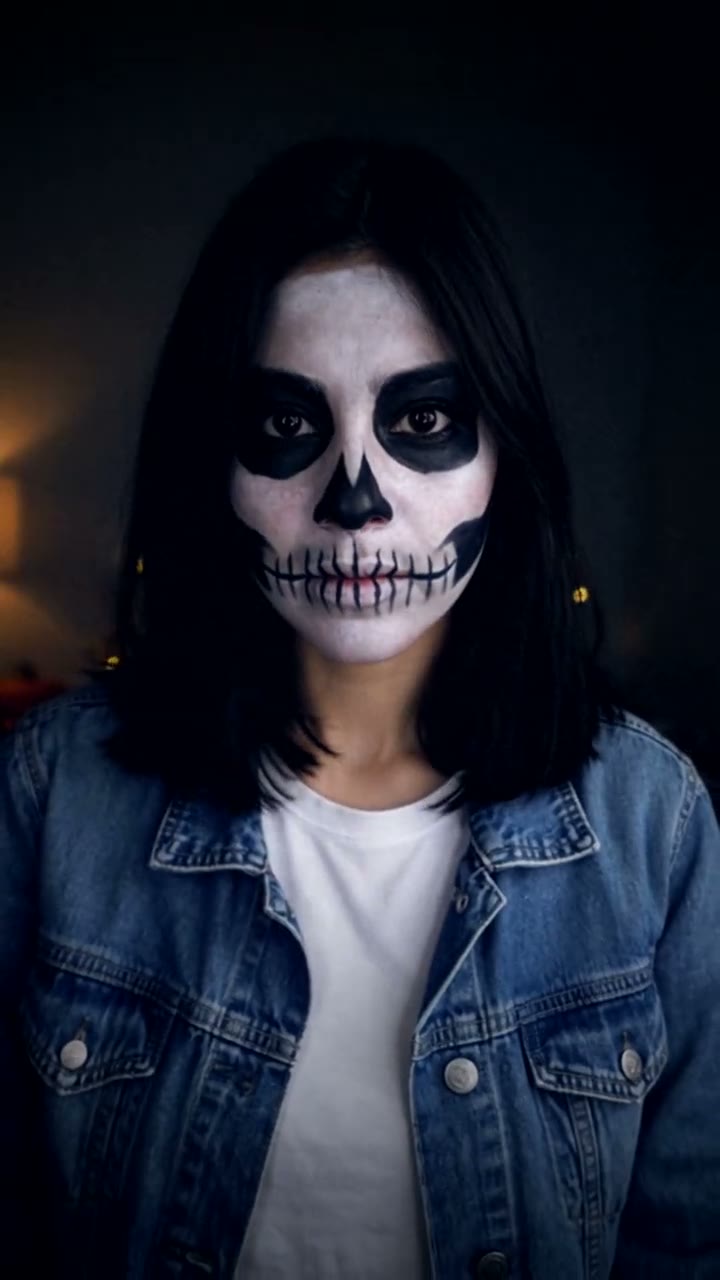
Halloween Makeup Transition
The skeleton makeup transition, zero makeup needed

Unforgettable 24 Car
Hold up the 24, reveal your dream car
Ceiling Fan
The ceiling fan outfit change, no ladder needed
Hotel Lobby
You + a friend in the Hotel Lobby AI trend
Zombie Couple
Still your person, even as a zombie
Tiny Desk
You on lead vocals in the Tiny Desk Outstanding meme